Import Cluster Link
Confluent Cluster Links can be imported into the suite to gain visibility into mirror topic replication, consumer group synchronization, and cutover readiness. Source-initiated, destination-initiated, and bi-directional links are supported.
Import Workflow
Section titled “Import Workflow”-
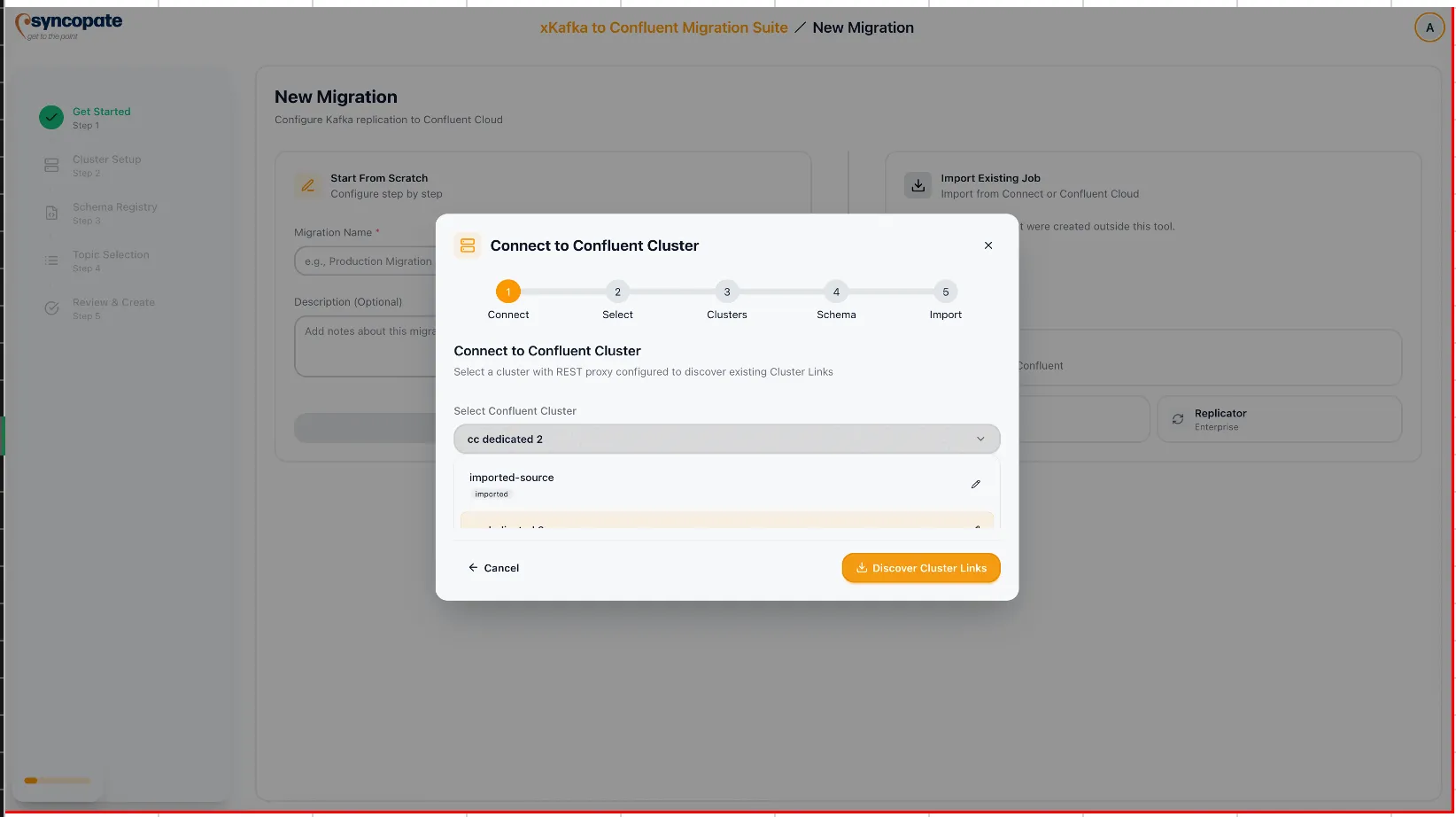
Navigate to Getting Started on the Dashboard and select Cluster Link from the Import Existing Job section.
-
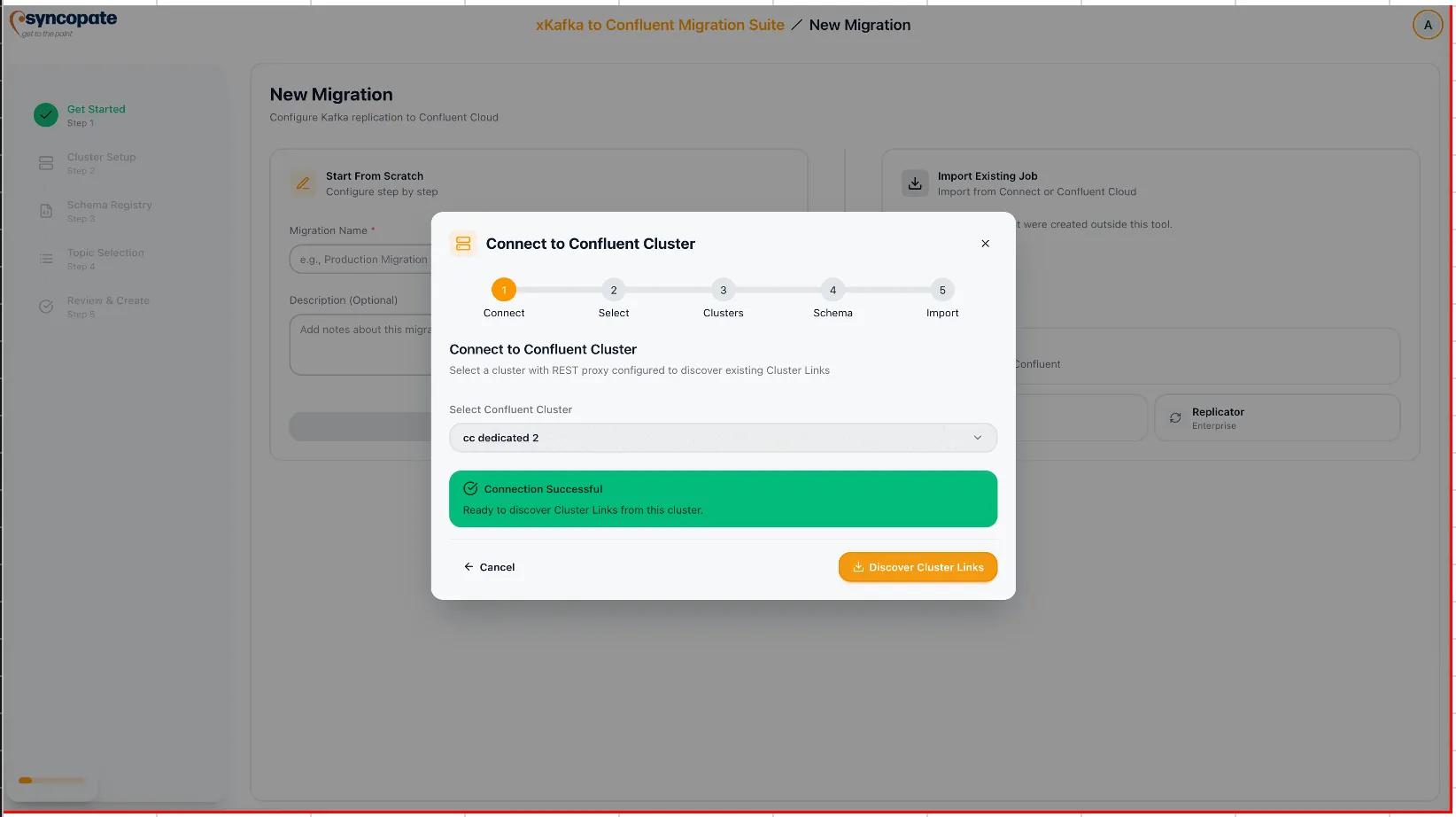
Choose an existing cluster from your registered Kafka clusters and verify the connection.
-
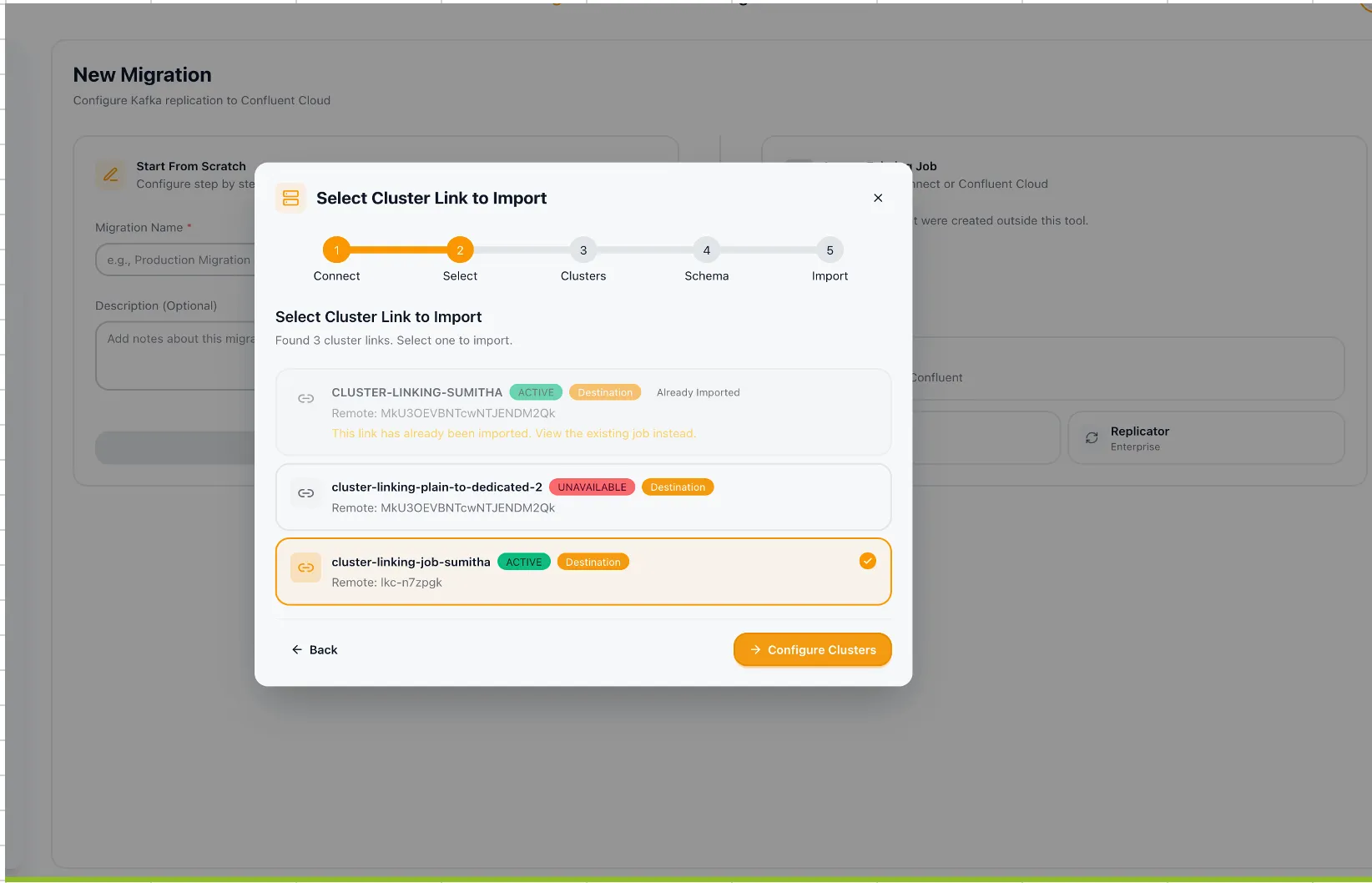
Click Discover Cluster Links to scan for active links on the selected cluster. The suite discovers source-initiated, destination-initiated, and bi-directional links.
-
Select the link you want to import. The suite displays the link direction and associated clusters.
-
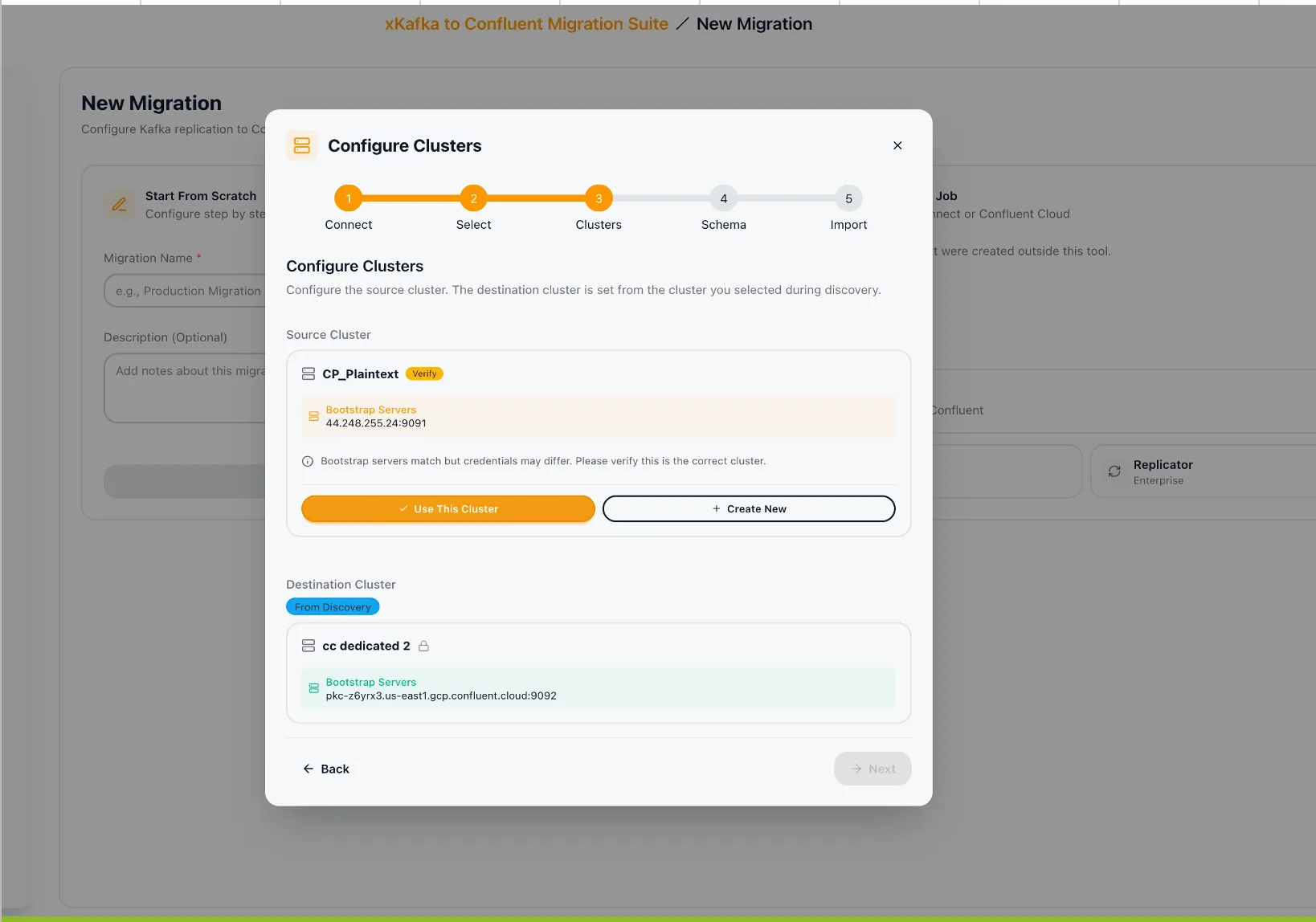
The source and destination clusters are fixed based on the link configuration. Configure the destination cluster by selecting from registered clusters or adding a new one.
-
Click Configure Clusters, select the appropriate source and destination clusters, and click Next.
-
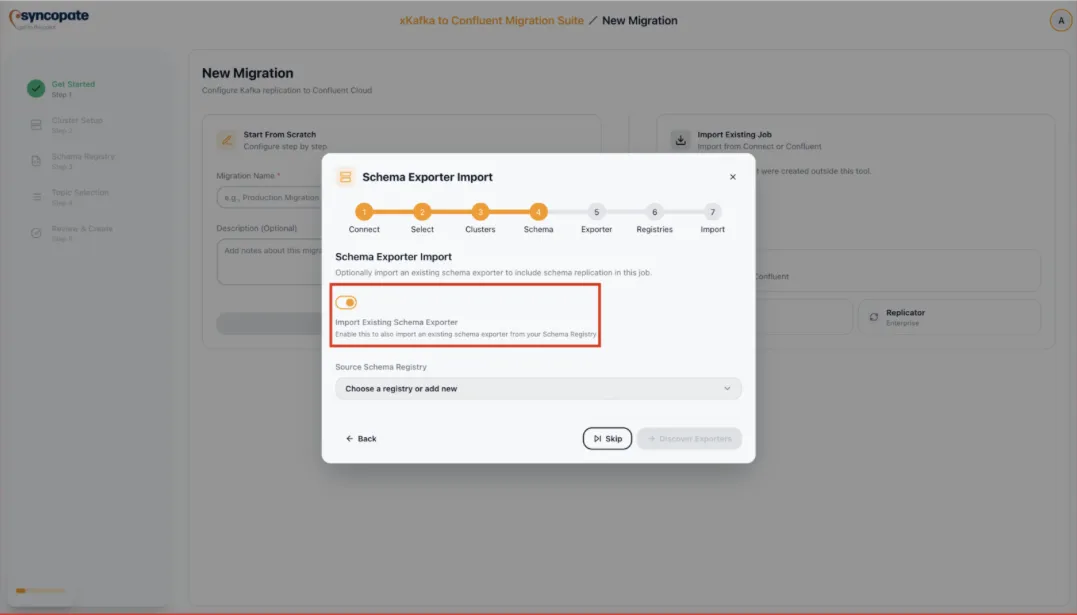
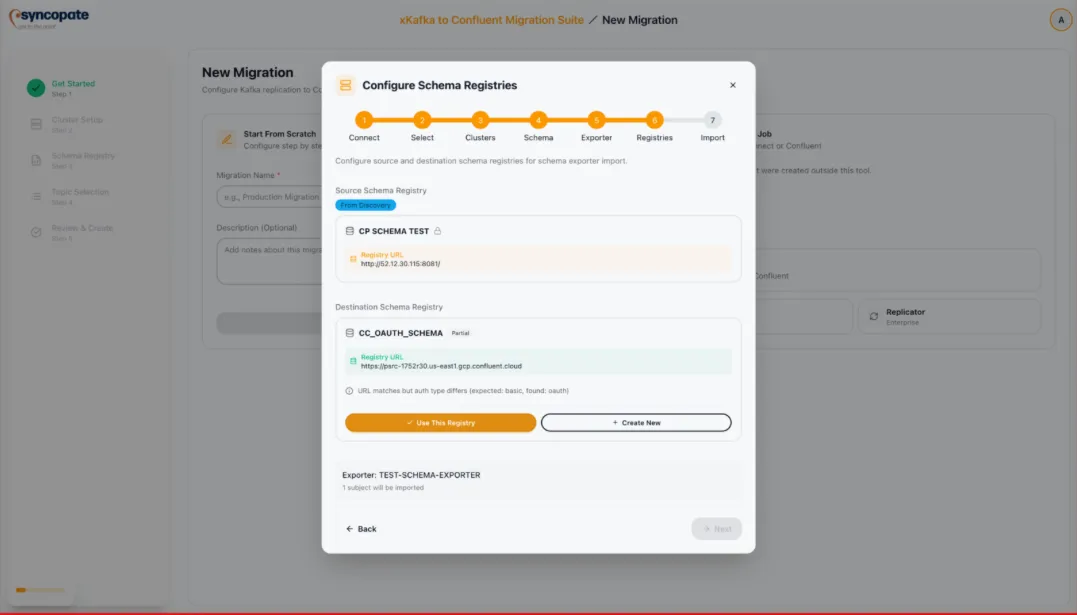
Optionally, import an existing Schema Exporter. Click Discover Exporters to list active exporters, select the exporter, and verify the schema registry configuration. This follows the same flow as the MirrorMaker 2 import.
-
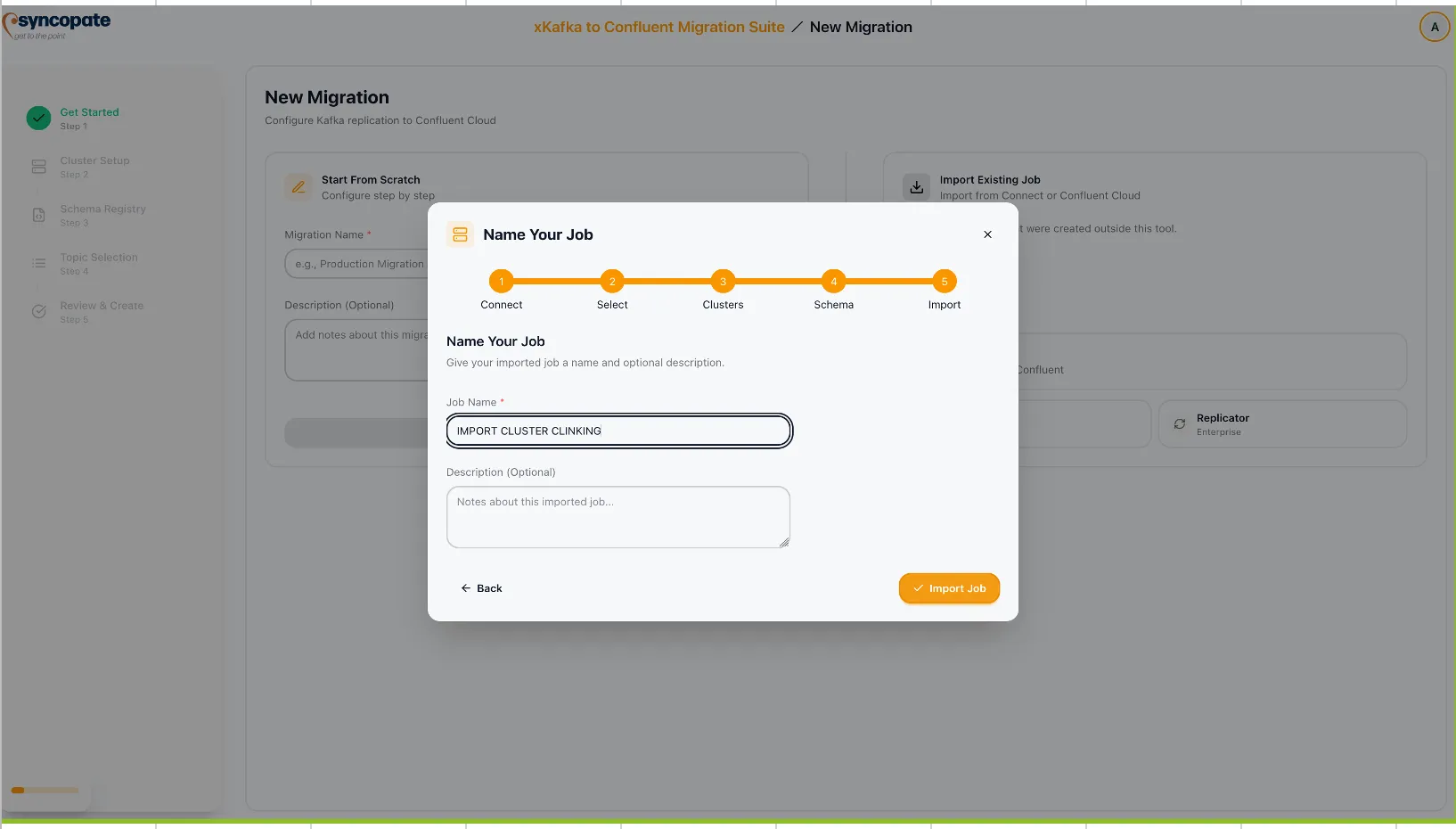
Provide a unique Job Name for the imported link. Optionally select a Migration Plan to associate with the job.
-
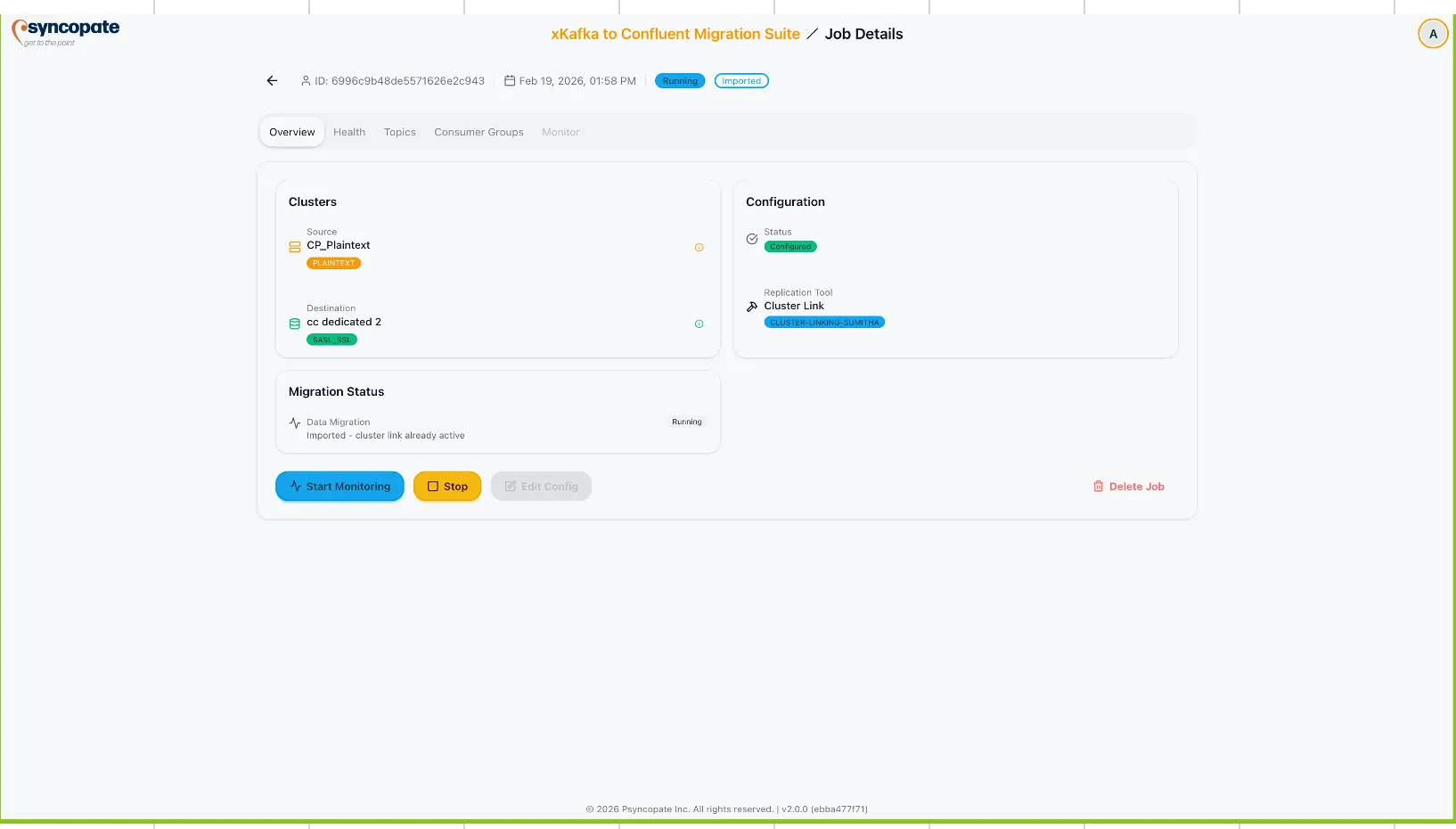
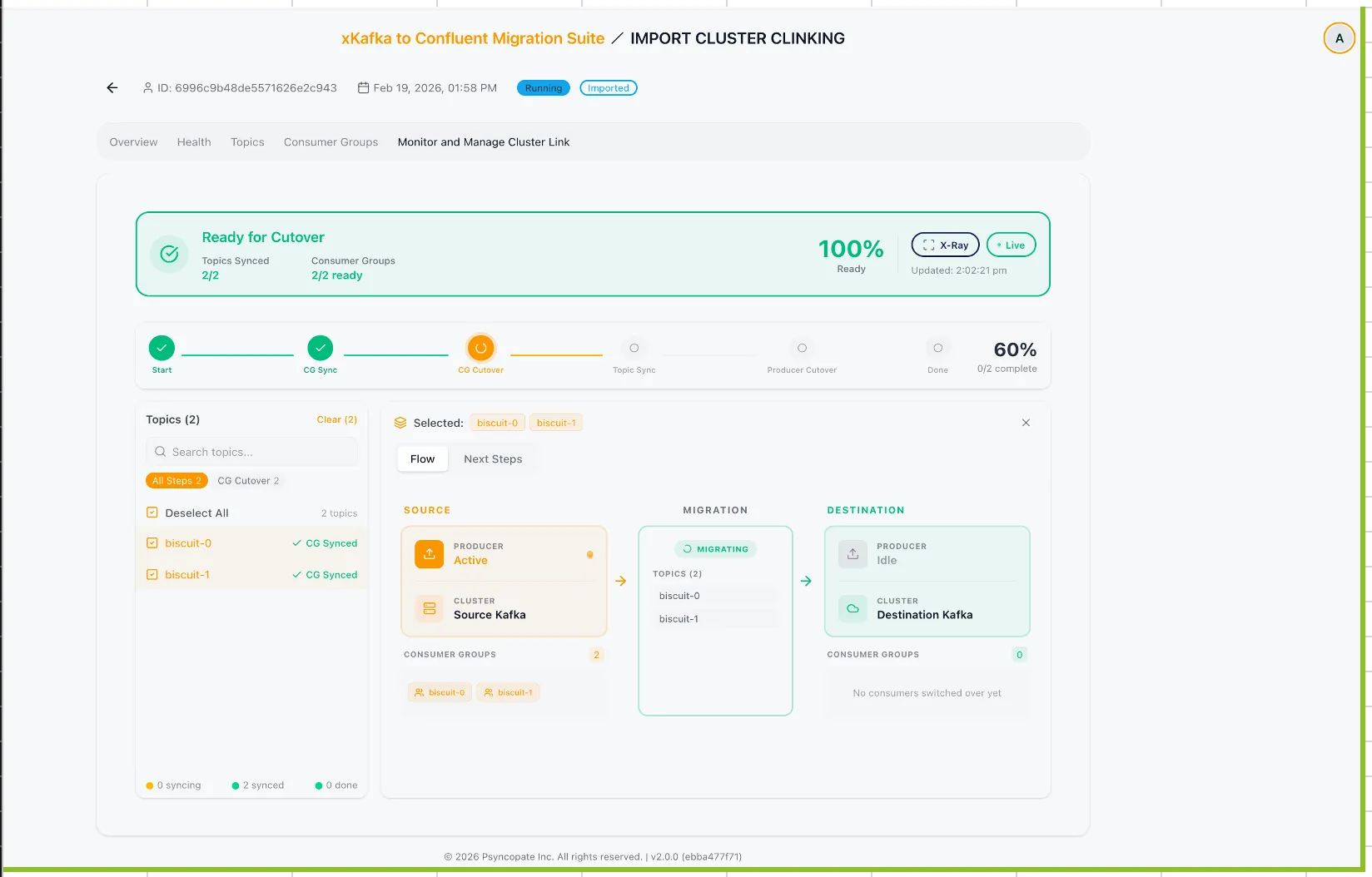
Click Import and Start Monitoring to finalize the import. Then click Start Monitoring to begin tracking the cluster link.
-
The imported job appears on the Dashboard. Use the Monitor tab to track mirror topic replication progress and consumer group synchronization.