License Activation
First-time access to Kafka Mobility Intelligence requires a valid license. The activation dialog appears automatically after your initial authentication.
Activating Your License
Section titled “Activating Your License”-
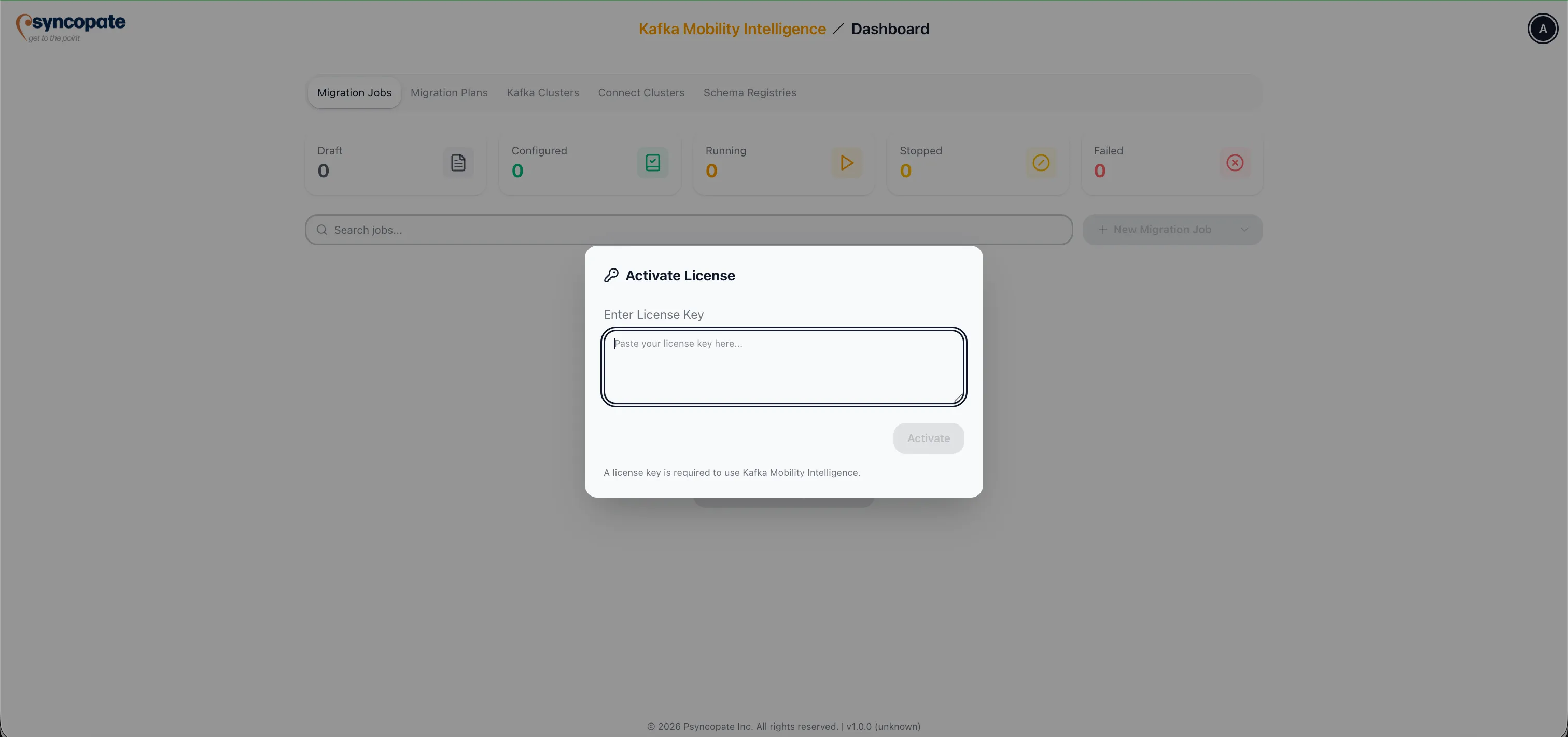
After signing in for the first time, the Activate License dialog is displayed.
-
Enter the license key provided by your organization or Psyncopate representative.
-
Click Activate.
-
Upon successful activation, you are redirected to the Dashboard.
License Types
Section titled “License Types”Full License
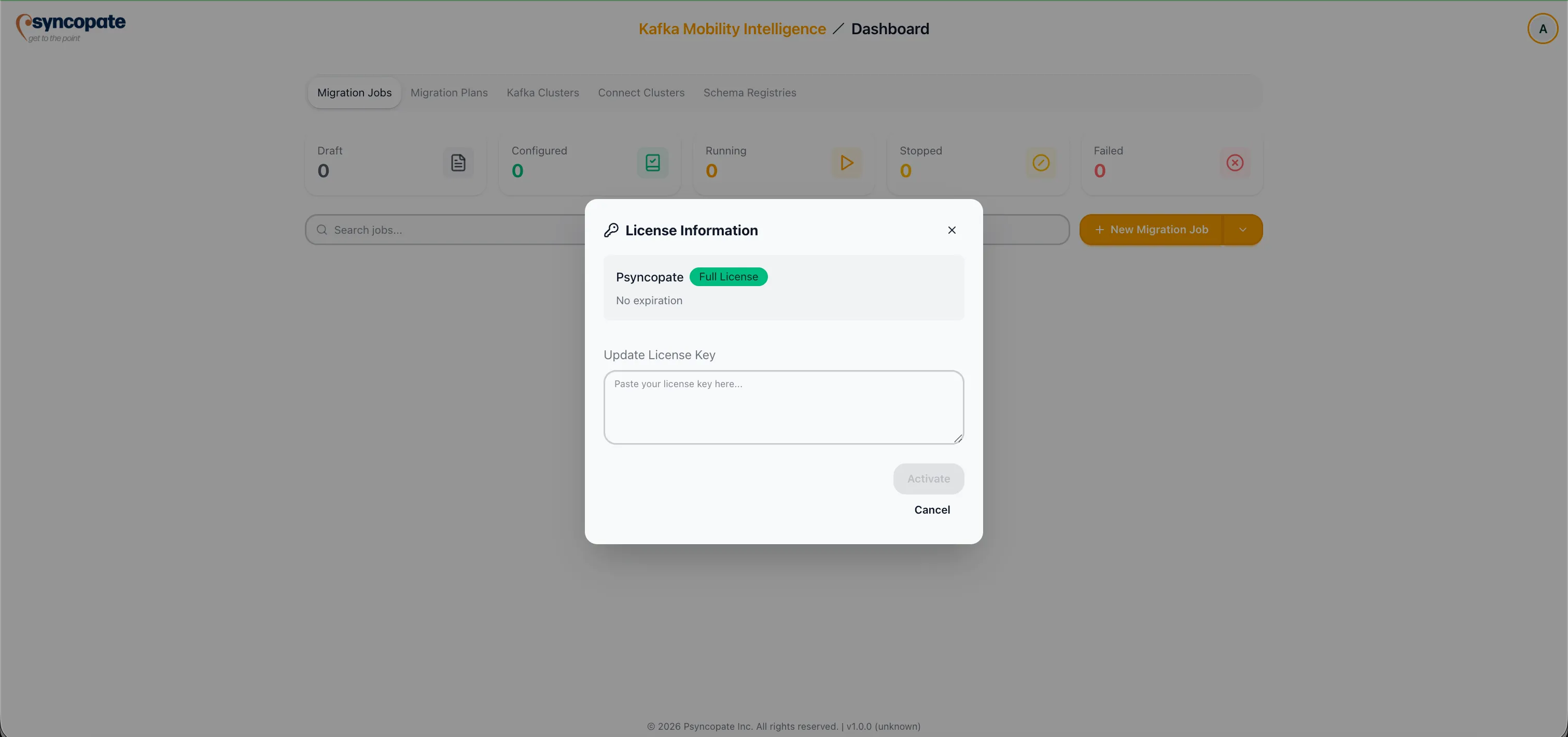
Section titled “Full License”A full license grants access to the entire Kafka Mobility Intelligence suite as defined in your license agreement. All features, replication tools, and administrative capabilities are available without restriction.
Trial License
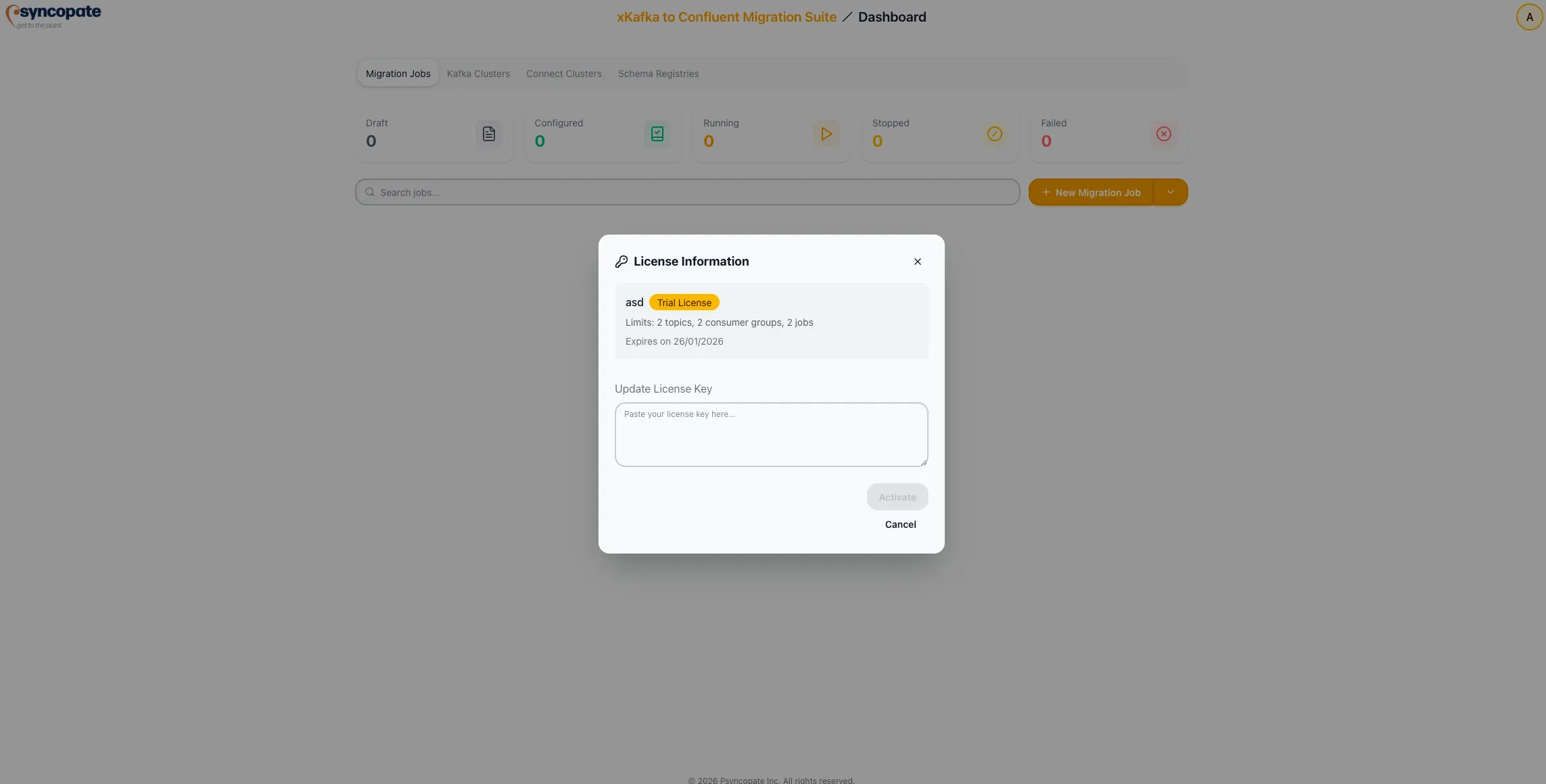
Section titled “Trial License”A trial license provides limited access to the suite for evaluation purposes. Trial licenses expire after the period specified in your agreement, after which you must obtain a full license to continue using the platform.
Viewing License Information
Section titled “Viewing License Information”To view your current license details at any time:
-
Click the user icon in the top-right corner of the interface.
-
Select License from the dropdown menu.
-
The license details panel displays your license type, expiration date, and feature entitlements.