Import WarpStream
WarpStream Orbit Pipelines can be imported into the suite to monitor data replication between WarpStream virtual clusters and standard Kafka clusters. The import flow connects to the WarpStream Console API to discover and import active pipelines.
Import Workflow
Section titled “Import Workflow”-
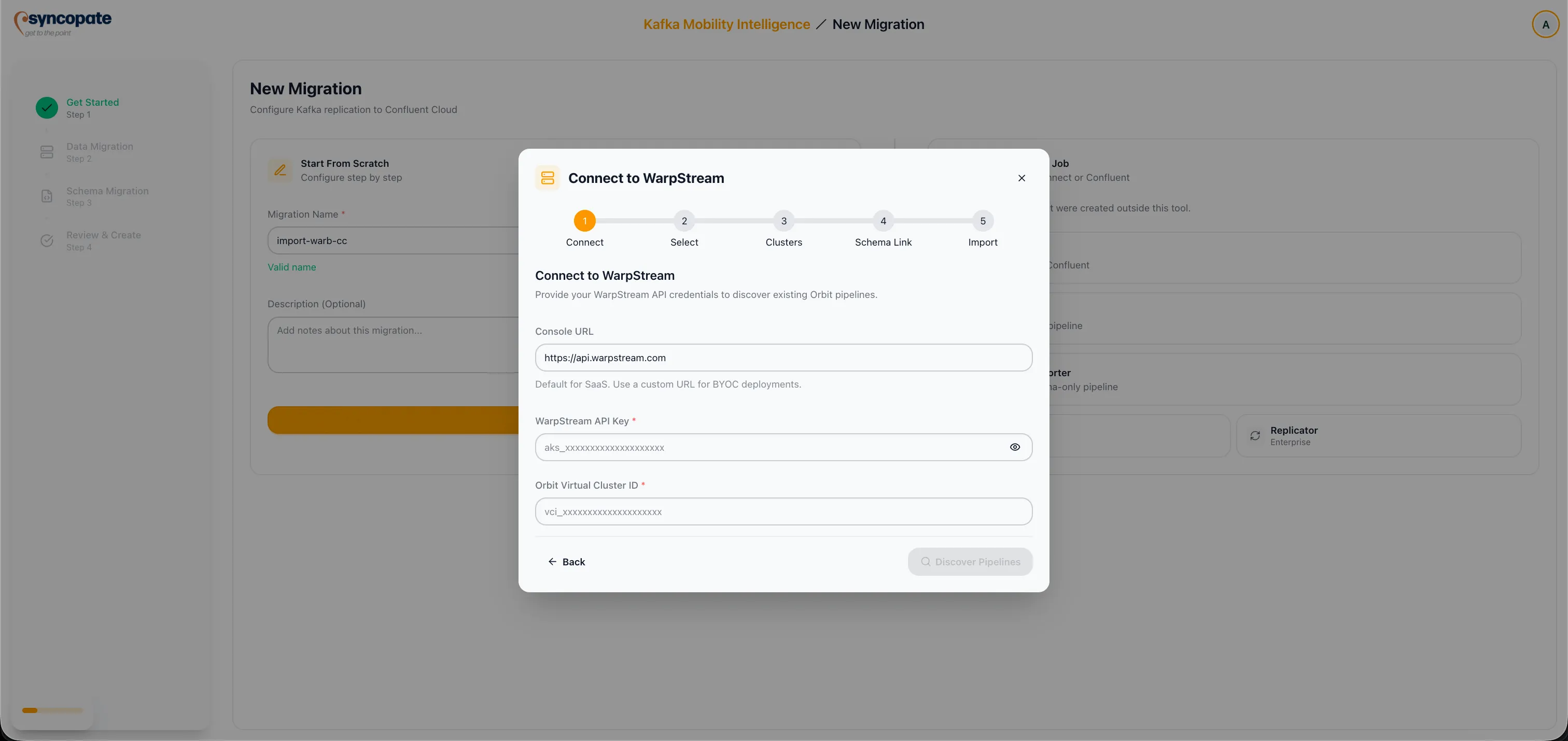
Enter your WarpStream Console URL, API Key, and Virtual Cluster ID to authenticate with the WarpStream platform.
-
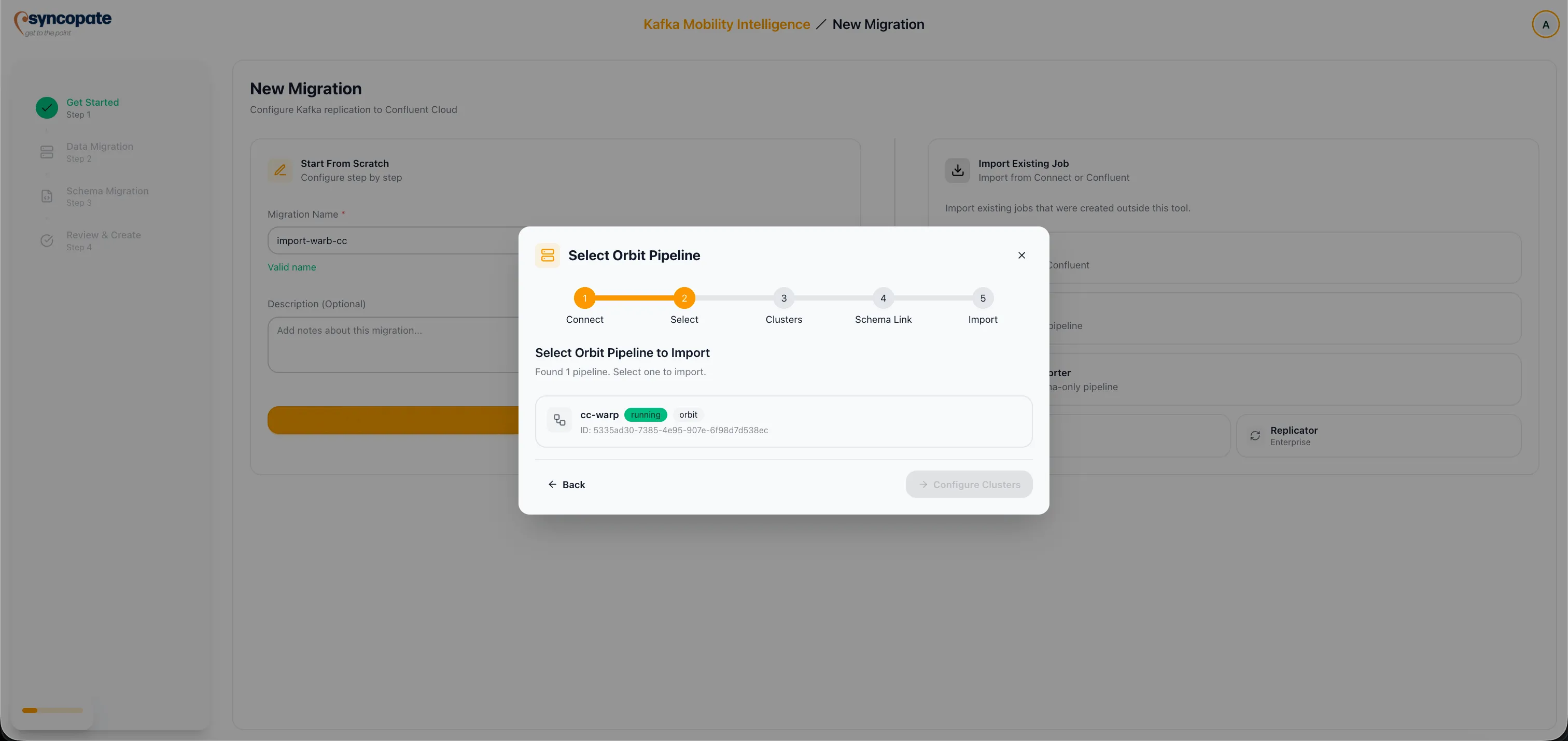
The suite connects to the WarpStream Console and lists discovered pipelines. Choose the Orbit Pipeline you want to import.
-
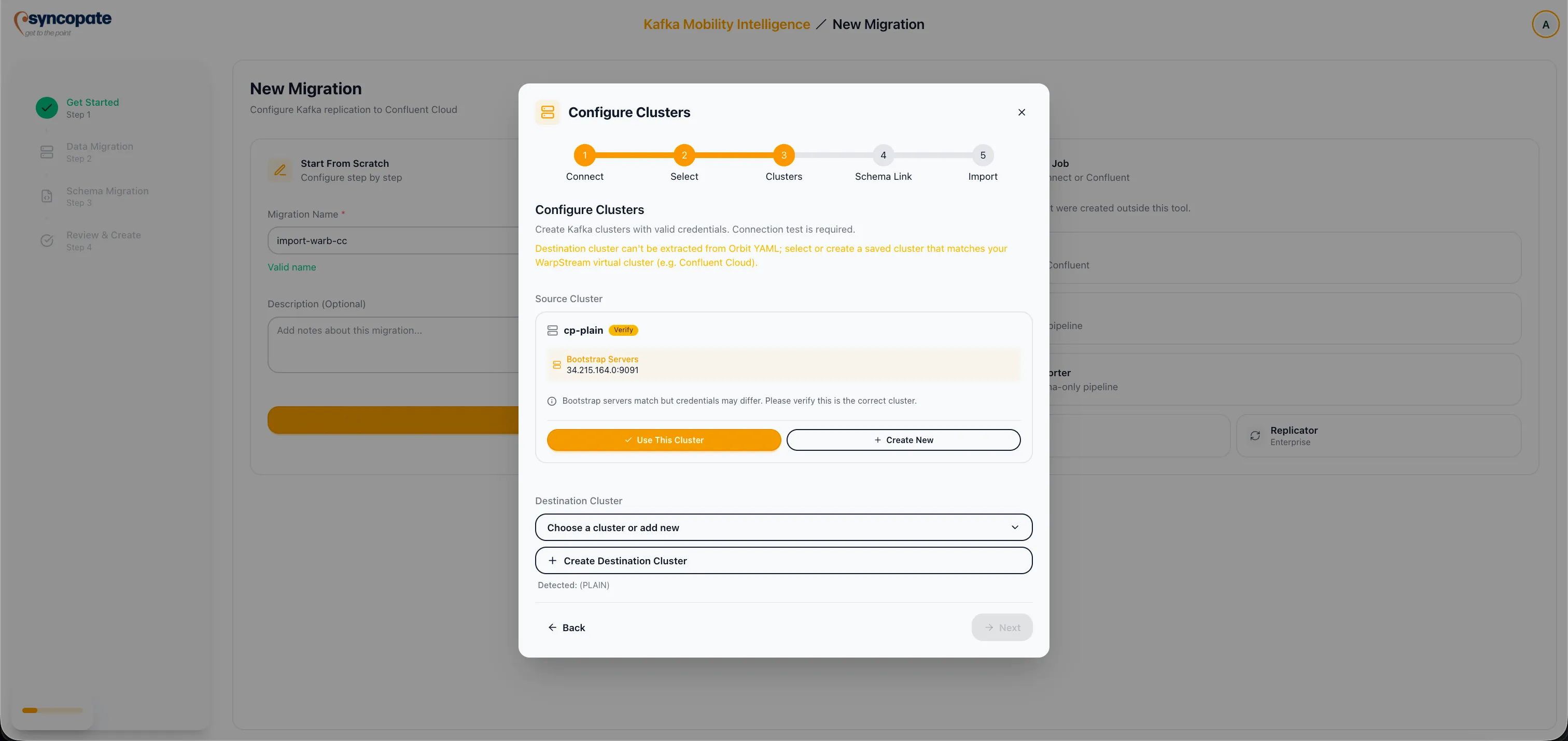
Map the Source Kafka cluster by selecting from your registered clusters or adding a new one. The source cluster corresponds to the origin of the data flow in the pipeline.
-
Map the Destination Kafka cluster to complete the cluster pairing for the pipeline.
-
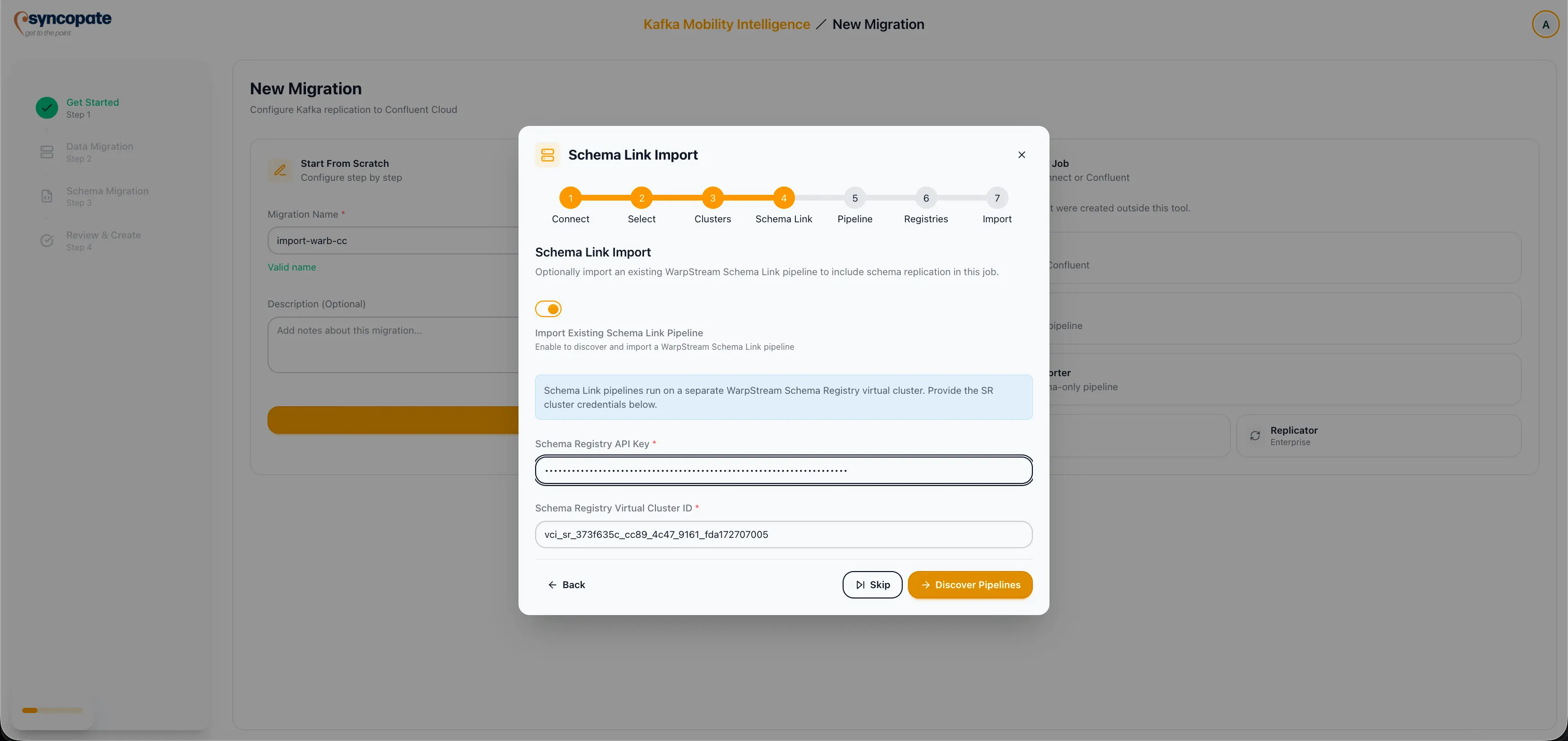
Toggle Schema Link to enable schema replication for the pipeline. If your pipeline does not involve schema-managed topics, leave this disabled and skip to Step 8.
-
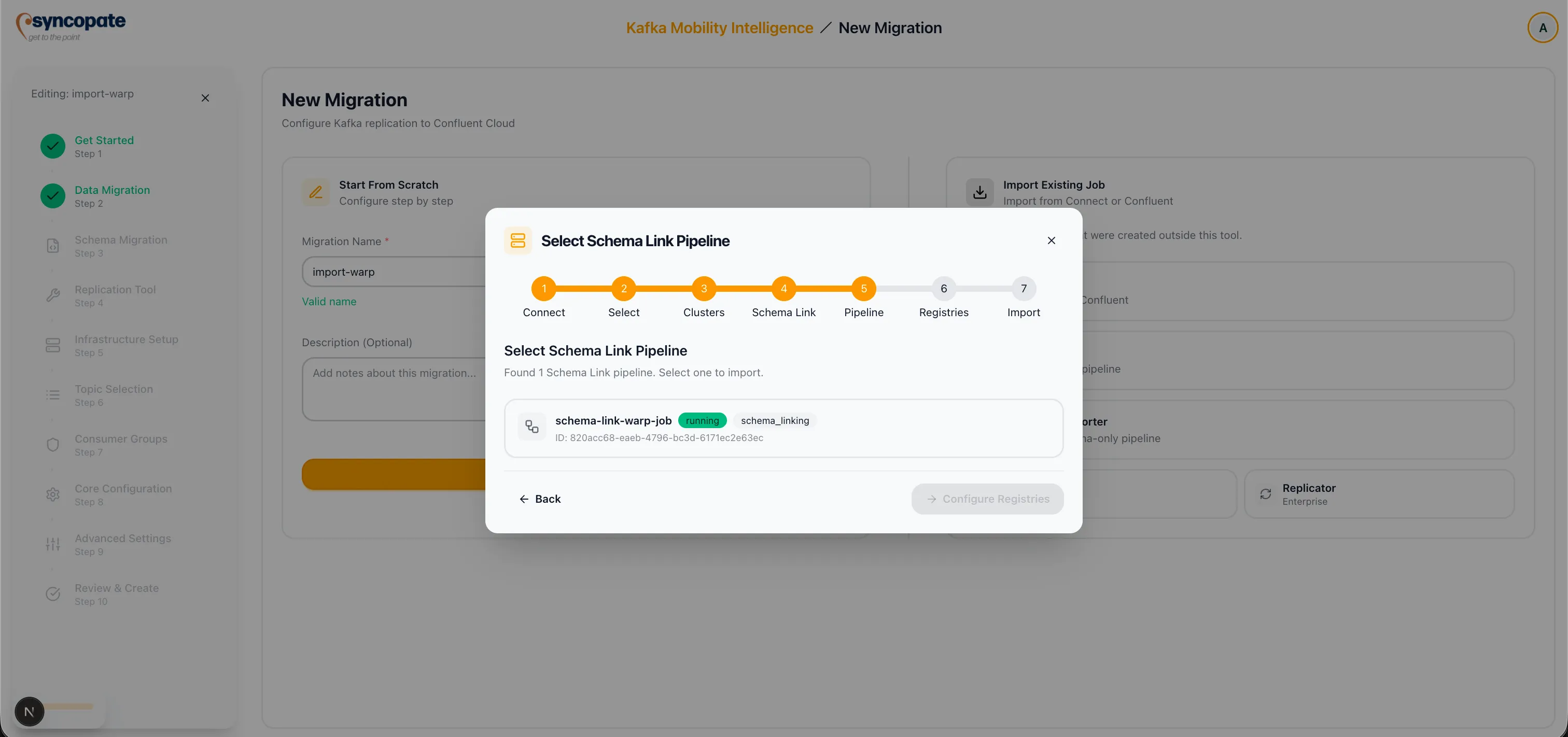
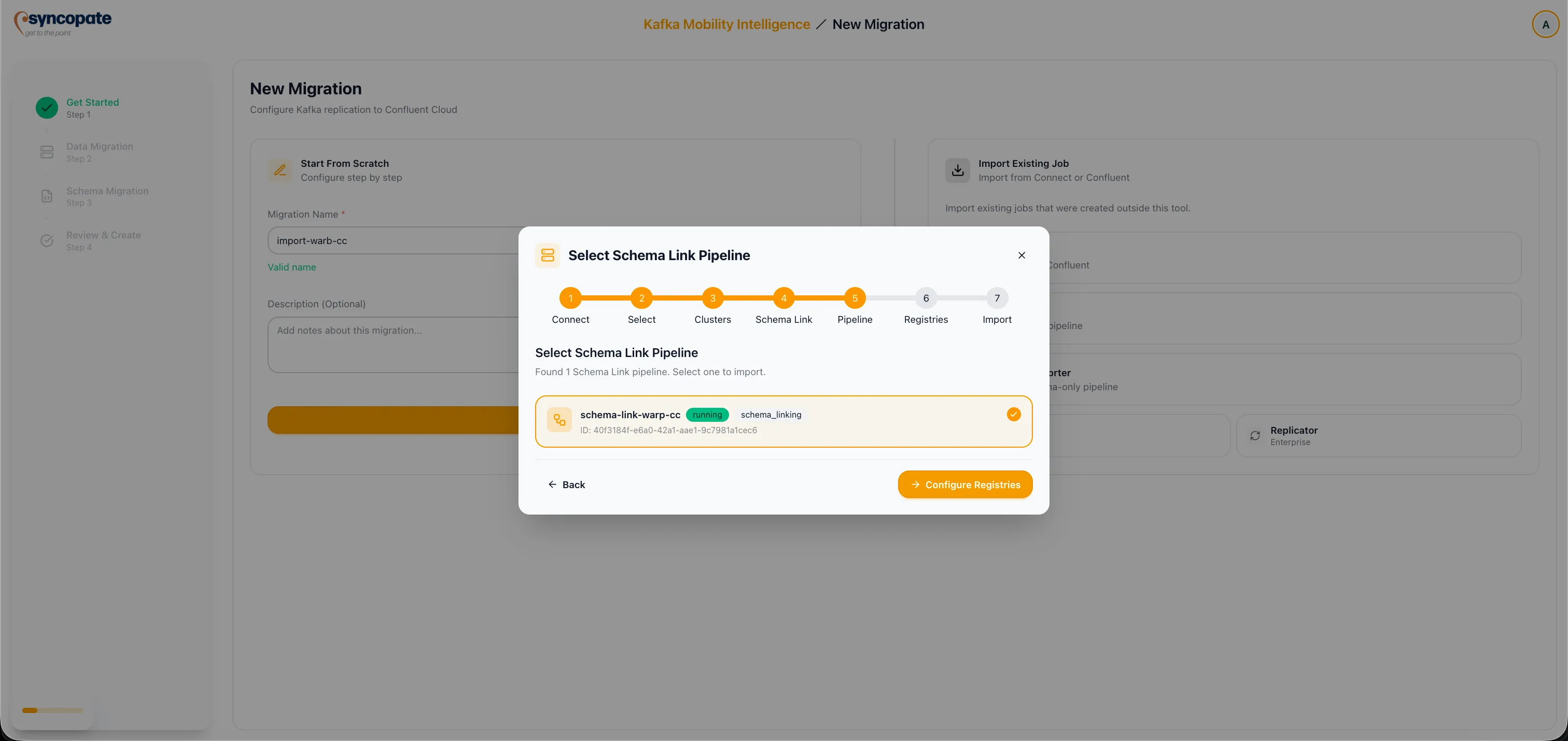
Discover Schema Link Pipelines. The suite scans for schema link pipelines associated with the selected Orbit Pipeline and lists them for selection.
-
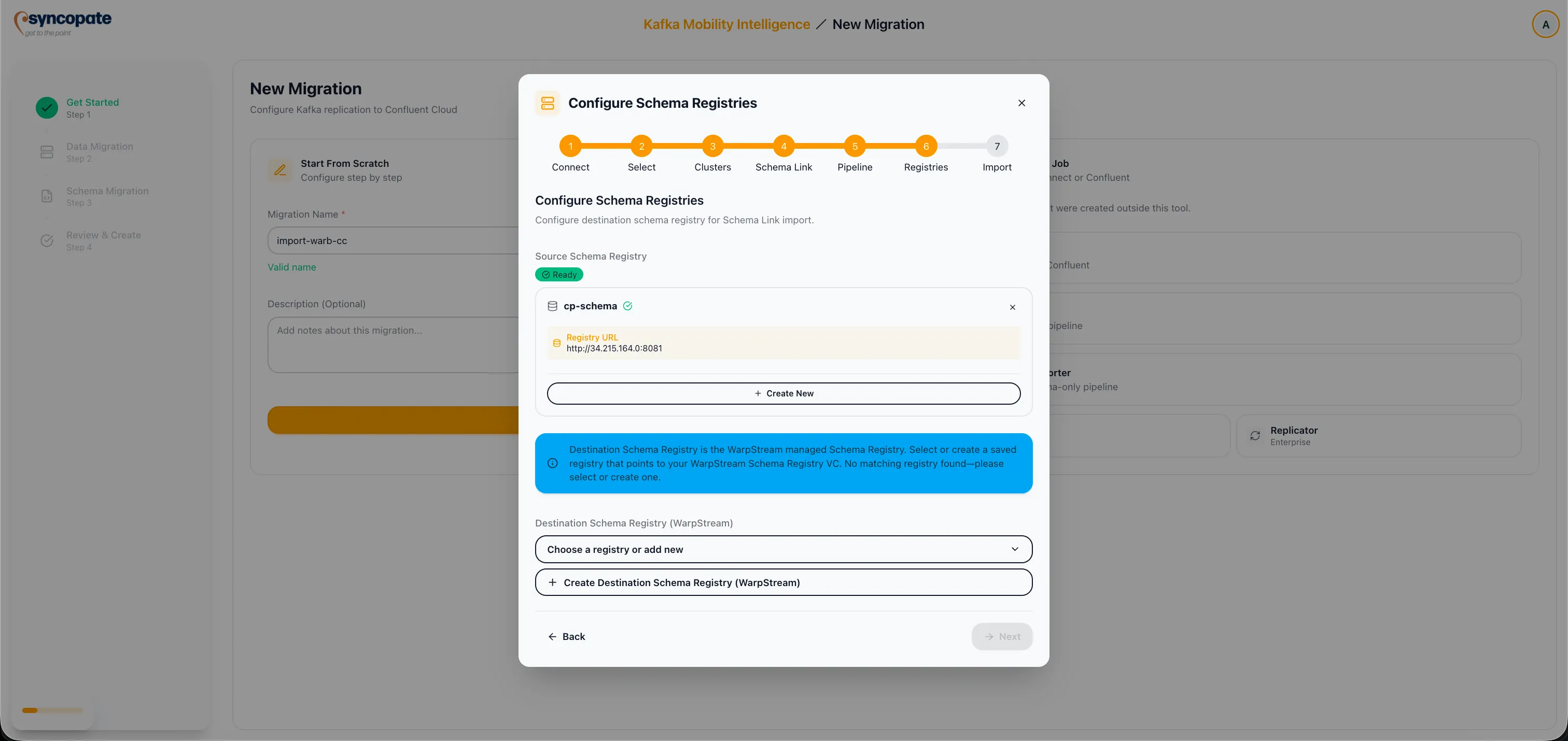
Configure Source and Destination schema registries by providing the registry URLs, authentication details, and credentials for both the source and destination registries.
-
Assign a Job Name for the imported pipeline and click Import and Start Monitoring to finalize.