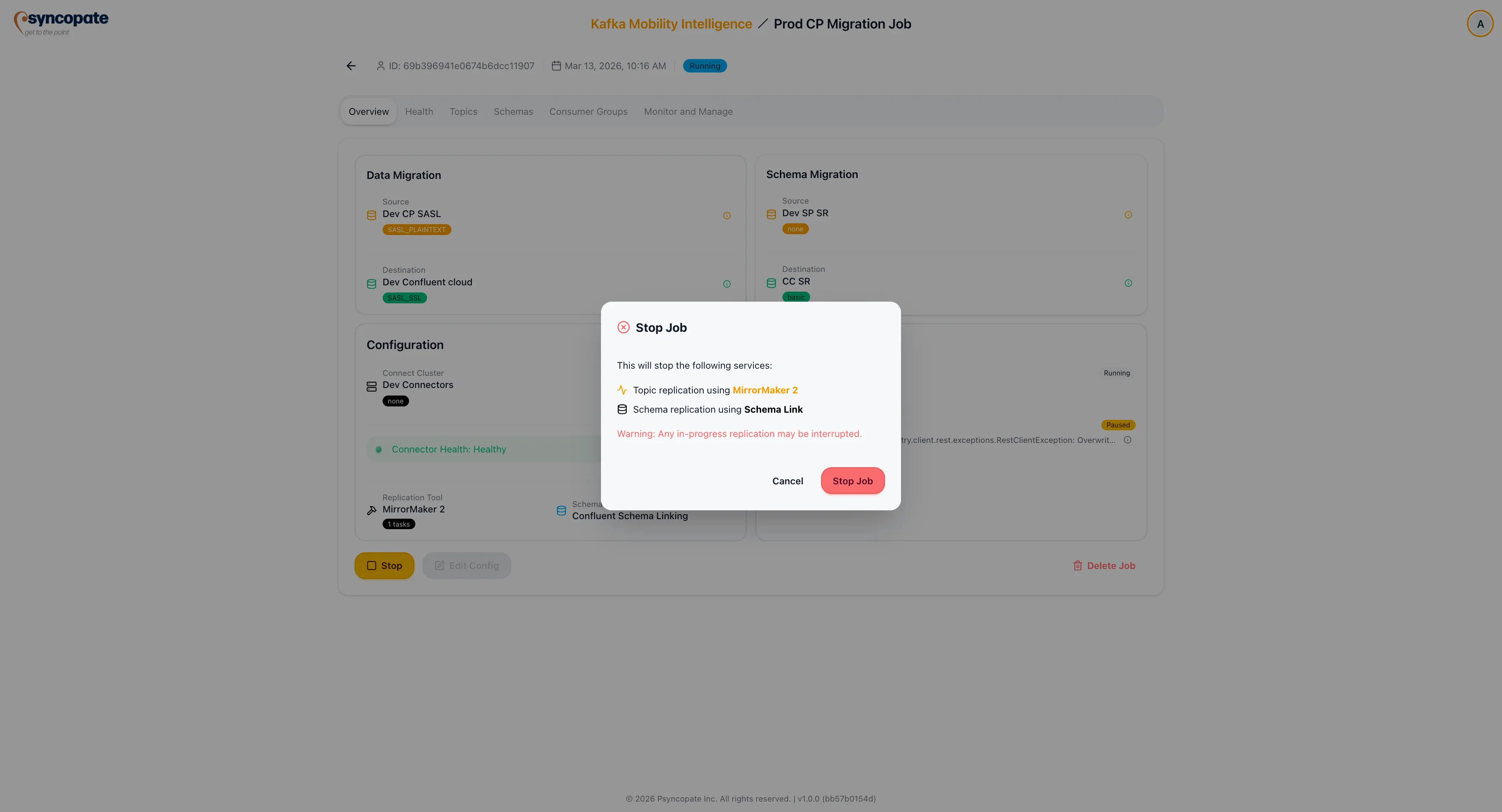
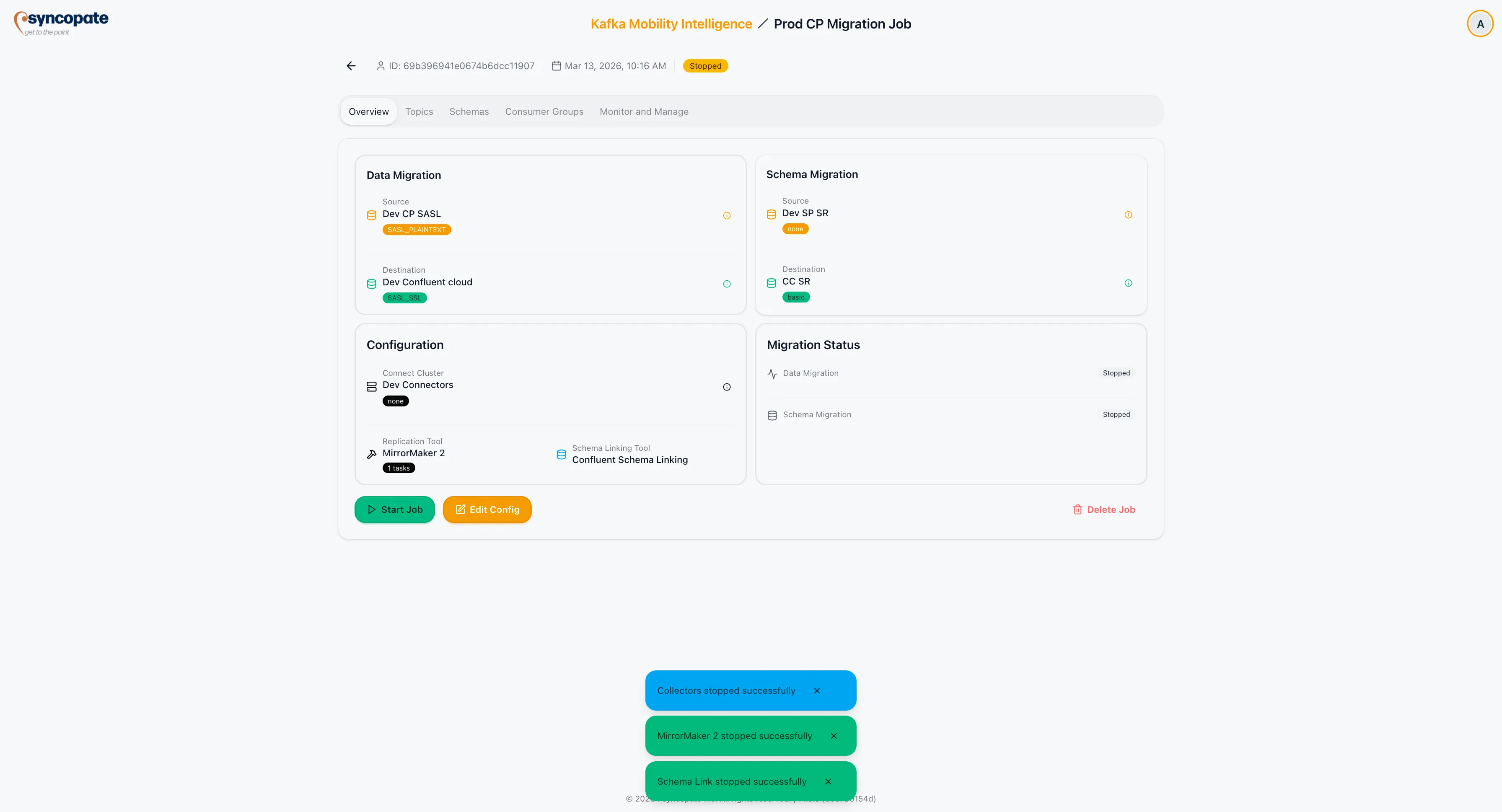
Start and Stop Jobs
Once a migration job reaches the Configured status, it can be started. Running jobs can be stopped at any time to terminate replication.
Starting a Job
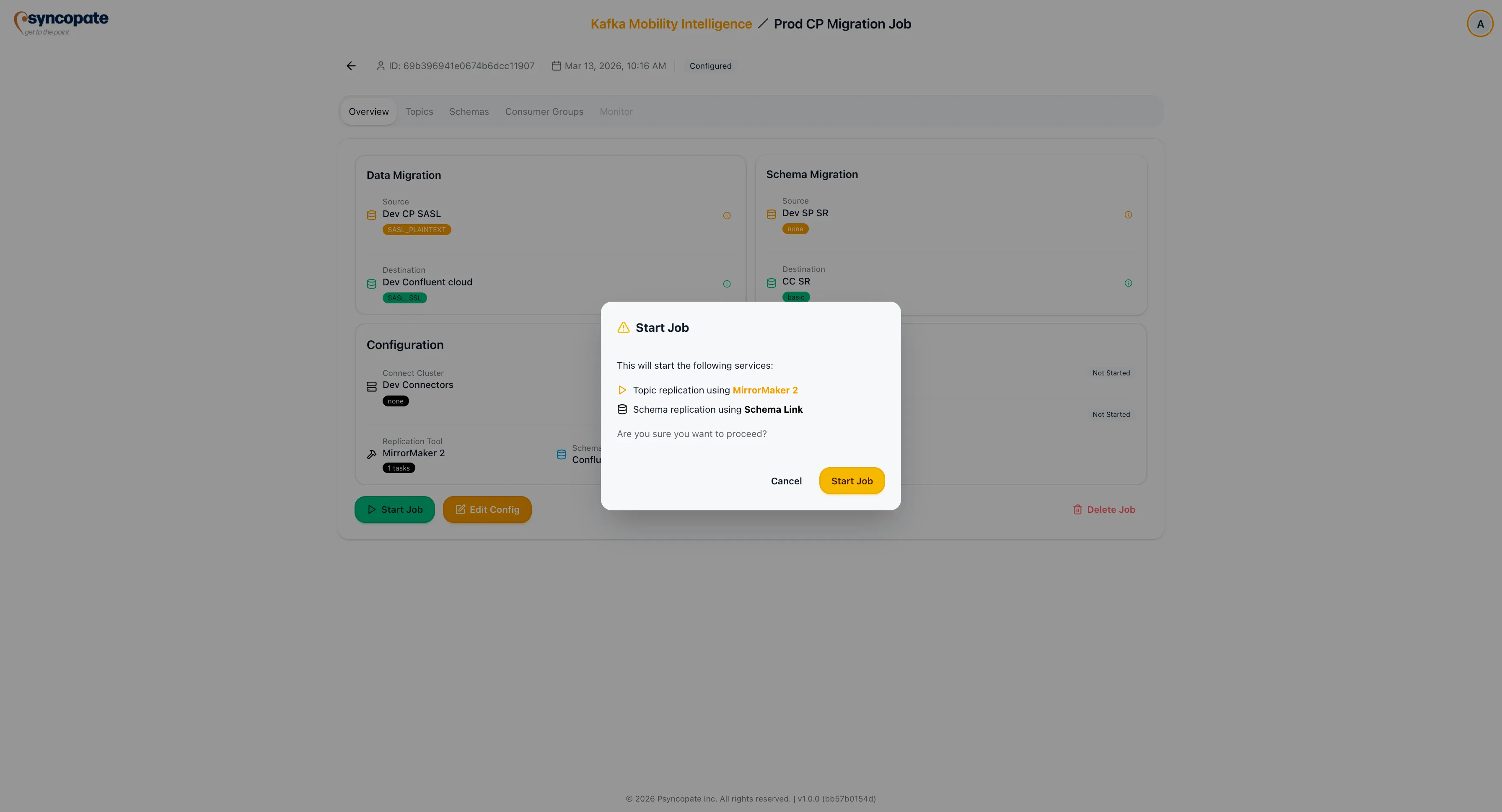
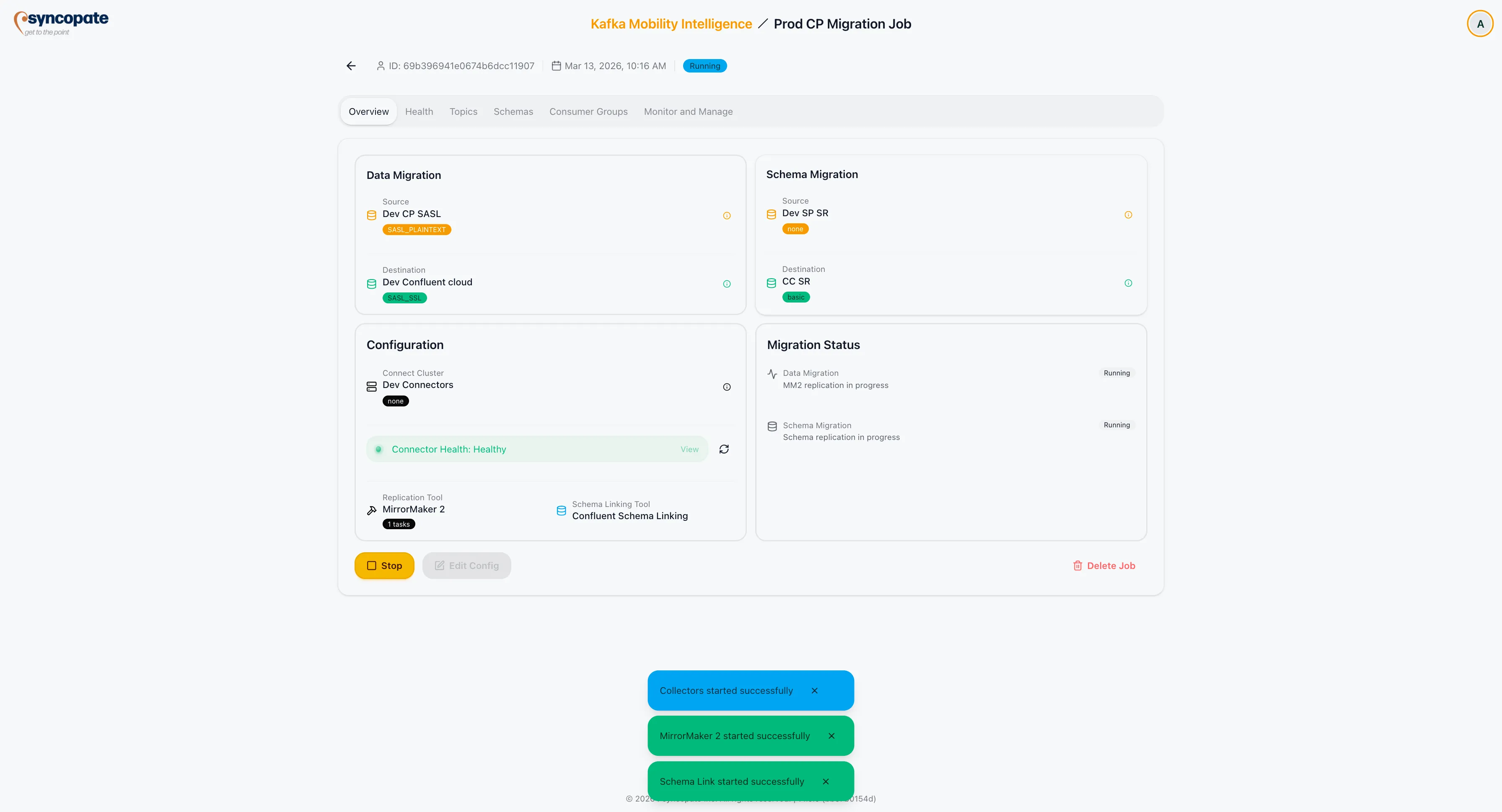
Section titled “Starting a Job”Click Start on a configured job to initiate the migration. The behavior depends on the selected replication tool:
| Replication Tool | Startup Behavior |
|---|---|
| MirrorMaker 2 | A connector is created on the designated Kafka Connect cluster. The connector begins consuming from the source and producing to the destination. |
| Replicator (Pre-create mode) | The suite first creates the selected destination topics via its Kafka Admin path, applying the configured partition count, explicitly-set source configs, and the config exclusion list. Topics that already exist on the destination are left unchanged. Each topic is reported independently as Created, Already exists, or Failed — a failure on one topic does not abort creation of the others. The connector then starts and begins replicating data. |
| Replicator (Auto-create mode) | A connector is created on the designated Kafka Connect cluster. Replication begins based on the configured task count and topic selections. Replicator creates destination topics at runtime by copying source topic configs verbatim. |
| Cluster Linking | The cluster link is activated between source and destination. Mirror topics begin receiving data. |
| WarpStream Orbit | An Orbit agent is created and begins replicating data to the WarpStream virtual cluster. |
When schema migration is enabled, the Schema Exporter starts alongside the replication tool to synchronize schemas between registries.
Metrics collection begins immediately, and the job status transitions from Configured to Running.
Stopping a Job
Section titled “Stopping a Job”Click Stop on a running job to terminate replication. The suite performs the following steps:
- Validates the job ID and current state.
- Stops the active replication process (connector, cluster link, or Orbit agent).
- Releases associated resources on the Connect cluster or WarpStream environment.
- Provides a confirmation message with the final state of the job.
The job status transitions from Running to Stopped.