MirrorMaker 2
Import active MirrorMaker 2 connector groups from a Kafka Connect cluster. Connectors are auto-grouped by prefix with validation for required types. See MirrorMaker 2.
The Import Existing Job feature enables you to bring migrations that were initiated outside the Kafka Mobility Intelligence suite under its management. This allows teams to leverage the suite’s monitoring, cutover, and reporting capabilities for jobs that are already running in production.
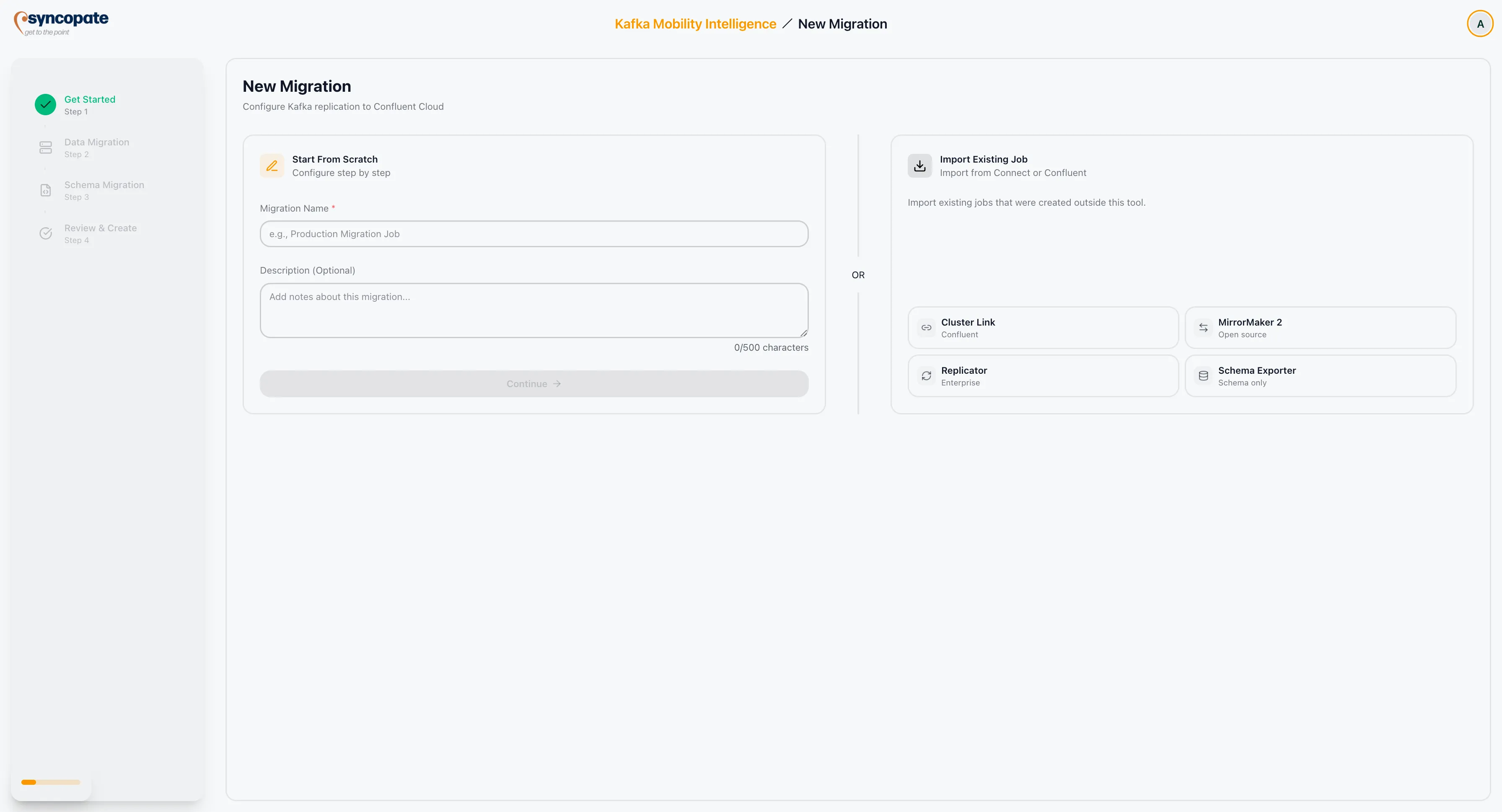
MirrorMaker 2
Import active MirrorMaker 2 connector groups from a Kafka Connect cluster. Connectors are auto-grouped by prefix with validation for required types. See MirrorMaker 2.
Replicator
Import running Confluent Replicator jobs by discovering active replication tasks on a Connect cluster. See Replicator.
Cluster Link
Import source-initiated, destination-initiated, or bi-directional Confluent Cluster Links and begin monitoring mirror topics. See Cluster Linking.
WarpStream
Import Orbit Pipelines from WarpStream by providing console credentials and mapping clusters. See WarpStream.
Schema Exporter
Import an existing Schema Exporter configuration for schema replication management.