Schema Registry
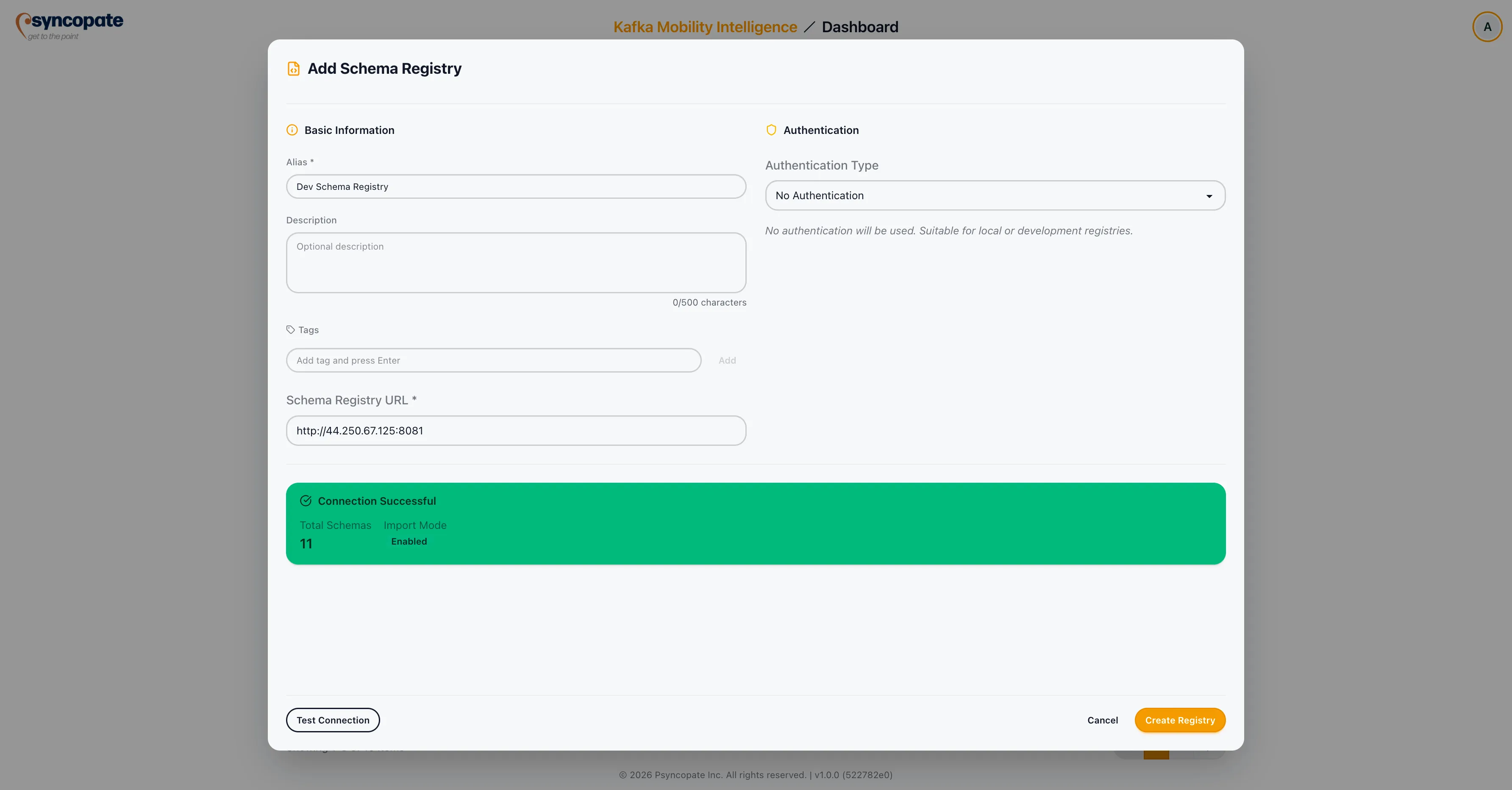
Schema registries store and manage the schemas (Avro, Protobuf, JSON) used by your Kafka topics. If your migration includes schema migration, you must register the source and destination schema registries.
Adding a Schema Registry
Section titled “Adding a Schema Registry”Click Add Schema Registry to open the registration form.
Basic Information
Section titled “Basic Information”| Field | Required | Description |
|---|---|---|
| Alias | Yes | A unique name for the schema registry. |
| Description | No | Optional description of the registry. |
| Tags | No | Optional tags for organization. |
| Schema Registry URL | Yes | The base URL of the Schema Registry REST API. |
Authentication
Section titled “Authentication”Select the authentication method that matches your Schema Registry configuration.
No authentication is required. Proceed directly to testing the connection.
Standard username and password authentication.
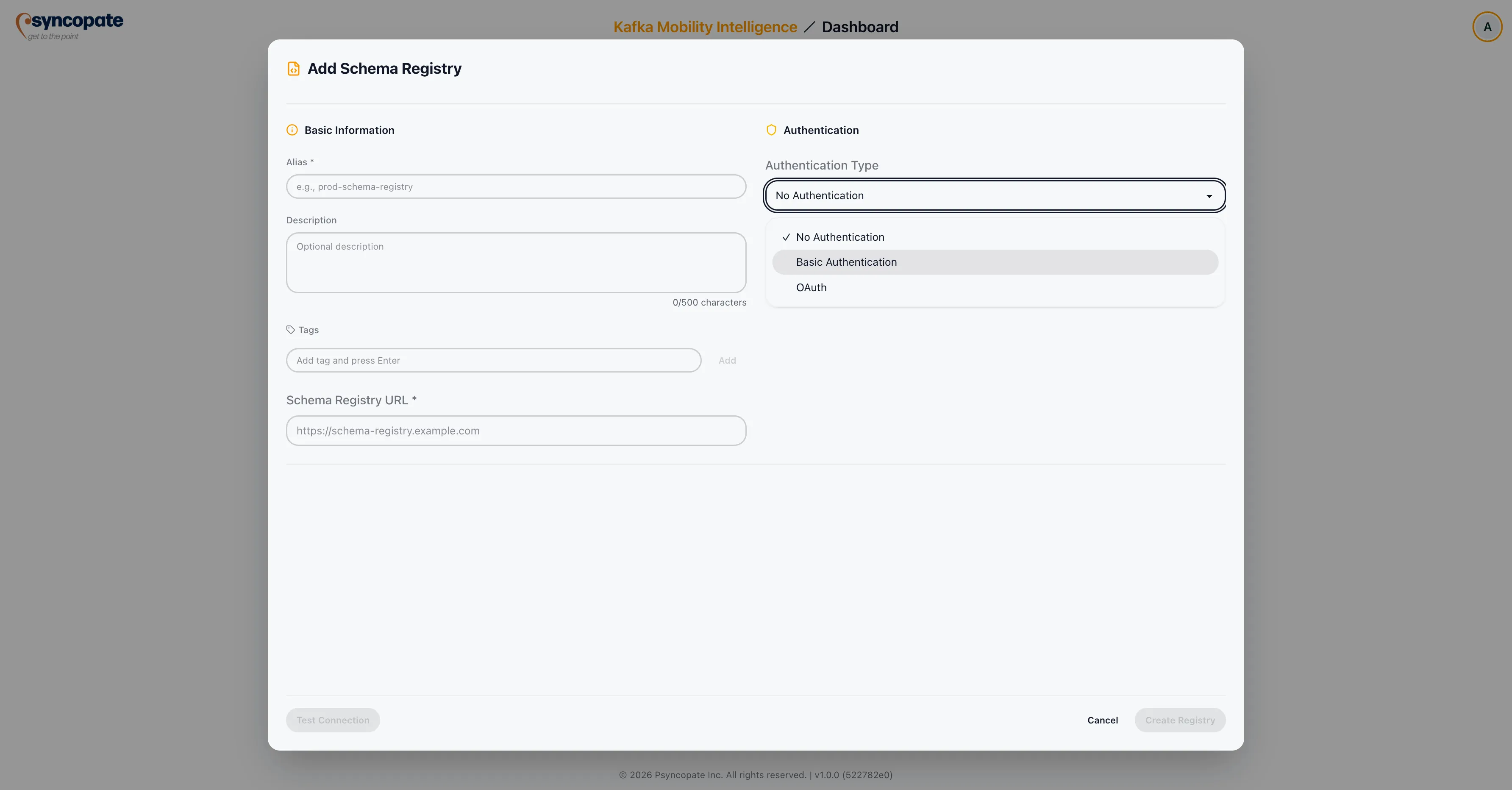
| Field | Required | Description |
|---|---|---|
| Username | Yes | Schema Registry username. |
| Password | Yes | Schema Registry password. |
OAuth 2.0-based authentication with optional SSL configuration. Toggle between two modes:
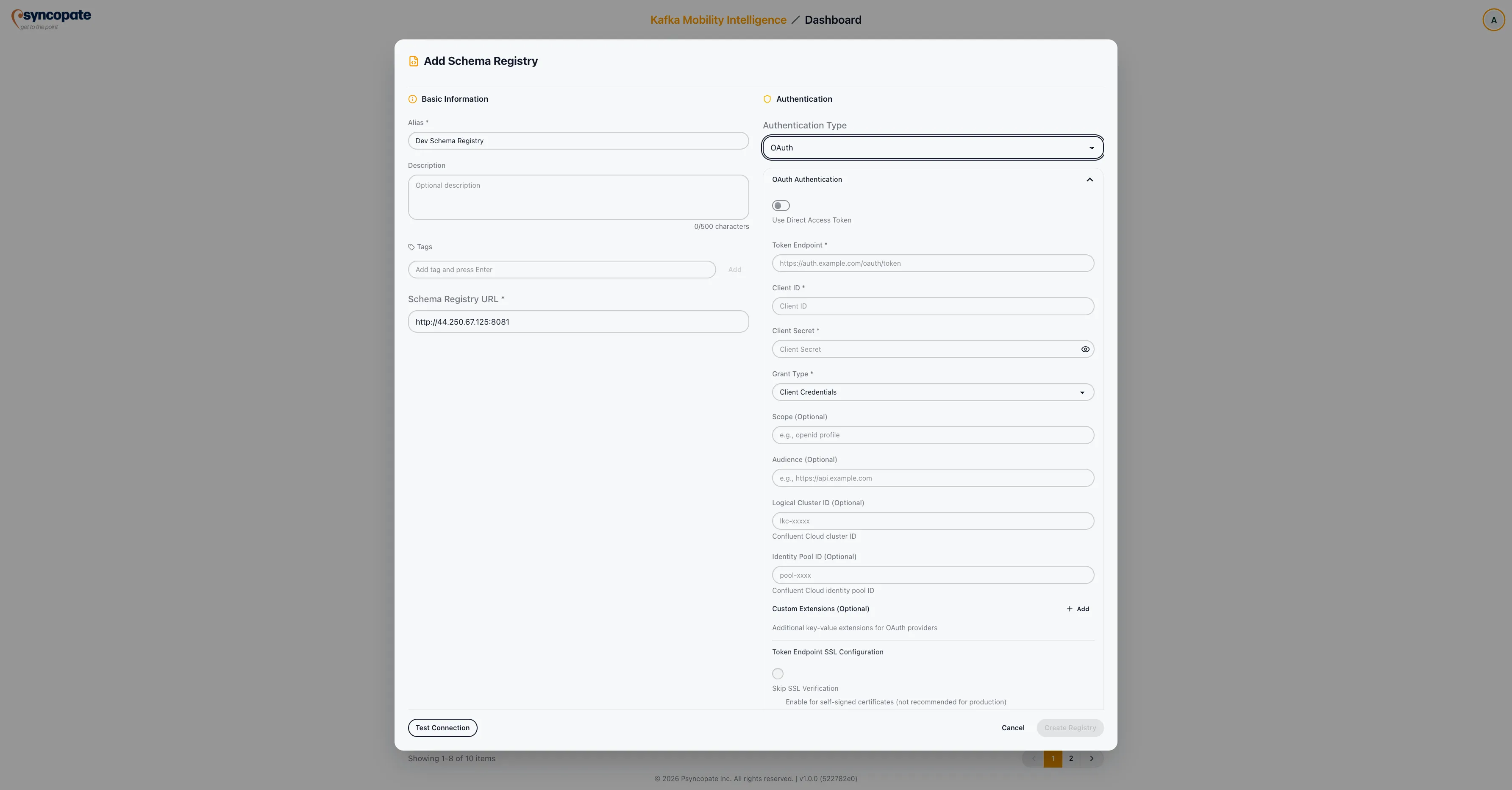
Direct Token Mode: Provide a pre-obtained bearer token directly.
OAuth Endpoint Mode:
| Field | Required | Description |
|---|---|---|
| Token Endpoint | Yes | The OAuth 2.0 token endpoint URL. |
| Client ID | Yes | The OAuth client identifier. |
| Client Secret | Yes | The OAuth client secret. |
| Grant Type | Yes | The OAuth grant type. Supported values: client_credentials, password, refresh_token. |
| Scope | No | OAuth scope to request. |
| Audience | No | Target audience for the token. |
SSL/TLS Truststore (optional)
If the OAuth token endpoint requires SSL verification with a custom certificate authority, provide the truststore configuration:
| Field | Required | Description |
|---|---|---|
| SSL Truststore File | No | Optional truststore file for verifying the token endpoint’s SSL certificate. |
| SSL Truststore Password | No | Password for the truststore file. |
Testing the Connection
Section titled “Testing the Connection”After entering the registry details, click Test Connection to verify that the suite can communicate with the Schema Registry.
Managing Schema Registries
Section titled “Managing Schema Registries”Editing a Registry
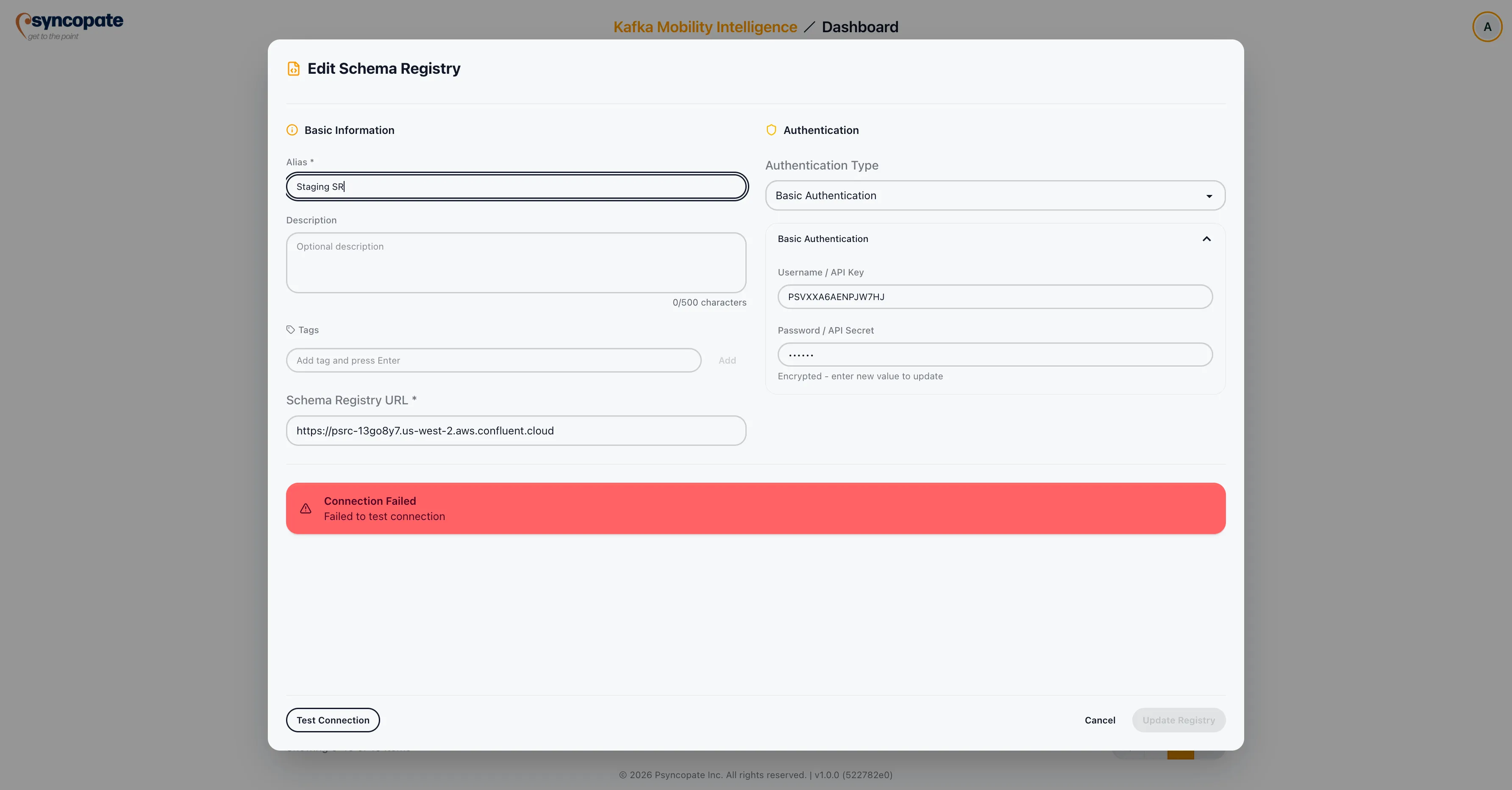
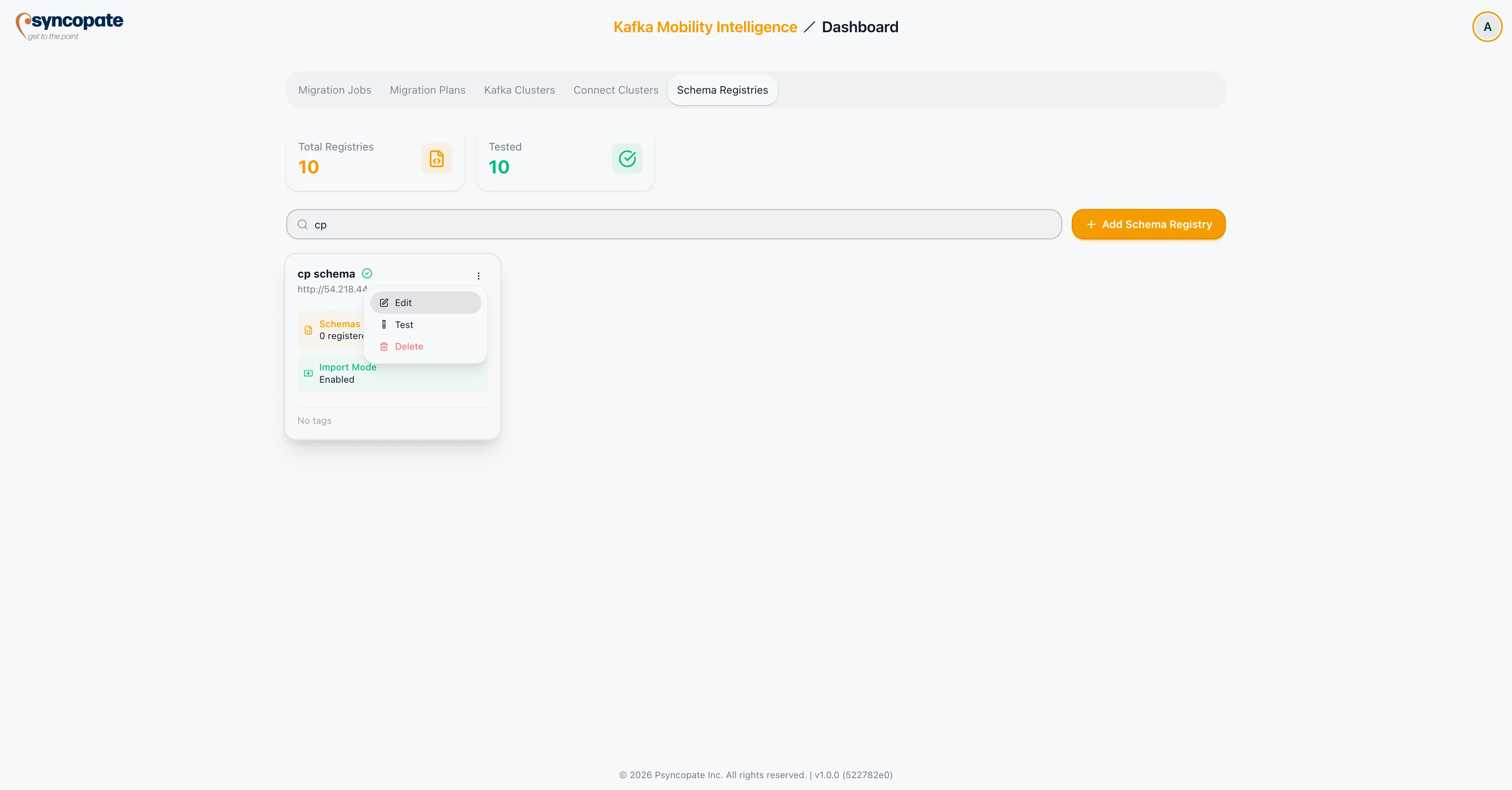
Section titled “Editing a Registry”Click the three-dot menu on any registry row and select Edit to modify its configuration.
Deleting a Registry
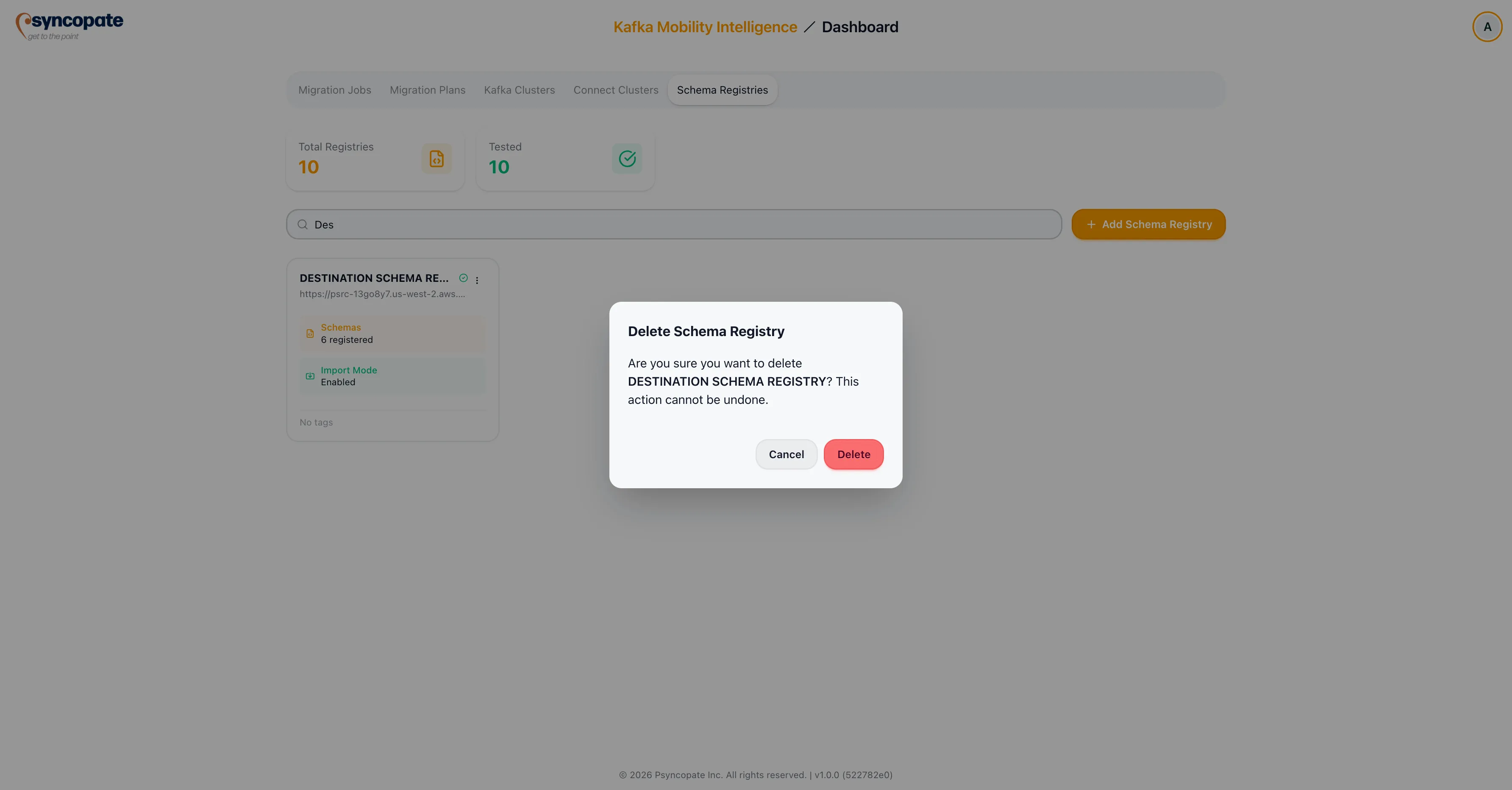
Section titled “Deleting a Registry”Click the three-dot menu and select Delete. A confirmation dialog is displayed before the registry is removed.