Signing In
Before signing in, verify that your environment meets the following requirements.
System Requirements
Section titled “System Requirements”Supported Browsers
Section titled “Supported Browsers”| Browser | Minimum Version |
|---|---|
| Google Chrome | 90+ |
| Mozilla Firefox | 88+ |
| Microsoft Edge | 90+ |
Network Requirements
Section titled “Network Requirements”- A stable network connection to the Kafka Mobility Intelligence application server.
- Network access to the source and destination Kafka clusters you intend to migrate.
- Firewall rules configured to allow communication between your browser and the application, as well as between the application and your Kafka infrastructure.
Sign In
Section titled “Sign In”-
Open a supported browser and navigate to the Kafka Mobility Intelligence application URL provided by your administrator.
-
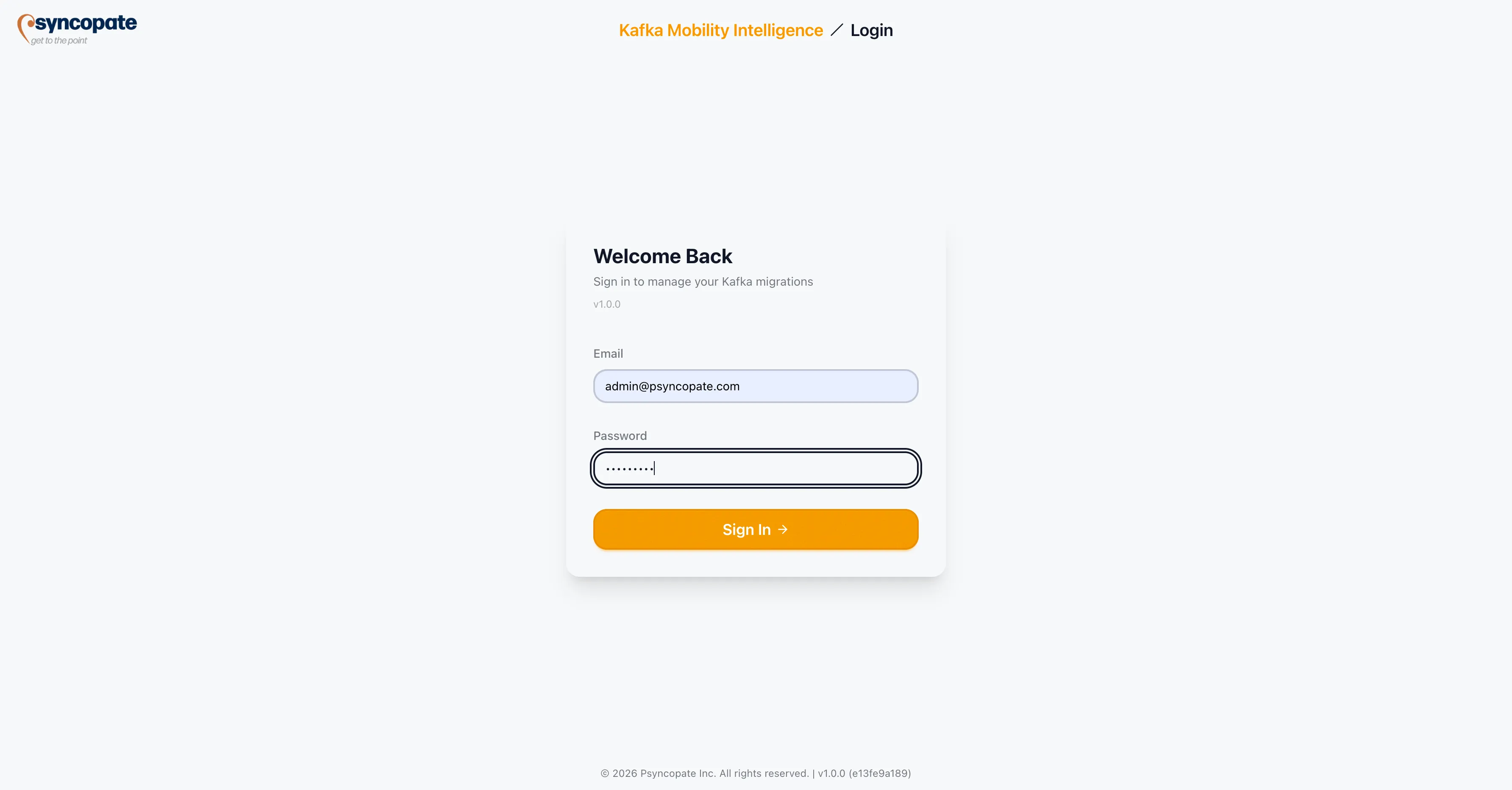
On the login screen, enter your Email and Password.
-
Click Sign In.
-
The system authenticates your credentials and redirects you to the Dashboard.