Infrastructure Setup
The Infrastructure Setup step configures the platform-specific resources that the selected replication tool requires. The configuration varies depending on which tool was chosen in the previous step.
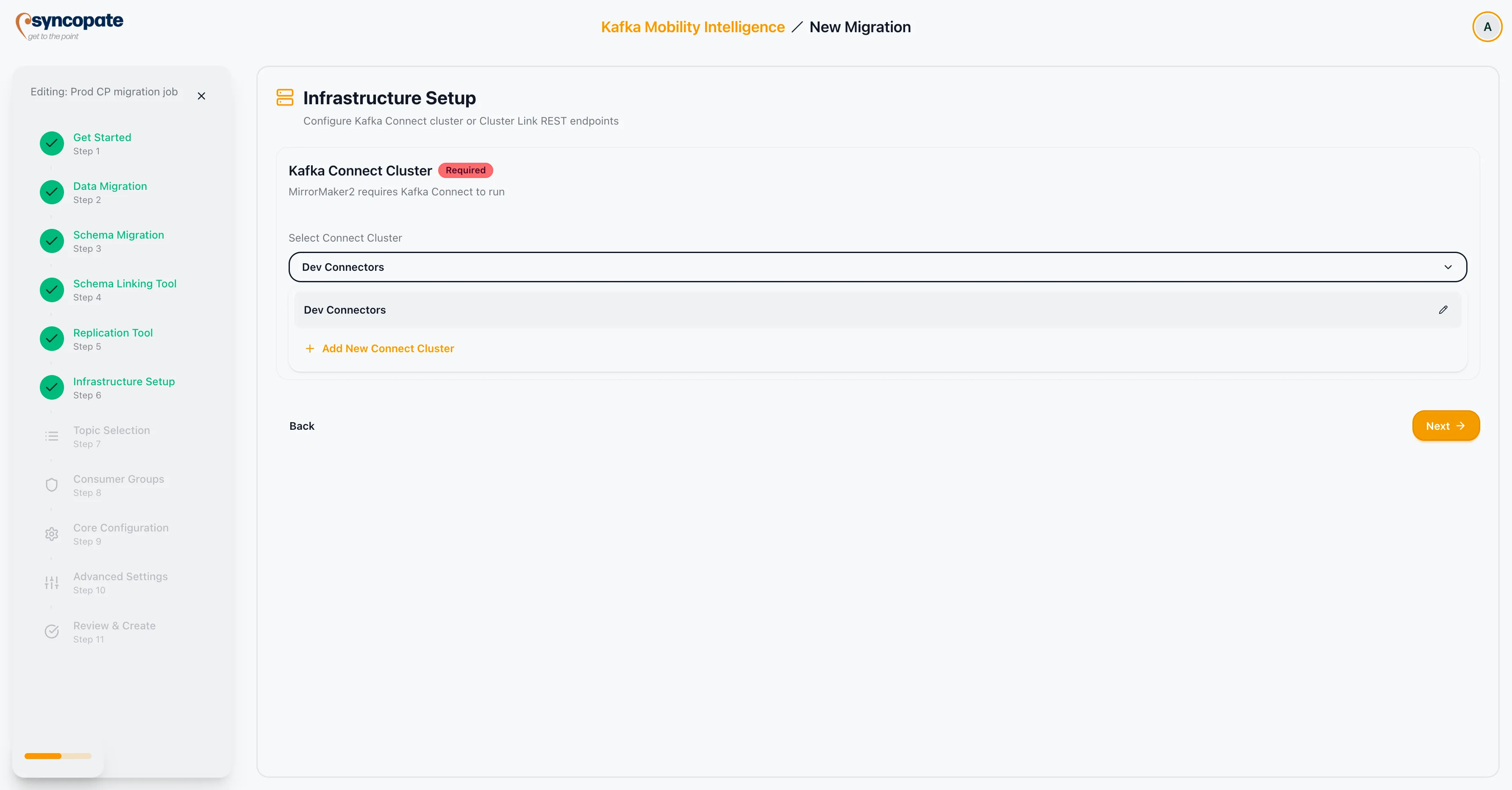
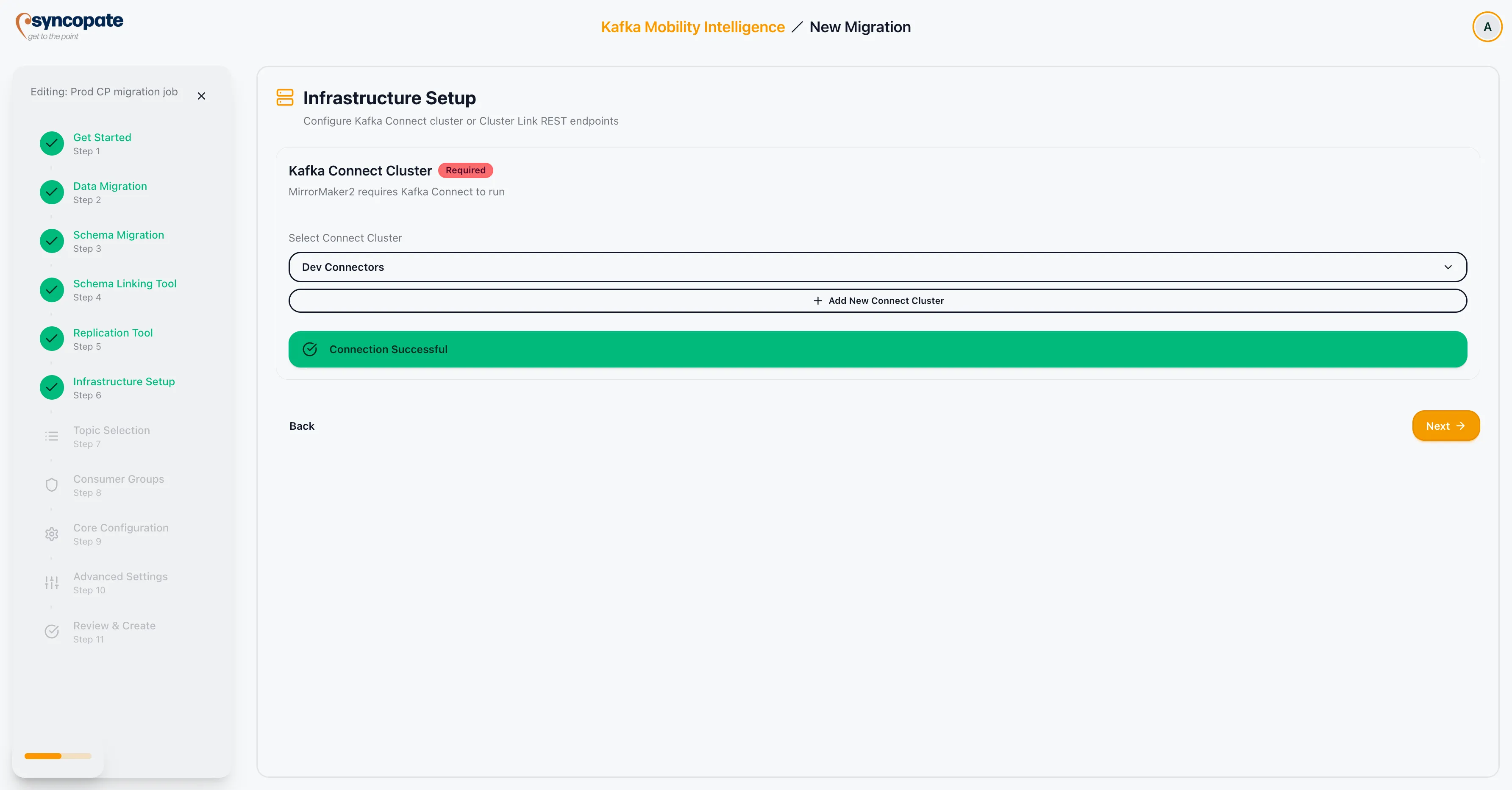
MirrorMaker 2 runs on a Kafka Connect cluster. Select the Connect cluster that will host the MirrorMaker 2 connectors.
Configuration:
- Select an existing Kafka Connect Cluster from the dropdown, or register a new one inline.
- Click Validate Connection to confirm that the suite can communicate with the Connect cluster.
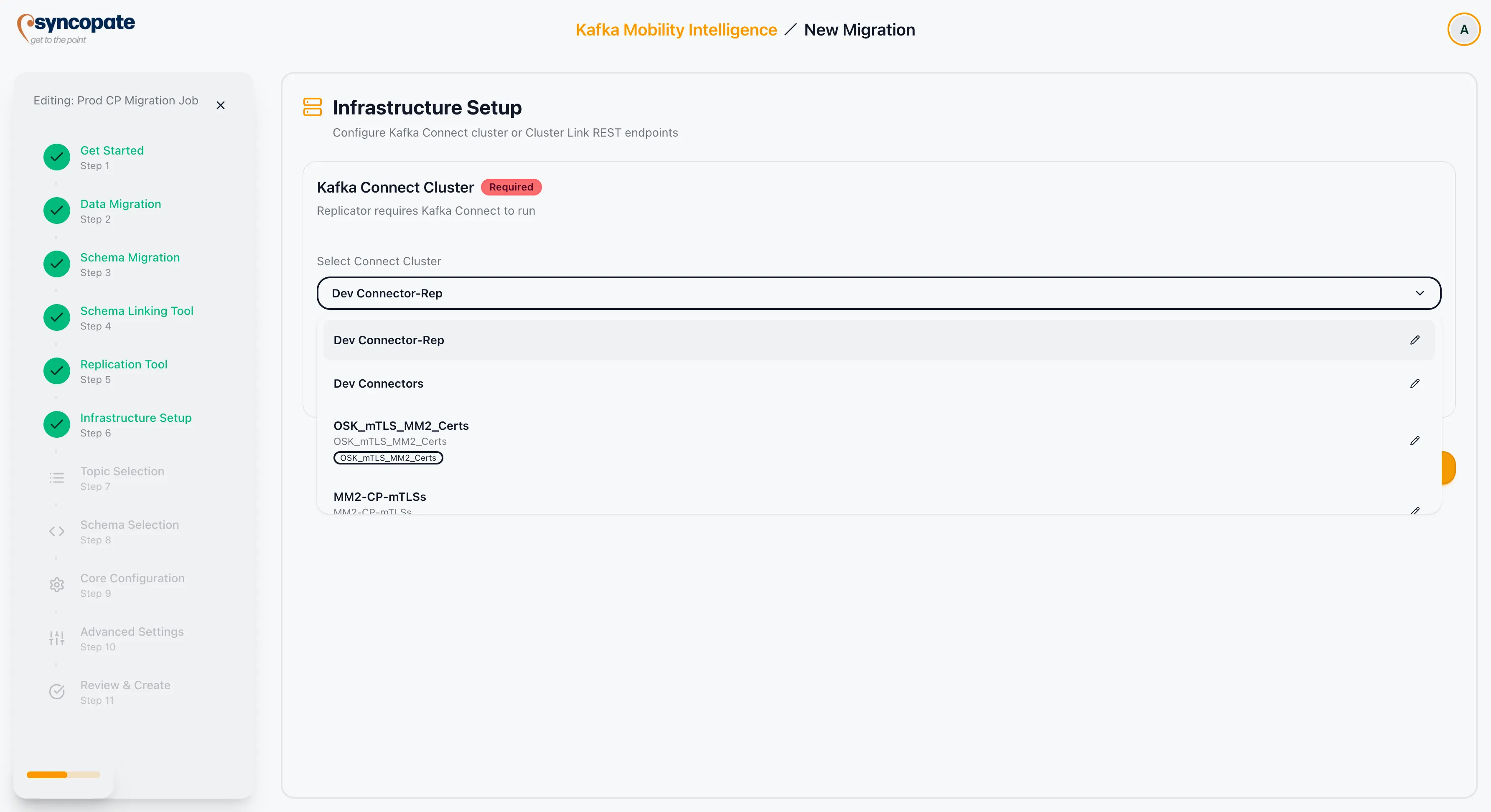
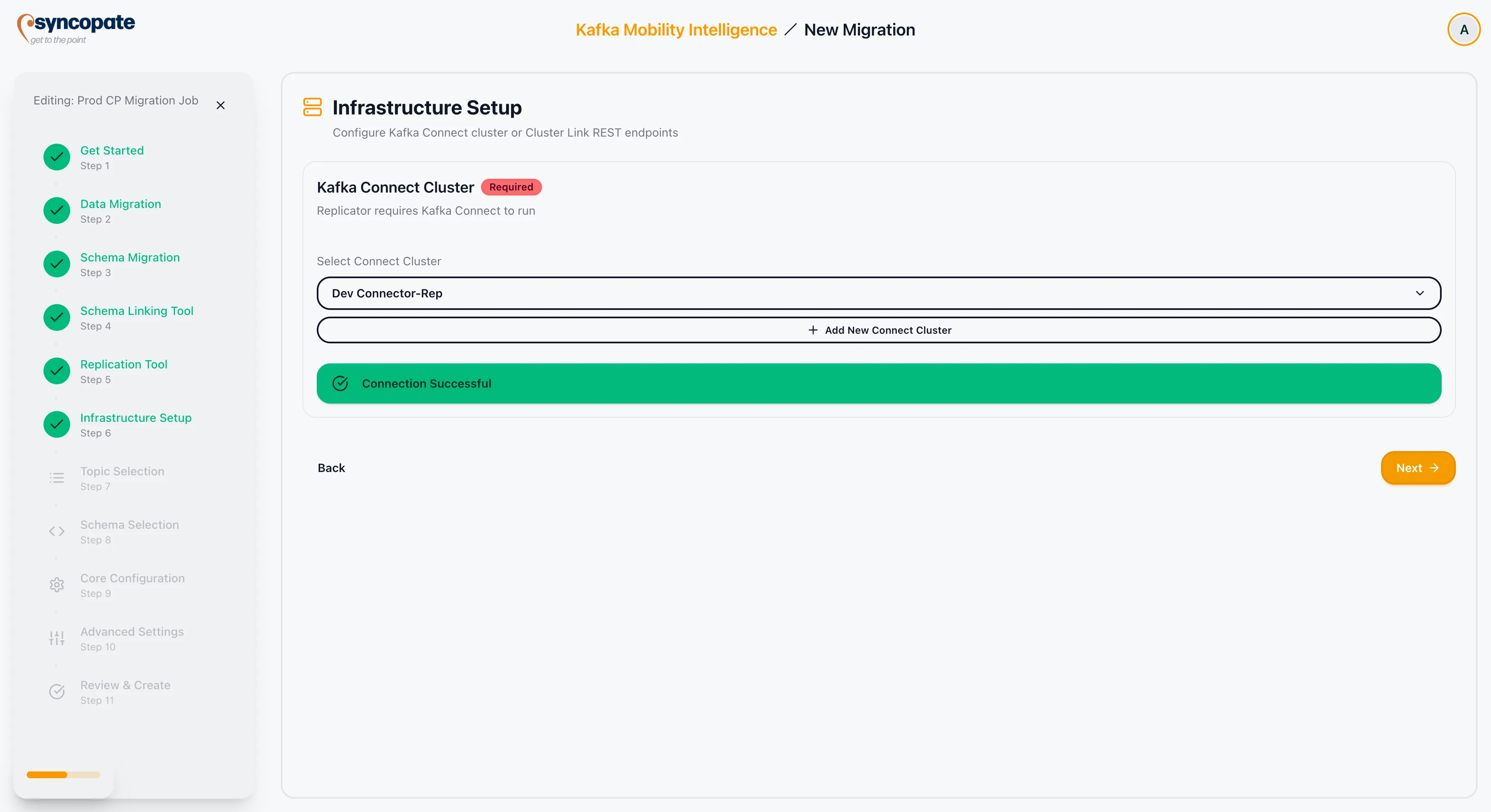
Confluent Replicator also runs on a Kafka Connect cluster. Select the Connect cluster that will host the Replicator connector.
Configuration:
- Select an existing Kafka Connect Cluster from the dropdown, or register a new one inline.
- Click Validate Connection to confirm that the suite can communicate with the Connect cluster.
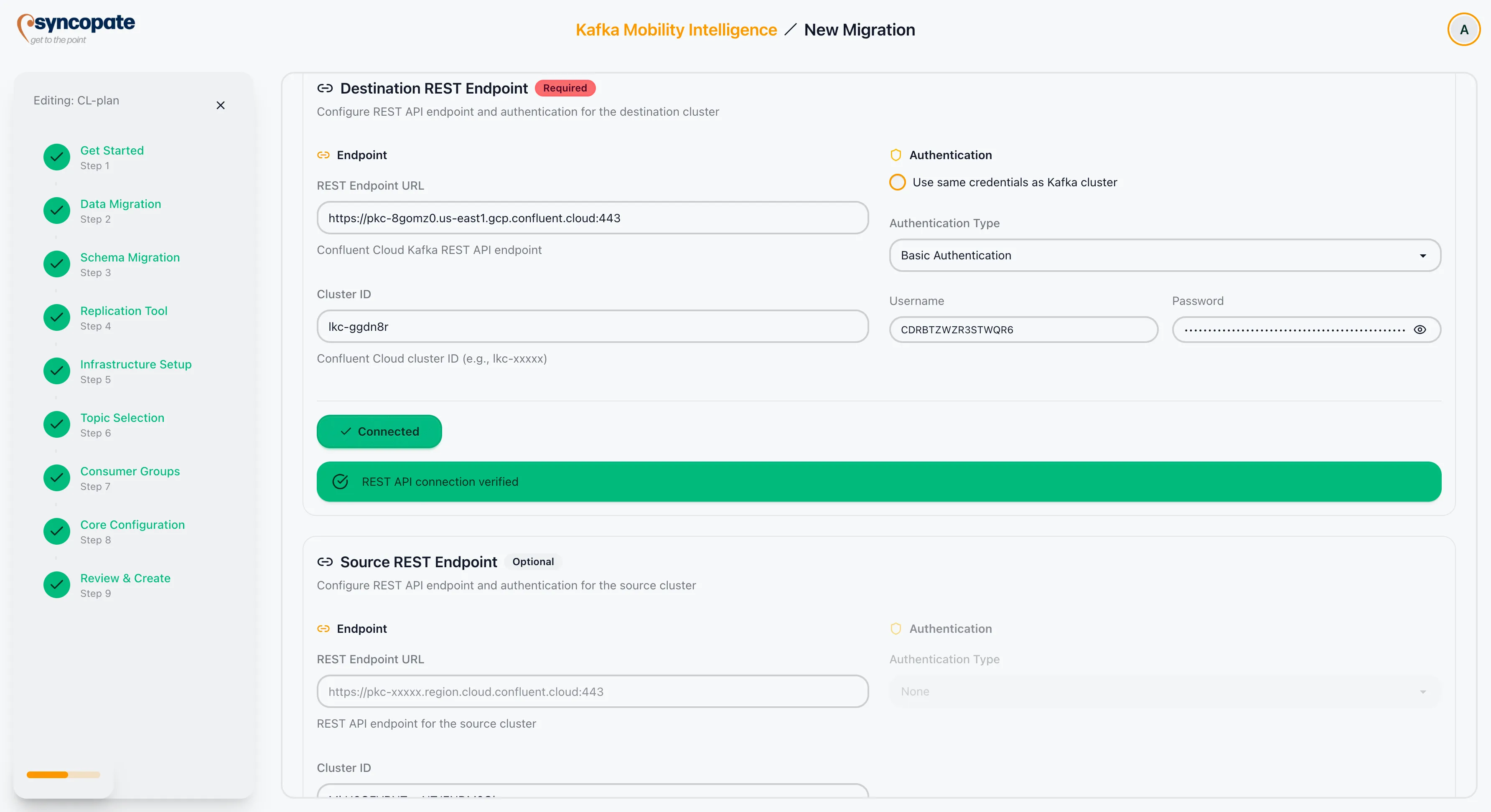
Cluster Linking communicates via REST endpoints rather than a Connect cluster. Both source and destination REST configurations are supported.
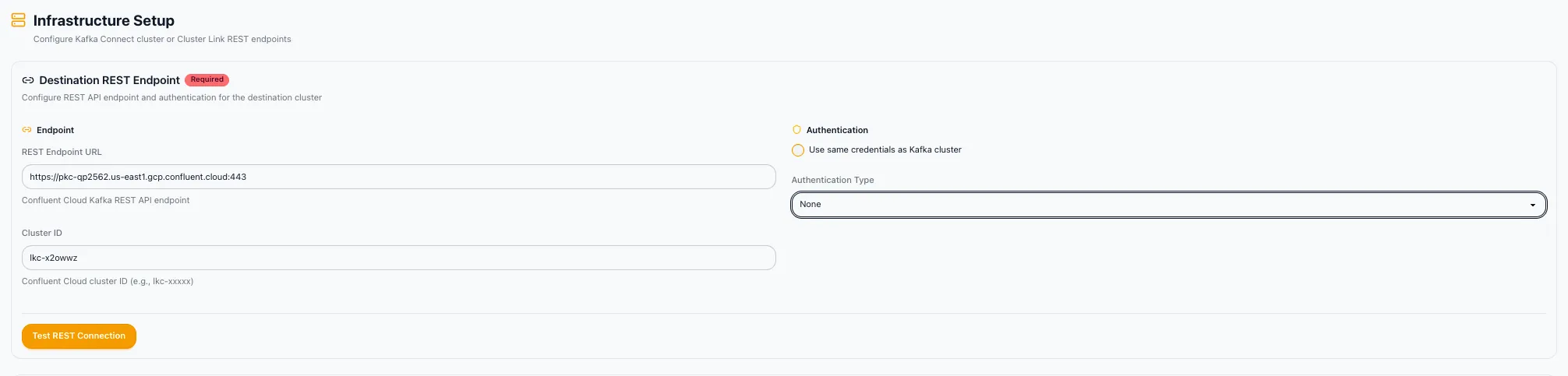
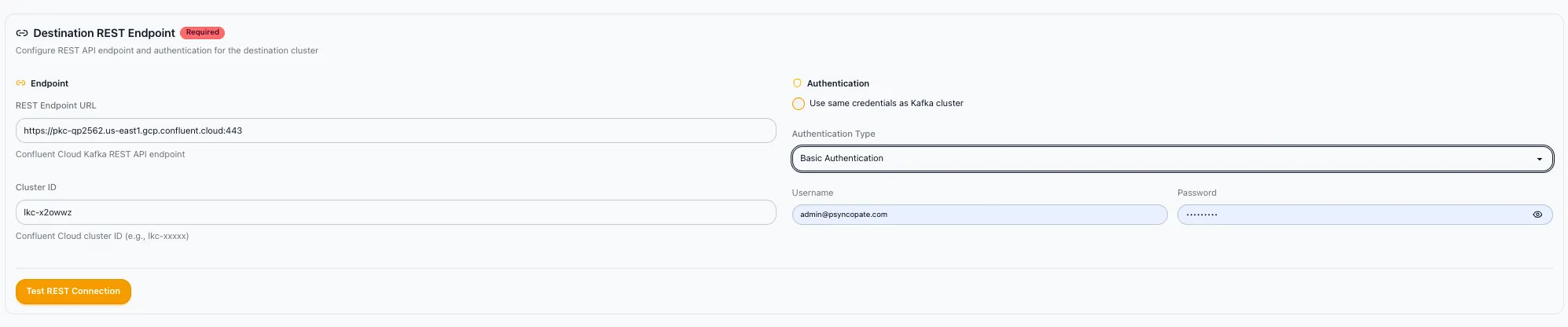
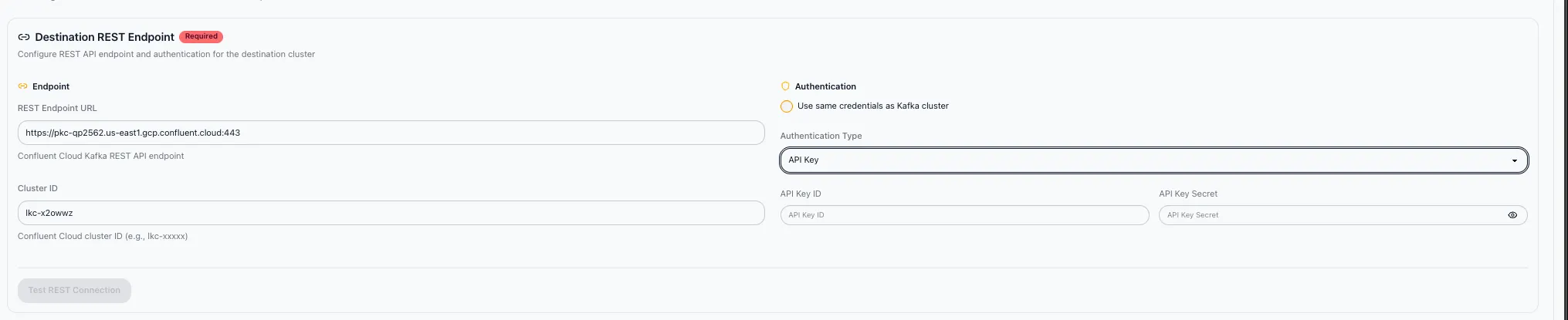
Destination REST Endpoint
Section titled “Destination REST Endpoint”| Field | Required | Description |
|---|---|---|
| REST Endpoint URL | Yes | The REST API endpoint of the destination Confluent cluster. |
| Cluster ID | Yes | The unique identifier of the destination cluster. |
Authentication
Section titled “Authentication”Select the authentication method for the REST endpoint:
| Method | Description |
|---|---|
| None | No authentication required. |
| Same Credentials as Kafka Cluster | Reuses the credentials configured for the Kafka cluster. |
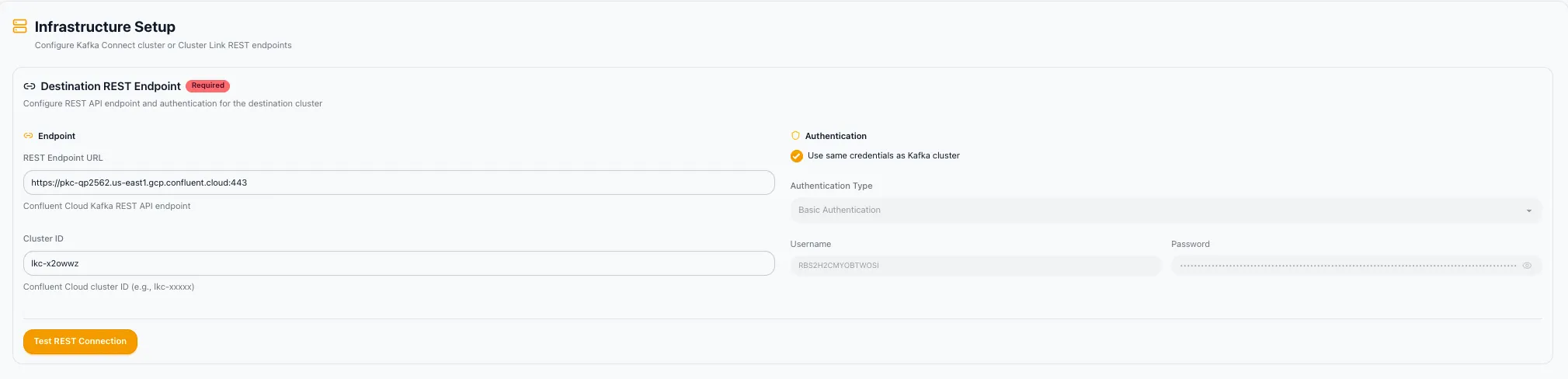
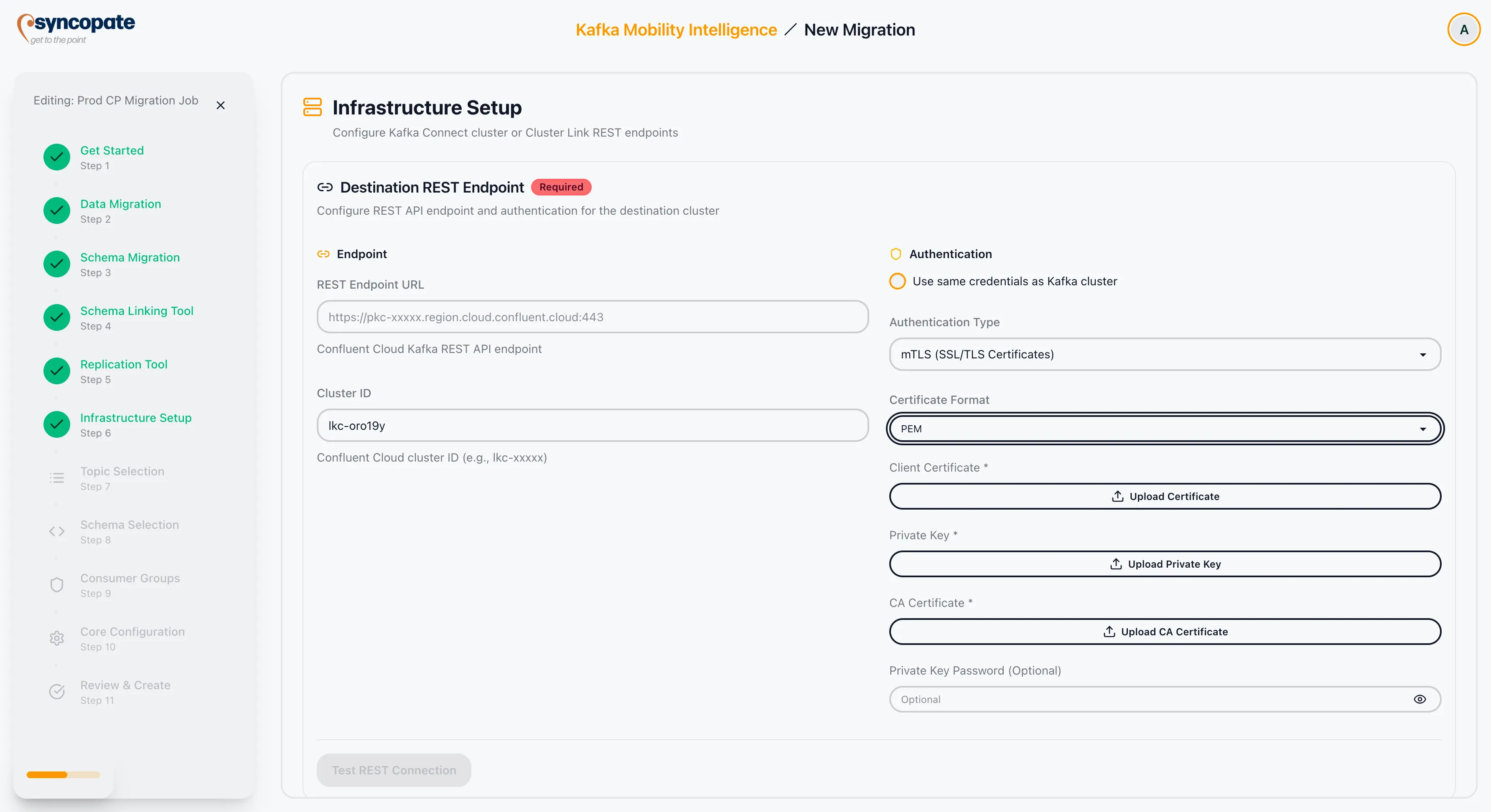
| mTLS | Mutual TLS with client certificate and key. |
| Basic Auth | Username and password authentication. |
| API Key | API Key and API Secret pair. |
| OAuth 2.0 | Token-based authentication via client credentials flow. |
Certificate Formats
Section titled “Certificate Formats”When using mTLS or SSL-based authentication, the following certificate formats are supported:
| Format | Description |
|---|---|
| JKS | Java KeyStore format, common in Java-based Kafka deployments. |
| PKCS12 | Cross-platform format supported by most tools. |
| PEM | Text-based format commonly used in cloud and container environments. |
Source REST Endpoint
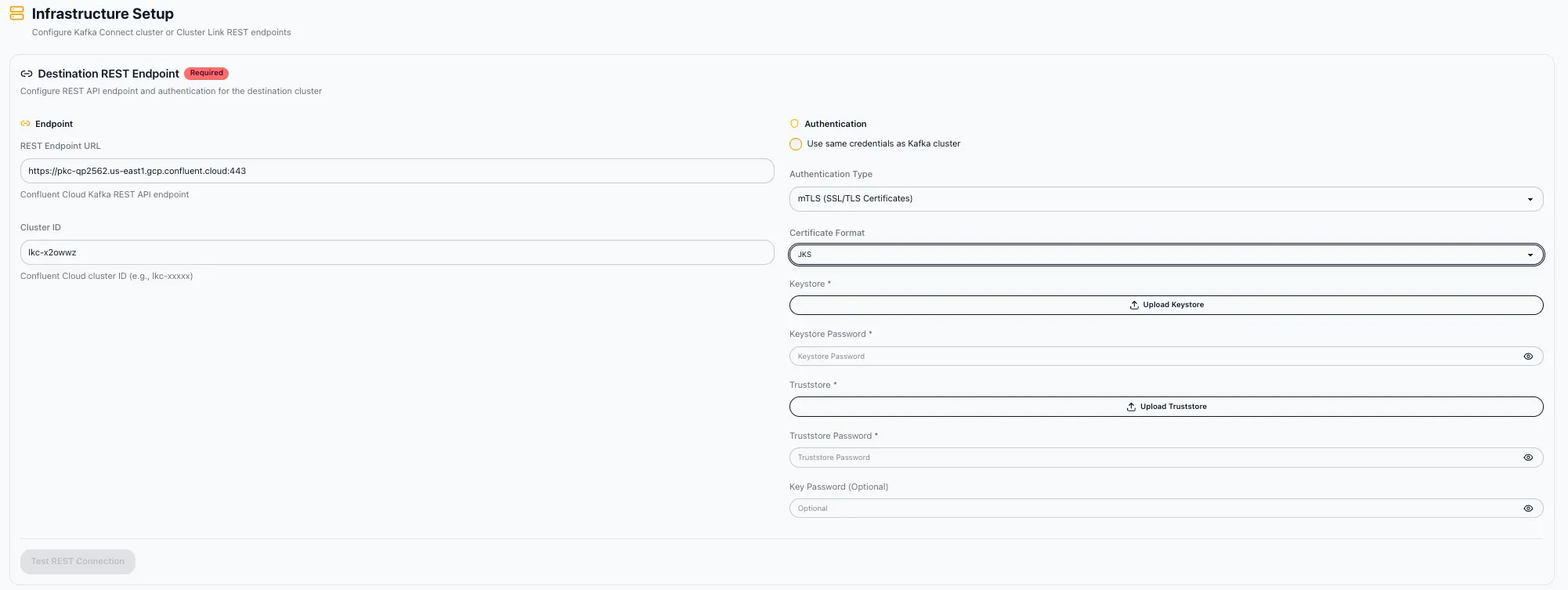
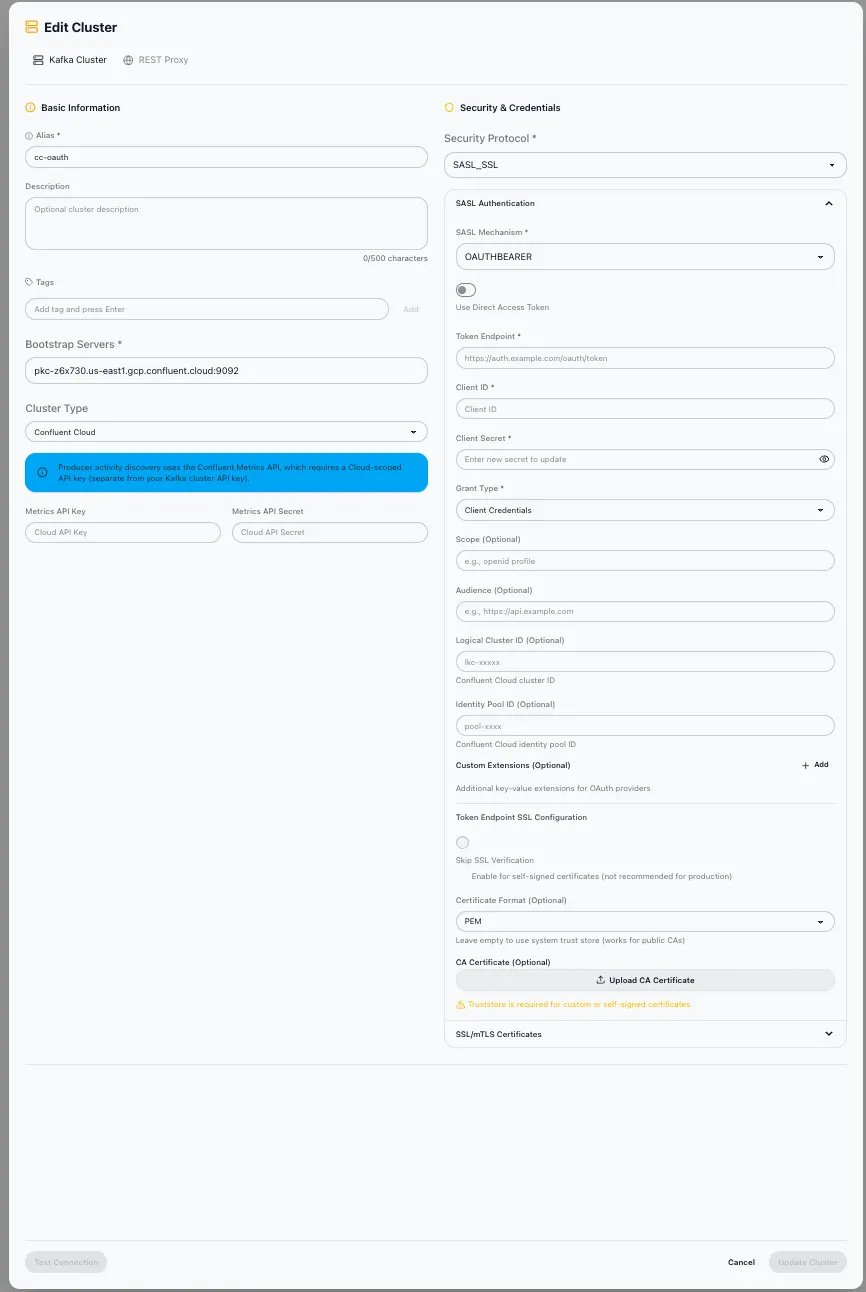
Section titled “Source REST Endpoint”The source REST endpoint is optional. When provided, it enables source-initiated linking and bidirectional management.
Linking Mode
Section titled “Linking Mode”Two linking modes are available:
| Mode | Description |
|---|---|
| Destination-Initiated | The destination cluster reaches out to the source cluster to pull data. This is the simpler option and works with standard networking. |
| Source-Initiated | The source cluster pushes data to the destination cluster. Use this mode when the source is in a private network and the destination is publicly accessible, or when strict firewall rules prevent inbound connections to the source. |
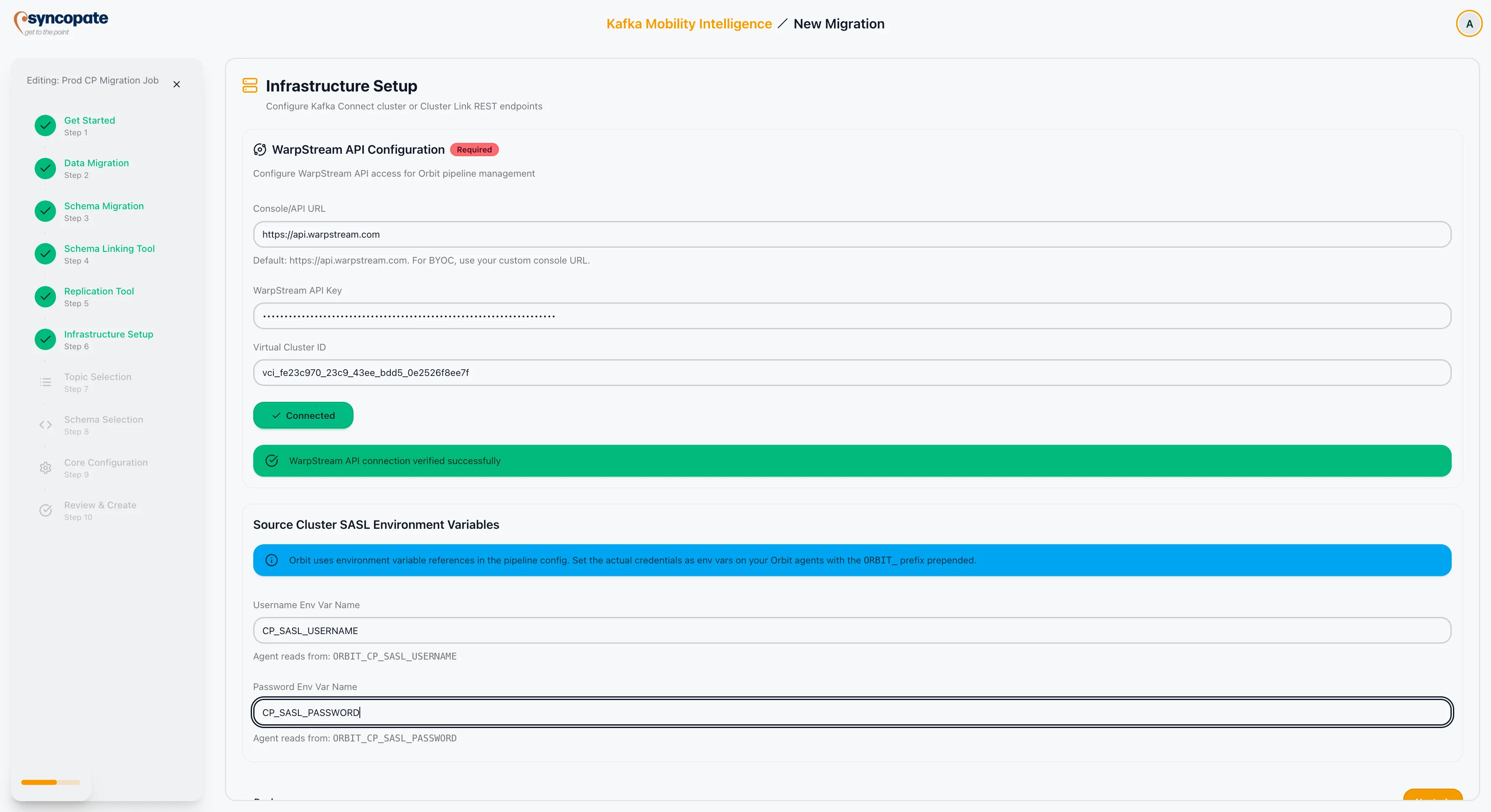
WarpStream Orbit communicates through the WarpStream API. Configure the connection to your WarpStream environment.
| Field | Required | Default | Description |
|---|---|---|---|
| Console/API URL | No | https://api.warpstream.com | The WarpStream API endpoint. Override only if using a custom deployment. |
| API Key | Yes | Authentication key for the WarpStream API. | |
| Virtual Cluster ID | Yes | The identifier of the target WarpStream virtual cluster. |
Click Validate Connection to confirm that the suite can reach the WarpStream API with the provided credentials.