License Management
The License dialog allows administrators to view the current license status and update the license key when needed.
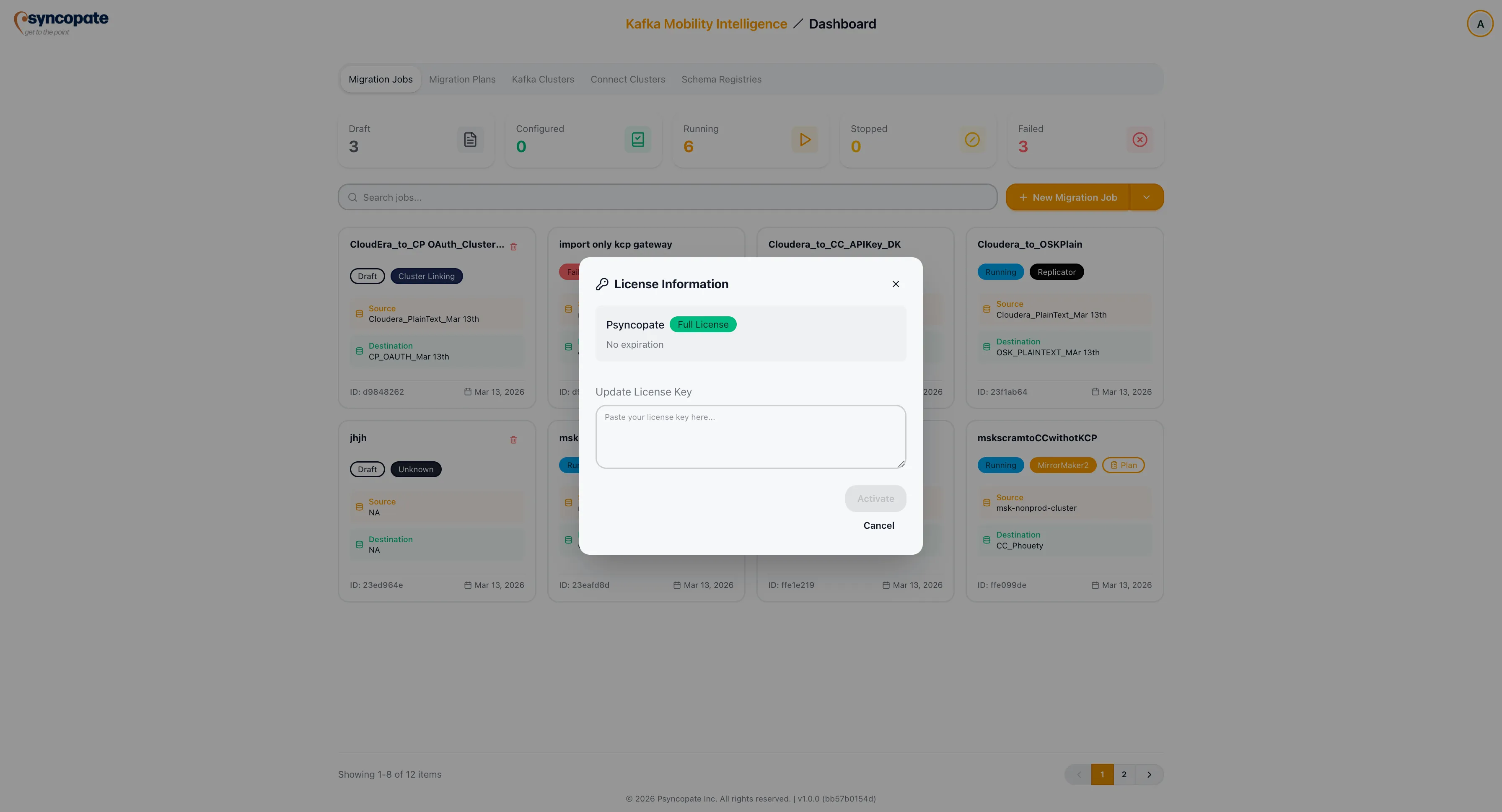
Accessing License Management
Section titled “Accessing License Management”-
Click the user profile icon in the top-right corner of the application.
-
Select License from the dropdown menu.
-
The License dialog displays your current license information and provides an option to enter a new license key.
License Details
Section titled “License Details”The dialog displays the following information about your current license:
| Field | Description |
|---|---|
| Customer Name | The name of the licensed customer or organization |
| Tier | License tier badge (Full License or Trial License) |
| Limits | Usage limits and current consumption for topics, consumer groups, jobs, and partitions |
| Expiration Date | When the current license expires |
Updating the License Key
Section titled “Updating the License Key”To update your license, enter the new license key in the provided field and save. The suite validates the key and applies the updated license immediately.