Audit Log
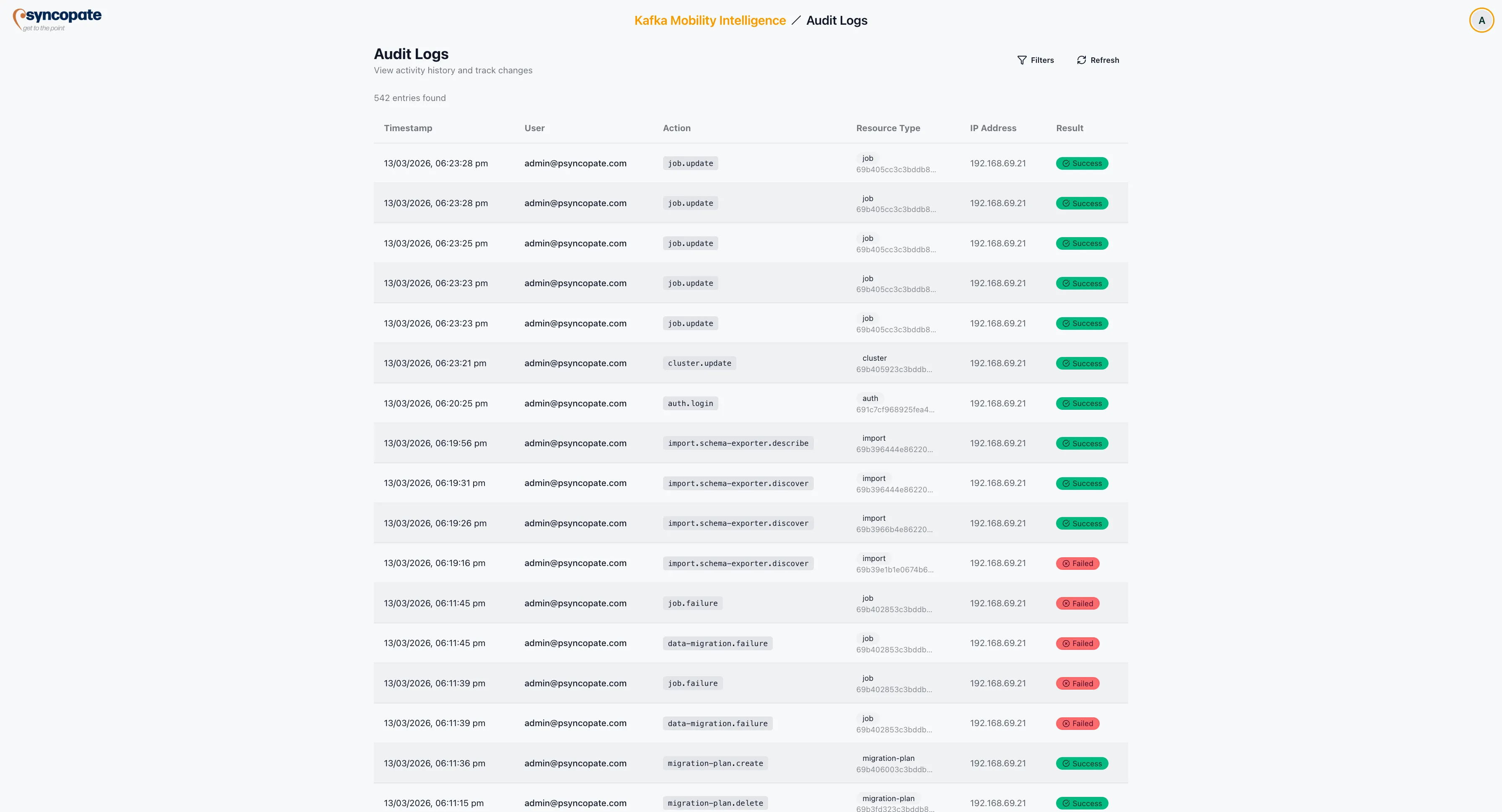
The Audit Log records all user activities within the suite, providing a complete trail for compliance and troubleshooting purposes.
Log Entry Fields
Section titled “Log Entry Fields”Each audit log entry contains the following information:
| Field | Description |
|---|---|
| Timestamp | Date and time the action occurred |
| User | Email address of the user who performed the action |
| Action | The operation that was executed (e.g., create, update, delete, start, stop) |
| Resource Type | The type of resource affected (e.g., job, cluster, schema registry) |
| IP Address | The IP address from which the action was initiated |
| Result | Outcome of the action (success or failure) |
Viewing Details
Section titled “Viewing Details”Click on any row in the audit log to expand and view the complete information for that entry, including request parameters, affected resource identifiers, and any error details for failed actions.
Filtering
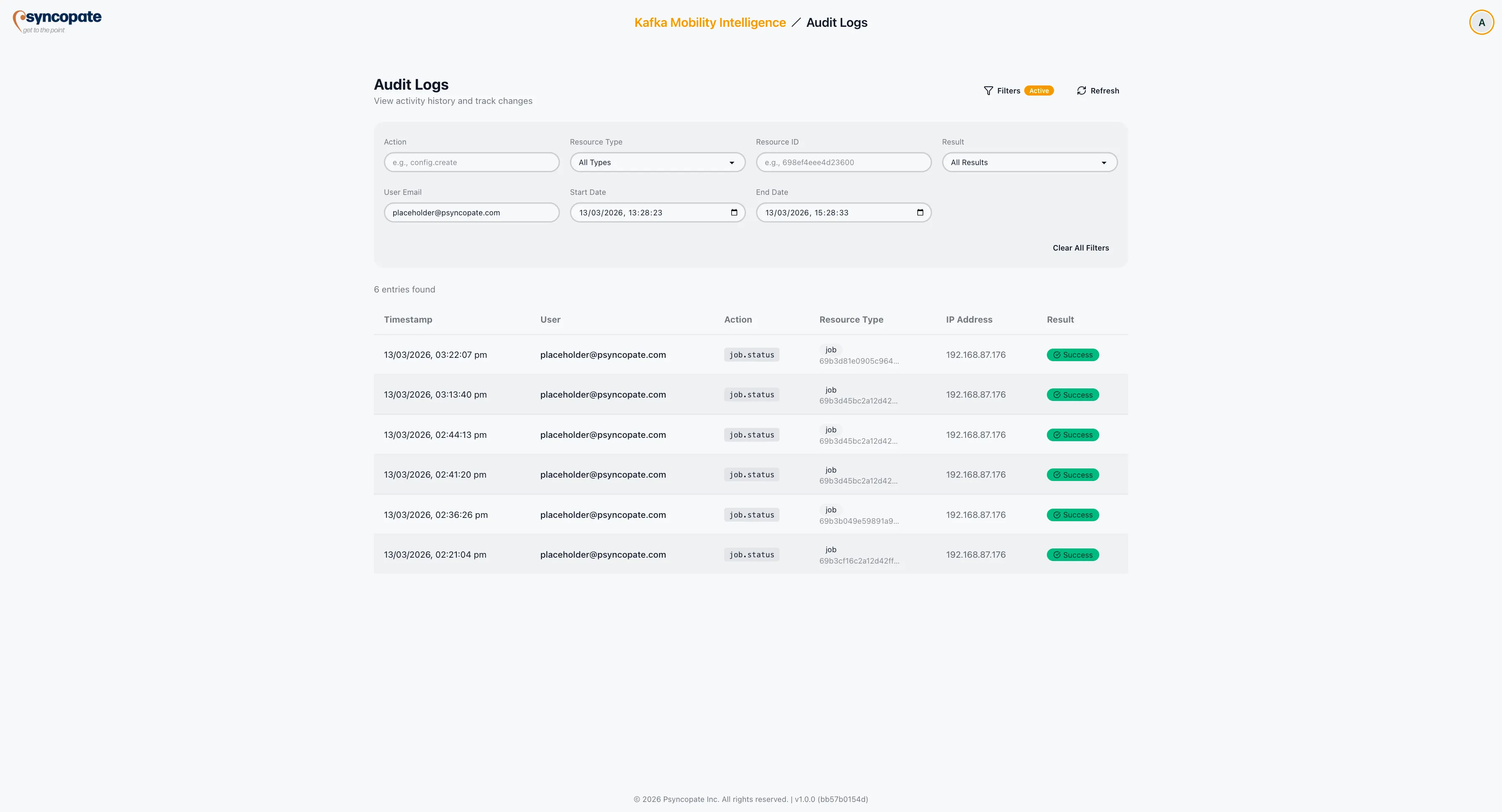
Section titled “Filtering”The audit log provides filters to narrow down the displayed entries:
The following filters are available:
| Filter | Type | Description |
|---|---|---|
| Action | Text input | Filter by action in dot-notation format (e.g., config.create, config.update, job.start, dr.failover) |
| Resource Type | Dropdown | Filter by the type of resource affected. Values: auth, backend, cluster, connect-cluster, dr, import, job, license, migration-job, schema-registry |
| Resource ID | Text input | Filter by the identifier of the affected resource |
| Result | Dropdown | Filter by outcome (success or failure) |
| User Email | Text input | Filter by the email address of the user who performed the action |
| Start Date | Date picker | Beginning of the time window for log entries |
| End Date | Date picker | End of the time window for log entries |
Controls
Section titled “Controls”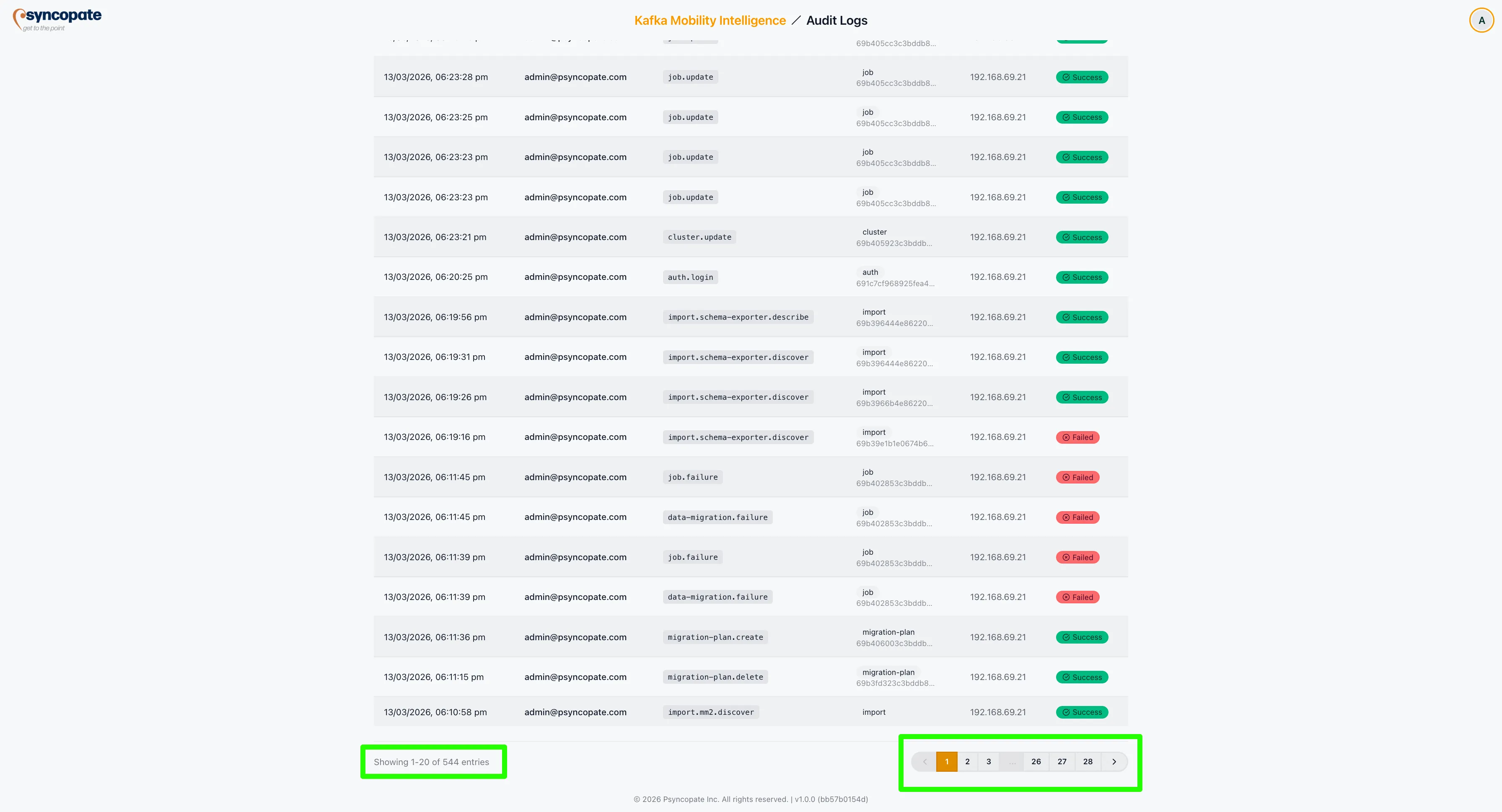
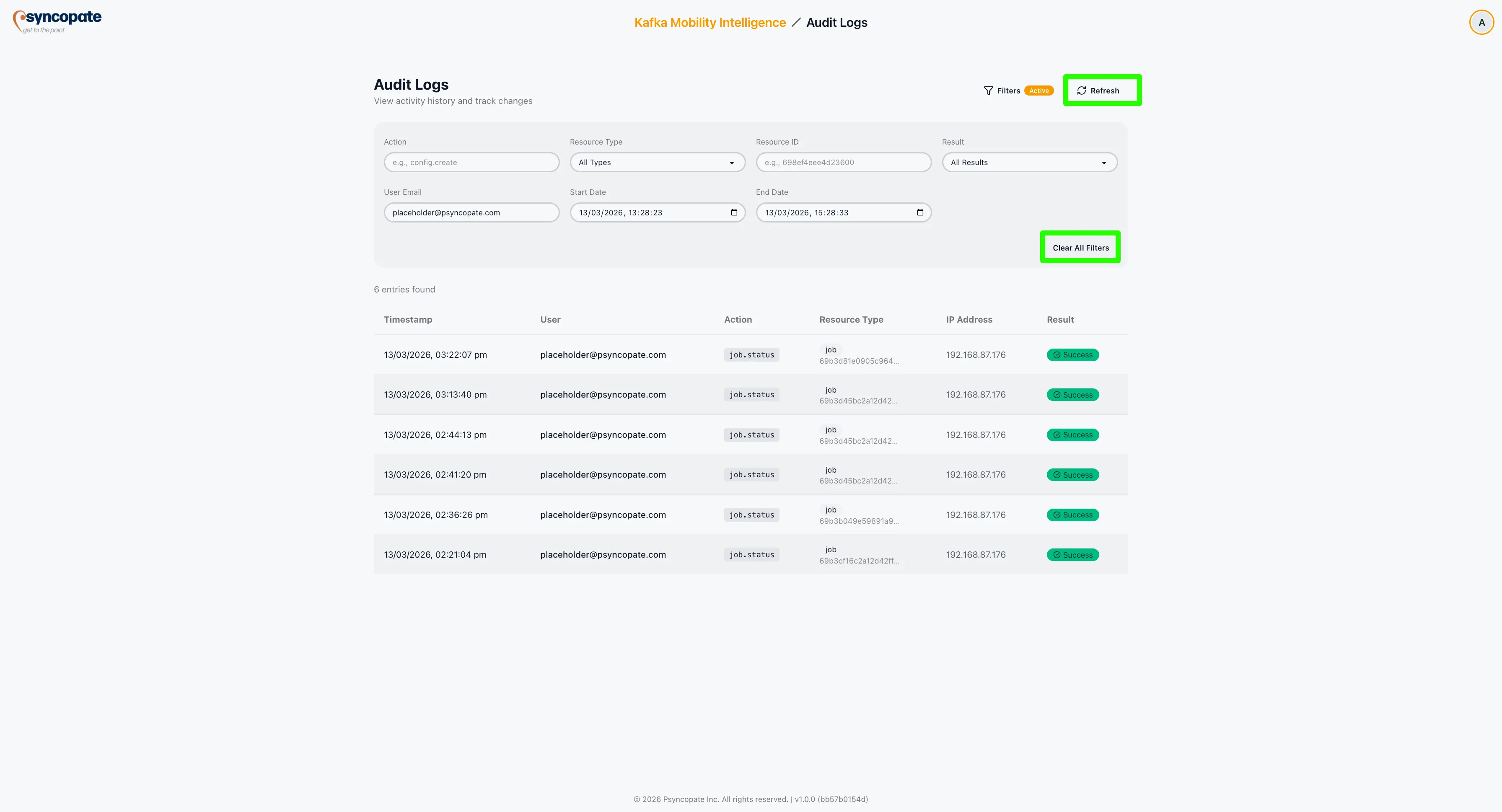
| Control | Description |
|---|---|
| Clear All Filters | Reset all active filters to show the full log |
| Refresh | Reload the audit log with the latest entries |
| Pagination | Navigate through pages of log entries |