Create a Migration Plan
The plan creation wizard guides you through a series of steps that capture everything the suite needs to generate networking guidance, tool recommendations, cutover strategies, and downloadable assets. Each step builds on the previous one, so the suite can tailor its output to your specific environment.
Launch the Wizard
Section titled “Launch the Wizard”-
Sign in to the Kafka Mobility Intelligence suite.
-
Navigate to the Dashboard.
-
Select the Migration Plans tab.
-
Click New Plan.
The wizard opens with the first step. Complete each section below in order.
Cluster Types
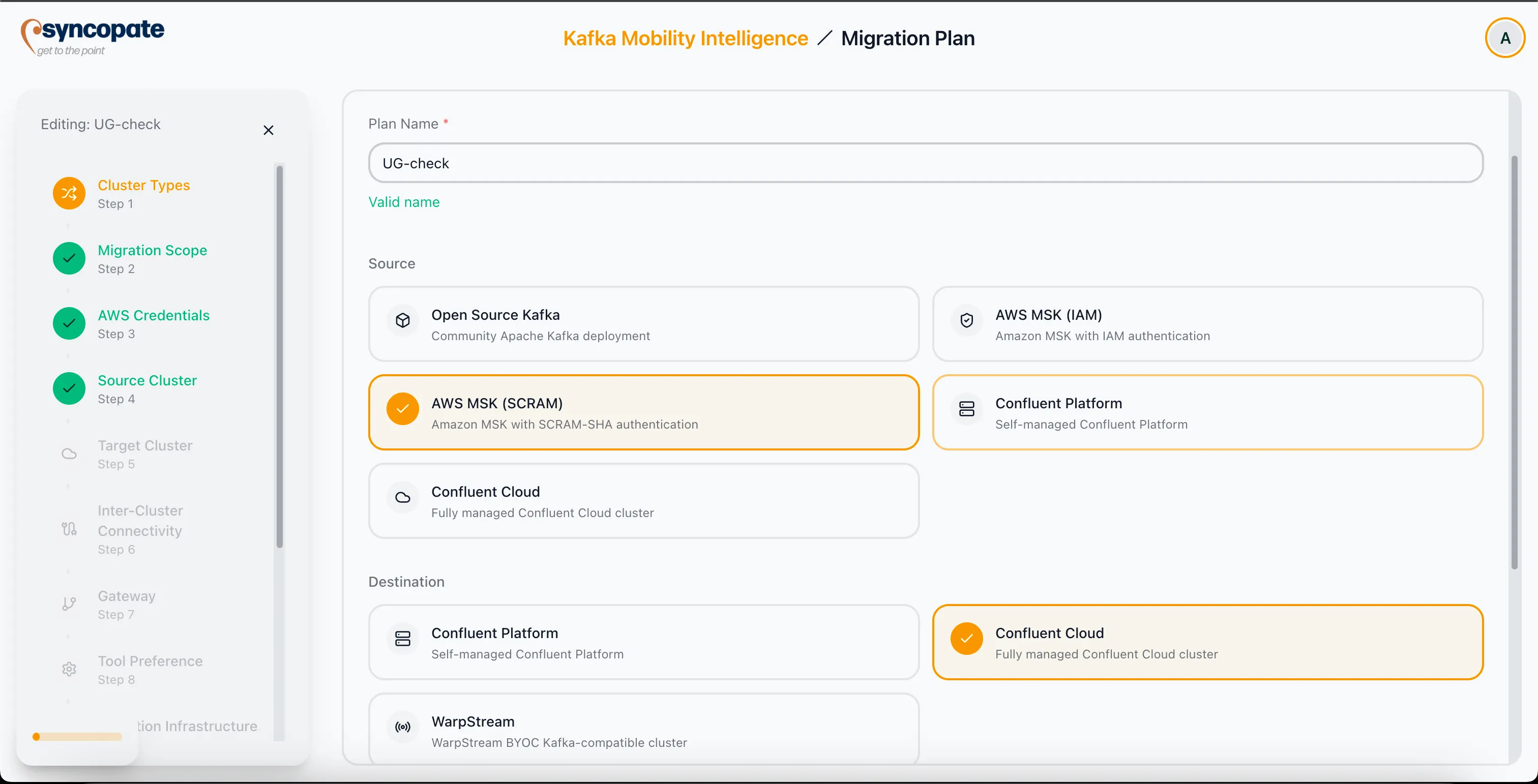
Section titled “Cluster Types”Specify the source and destination environments for the migration.
- Source Selection: Choose the source cluster type and authentication mechanism.
- Destination Selection: Choose the destination cluster type.
Supported source cluster types include:
| Source Type | Notes |
|---|---|
| Confluent Platform | On-premises Confluent deployment |
| Confluent Cloud | Confluent-managed cloud |
| Amazon MSK (SCRAM or IAM) | AWS managed Kafka |
| Apache Kafka (open-source) | Self-managed Kafka cluster |
Supported destination cluster types include Confluent Cloud, Confluent Platform, and WarpStream.
Cloudera is not a separate source cluster type. To migrate from a Cloudera environment, select the matching Kafka source type and register a Cloudera Schema Registry in Pre-Migration Setup; the suite then uses the Tern engine for schema migration.
The suite uses these selections to architect the migration bridge, filter compatible connectivity methods, and determine which security protocols apply.
KCP Automated Provisioning
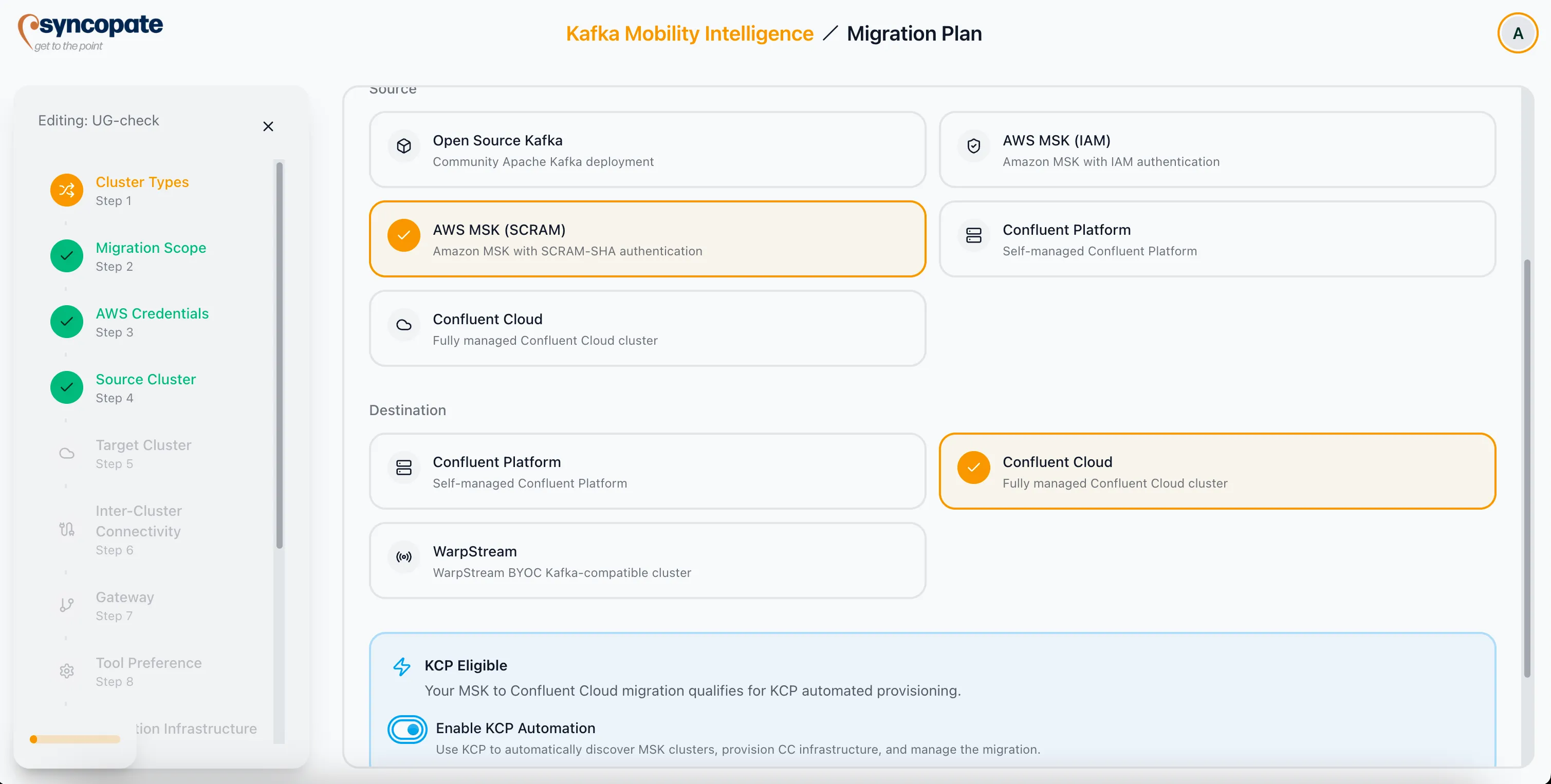
Section titled “KCP Automated Provisioning”When the suite detects an AWS-based source cluster, it offers automated provisioning through KCP (Kafka Cloud Provisioner).
KCP provides two key capabilities:
- Automated Discovery: Scans your AWS environment for MSK configurations, including topics, schemas, and networking details.
- Target Infrastructure Provisioning: Auto-provisions Confluent Cloud infrastructure to match the source configuration.
Migration Scope
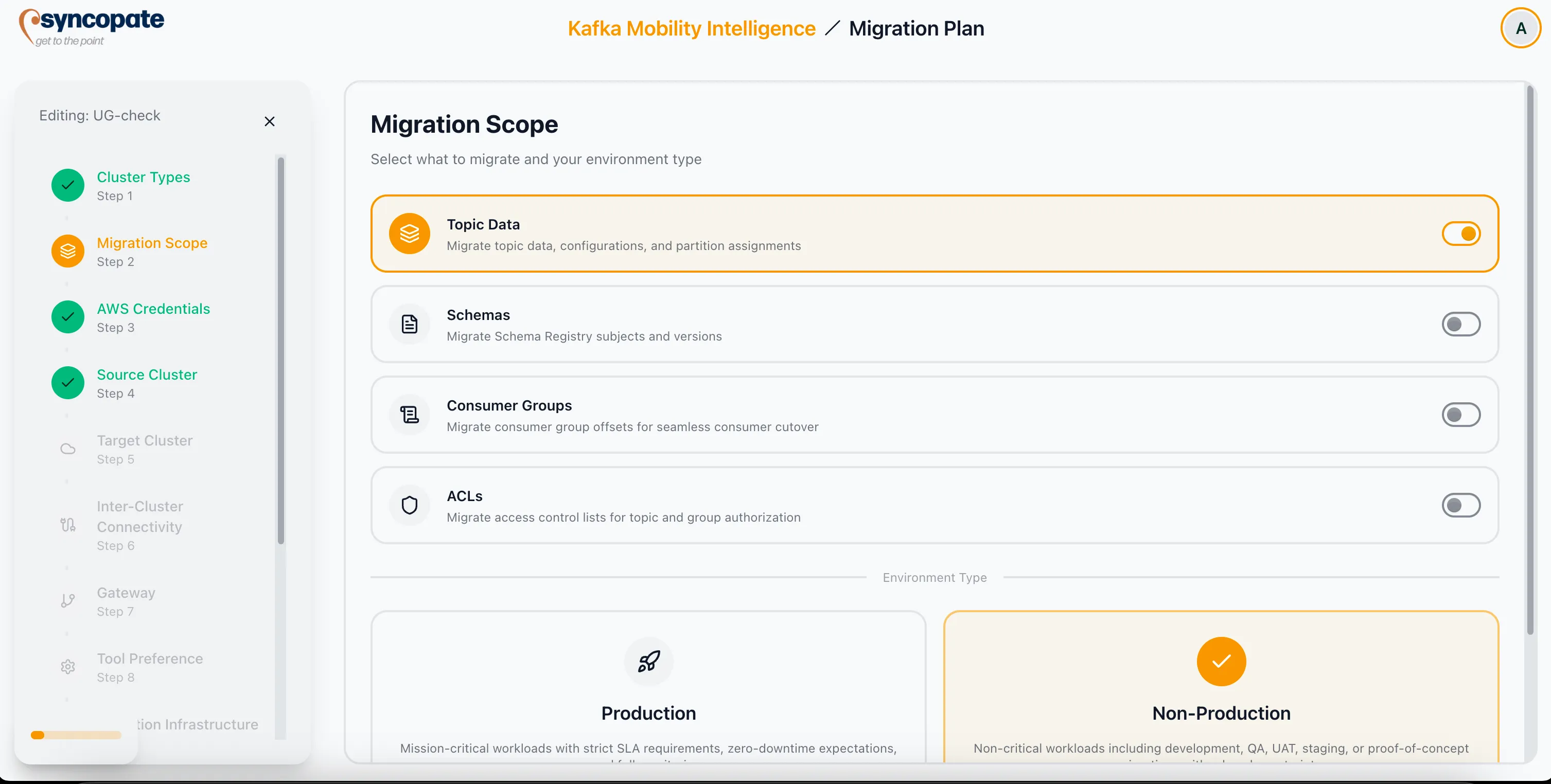
Section titled “Migration Scope”Define what assets to include in the migration.
Asset types:
- Topics
- Schemas
- Consumer Groups
- ACLs
Environment category:
| Category | Characteristics |
|---|---|
| Production | Strict SLAs, zero-downtime requirements, comprehensive monitoring |
| Non-Production | Relaxed constraints, faster testing cycles, cost-efficient resource allocation |
AWS Credentials
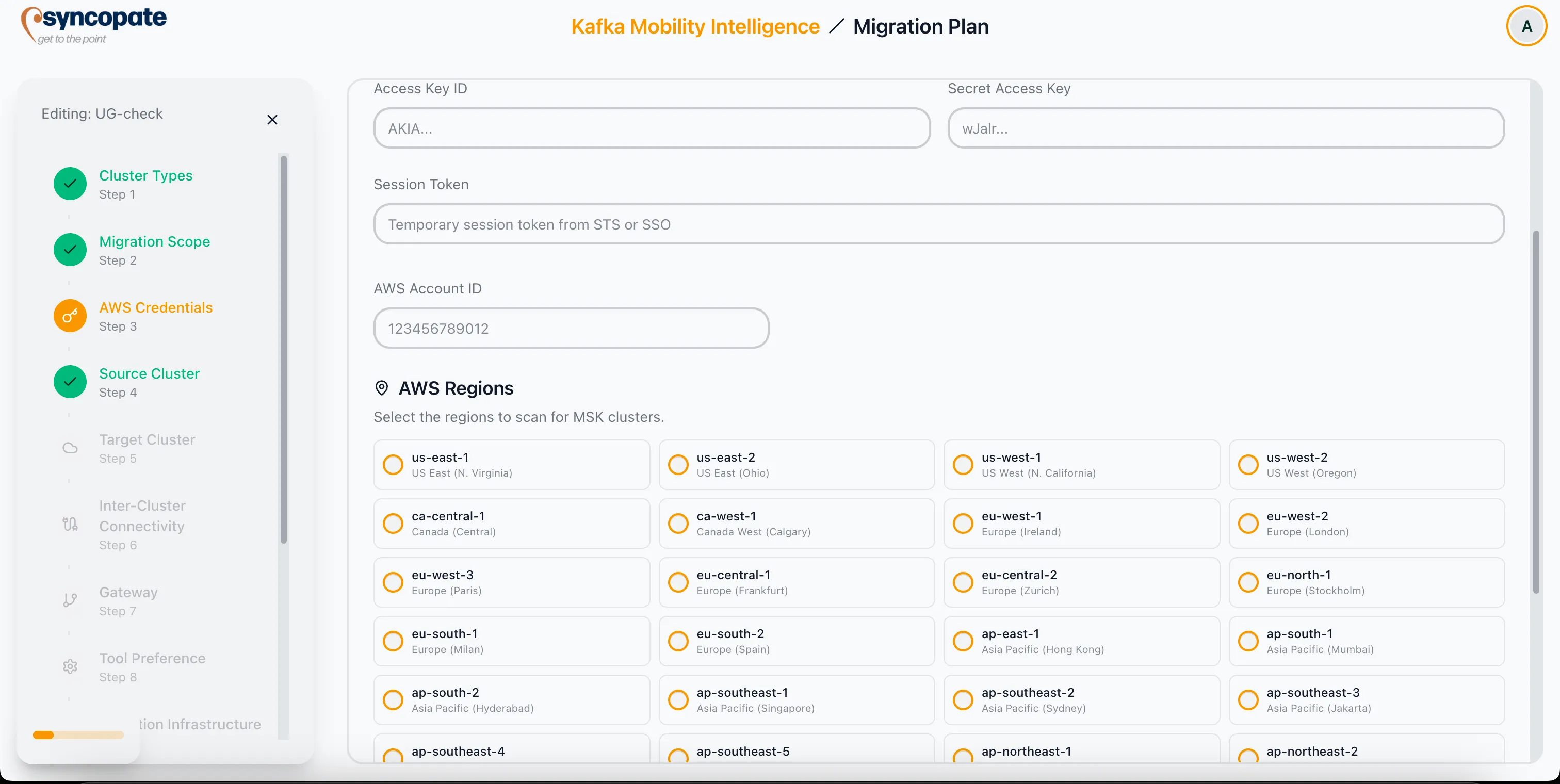
Section titled “AWS Credentials”This step appears when the migration involves AWS MSK discovery or KCP provisioning.
Credential Type: Choose from Access Key, Assume Role, or Environment credentials.
Provide the following details as applicable:
- AWS Account ID
- Secret Access Key
- AWS Regions where source MSK clusters are located
Source Cluster
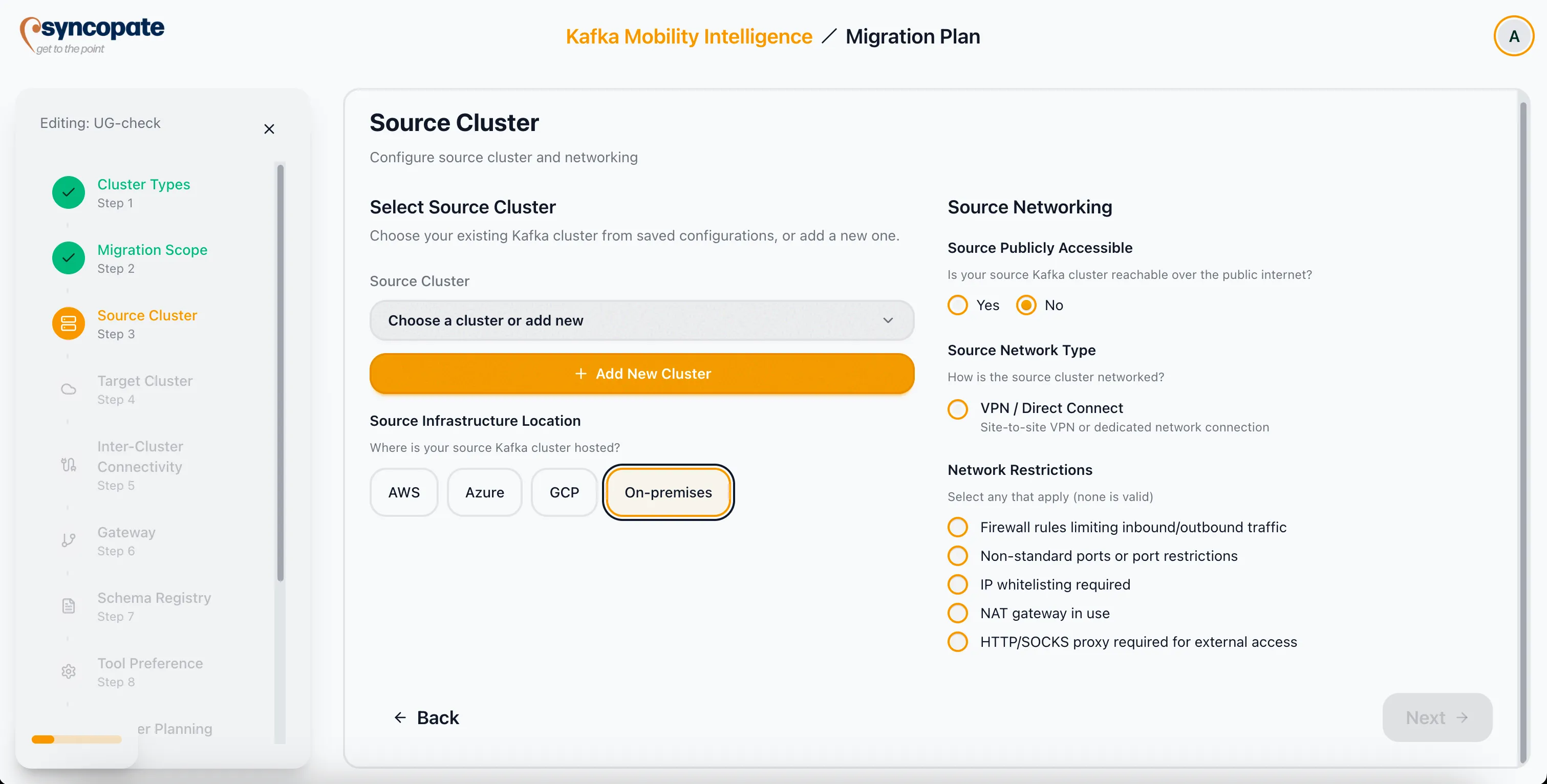
Section titled “Source Cluster”Define the networking profile for the source cluster.
- Public Accessibility: Toggle whether the source cluster is publicly accessible.
- Source Network Type: Select from Public Internet, VPC Peering, PrivateLink, Transit Gateway, Private Network Interface, Private Service Connect, VPN/Direct Connect, or Direct Connect.
- Network Restrictions: Indicate any firewalls, IP whitelisting rules, NAT gateways, port restrictions, or proxies that affect connectivity.
Target Cluster
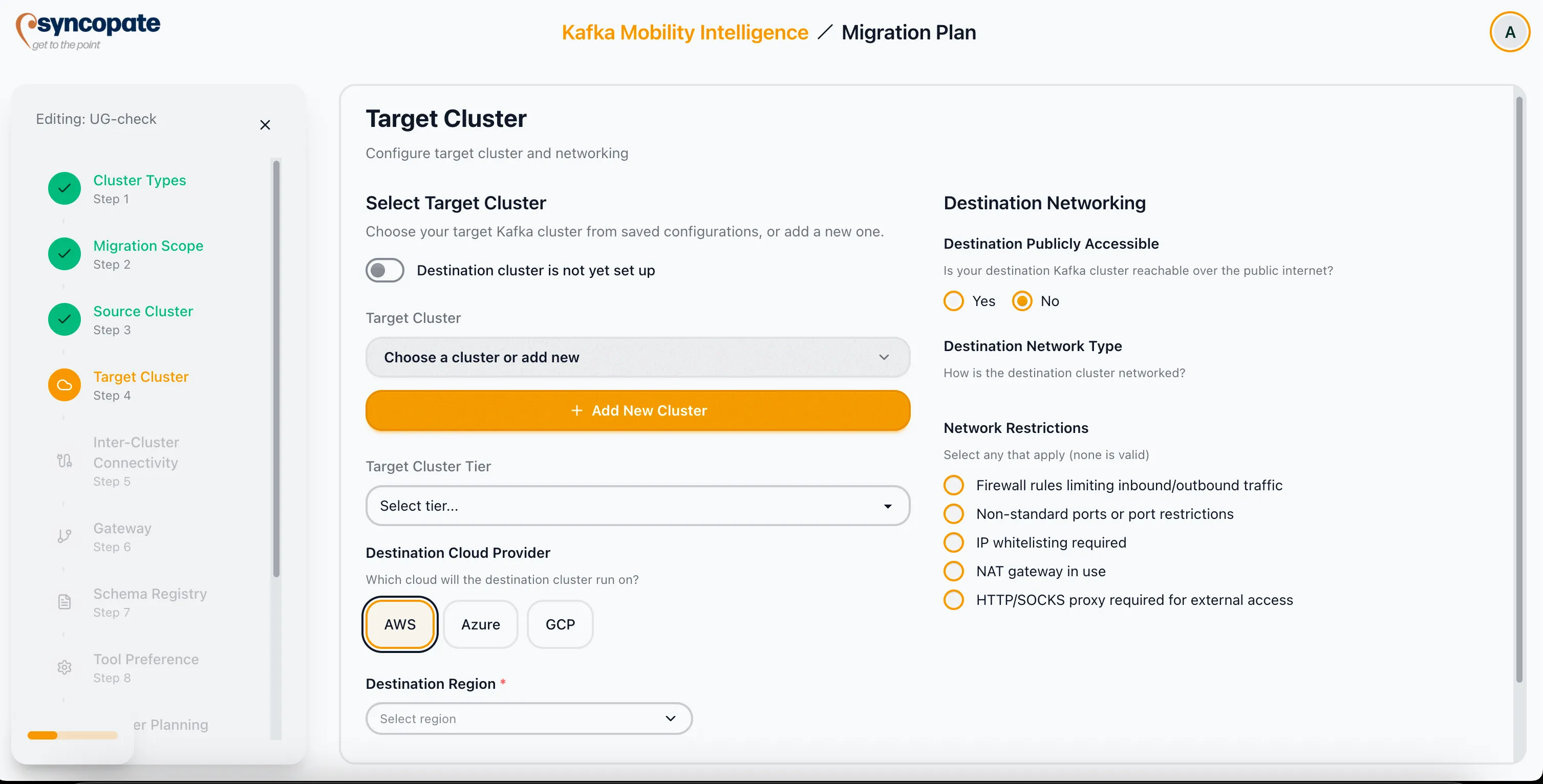
Section titled “Target Cluster”Configure the destination cluster networking. This section mirrors the source cluster configuration.
- Choose an existing cluster, or select Destination cluster is not yet set up to use KCP provisioning.
- Specify the Cloud Provider and Region.
- Configure networking: public access toggle, Network Type (Public Internet, VPC Peering, PrivateLink, Transit Gateway, Private Network Interface, Private Service Connect, VPN/Direct Connect, Direct Connect), and any restrictions.
Inter-Cluster Connectivity
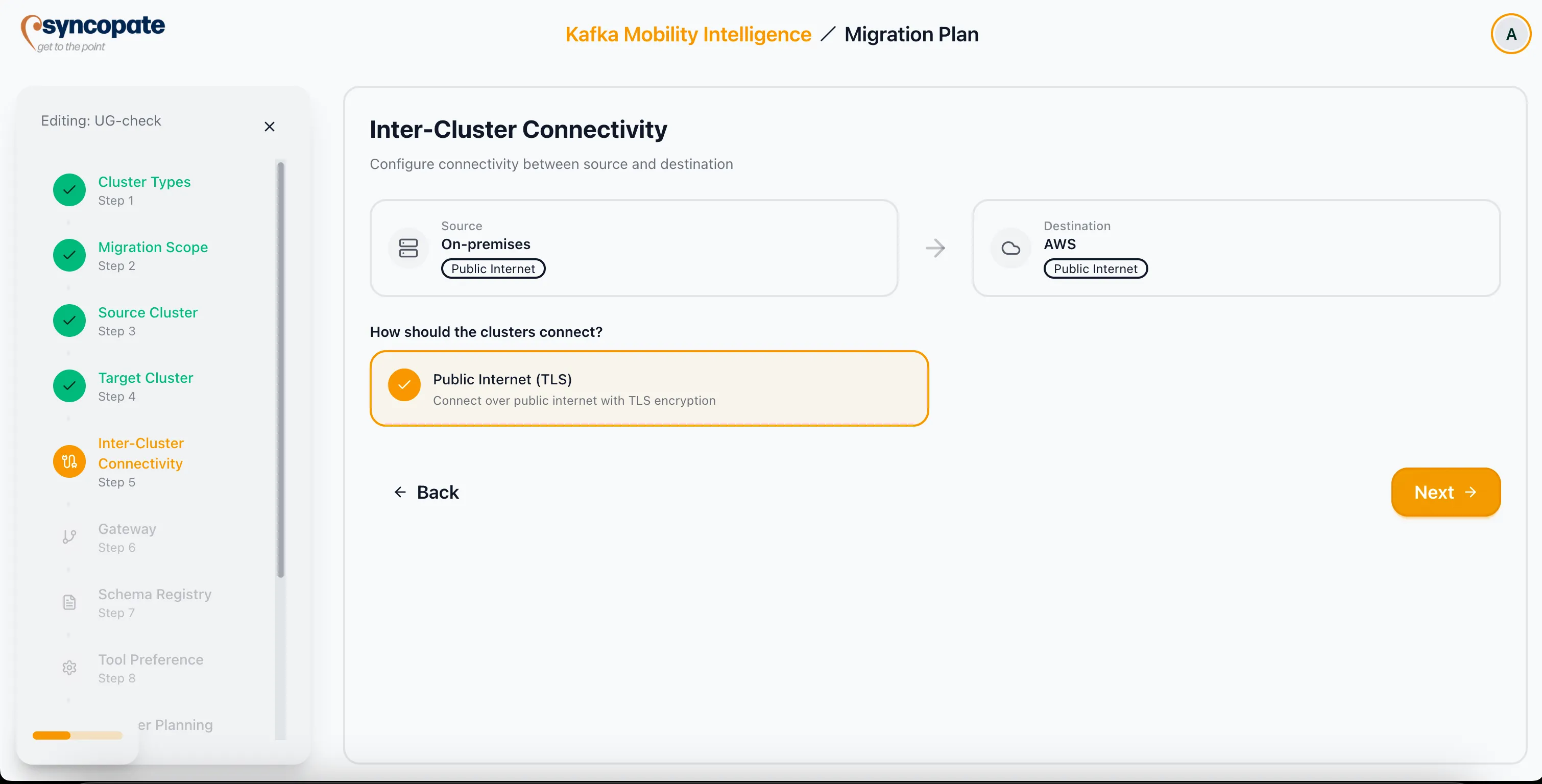
Section titled “Inter-Cluster Connectivity”The suite evaluates the network profiles captured in the source and target steps and presents viable connection methods.
- Connection methods: Public Internet with TLS, VPC Peering, PrivateLink, Transit Gateway, Cross-Region Peering, VPN Overlay, Dedicated Interconnect, or VPN/Direct Connect.
- Automated warnings: The suite flags cross-cloud migration concerns such as egress costs and latency implications.
Gateway
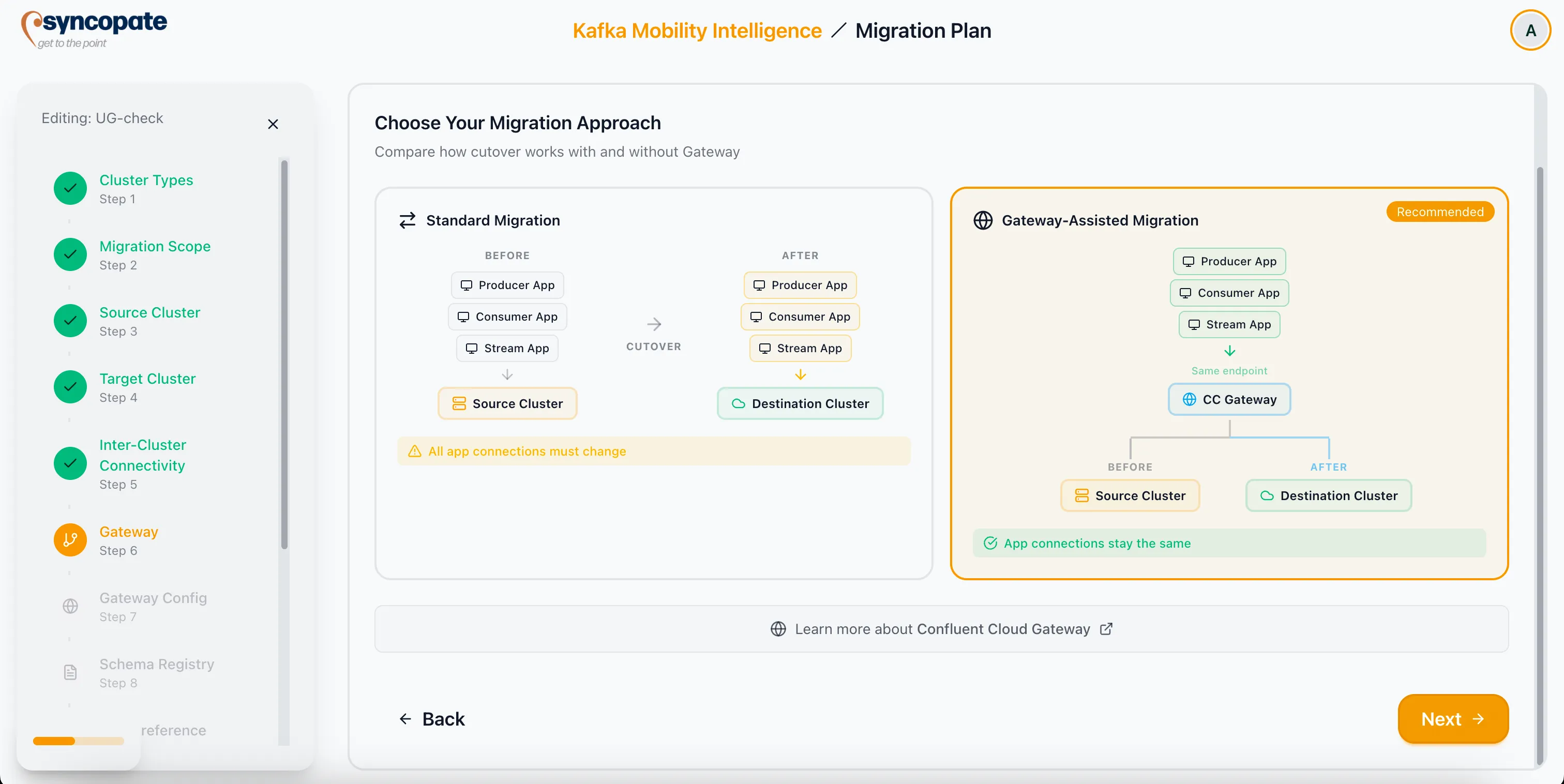
Section titled “Gateway”Choose a migration strategy that determines how applications are redirected during cutover.
Manual cutover approach. Applications must be individually reconfigured to point to the new cluster after migration completes.
Recommended approach. Uses the Confluent Cloud Gateway to provide a seamless cutover experience. Applications point to a single gateway endpoint, and the suite handles redirection at the networking layer.
Gateway Selection
Section titled “Gateway Selection”When Gateway-Assisted Migration is selected, the next step asks you to Select a Gateway Resource: pick a saved gateway to use for this migration, or create one from here. Once you pick one, the step shows a summary card for that gateway with a View in builder link that opens it in a new tab, so review it there before you finish the plan.
The plan does not ask you to configure the gateway again. It reads the gateway you select and derives the rest from its Init state, including the authentication mode, the broker identification strategy, and the custom domain. Those three shape the checklist on the plan’s Gateway tab: a swapping gateway gets an extra JAAS preparation item, and a host/SNI gateway gets a DNS wildcard item plus its own domain in the bootstrap endpoint.
Schema Registry
Section titled “Schema Registry”If schema migration is included in the migration scope, this step captures planning details that inform the suite’s recommendations for schema handling.
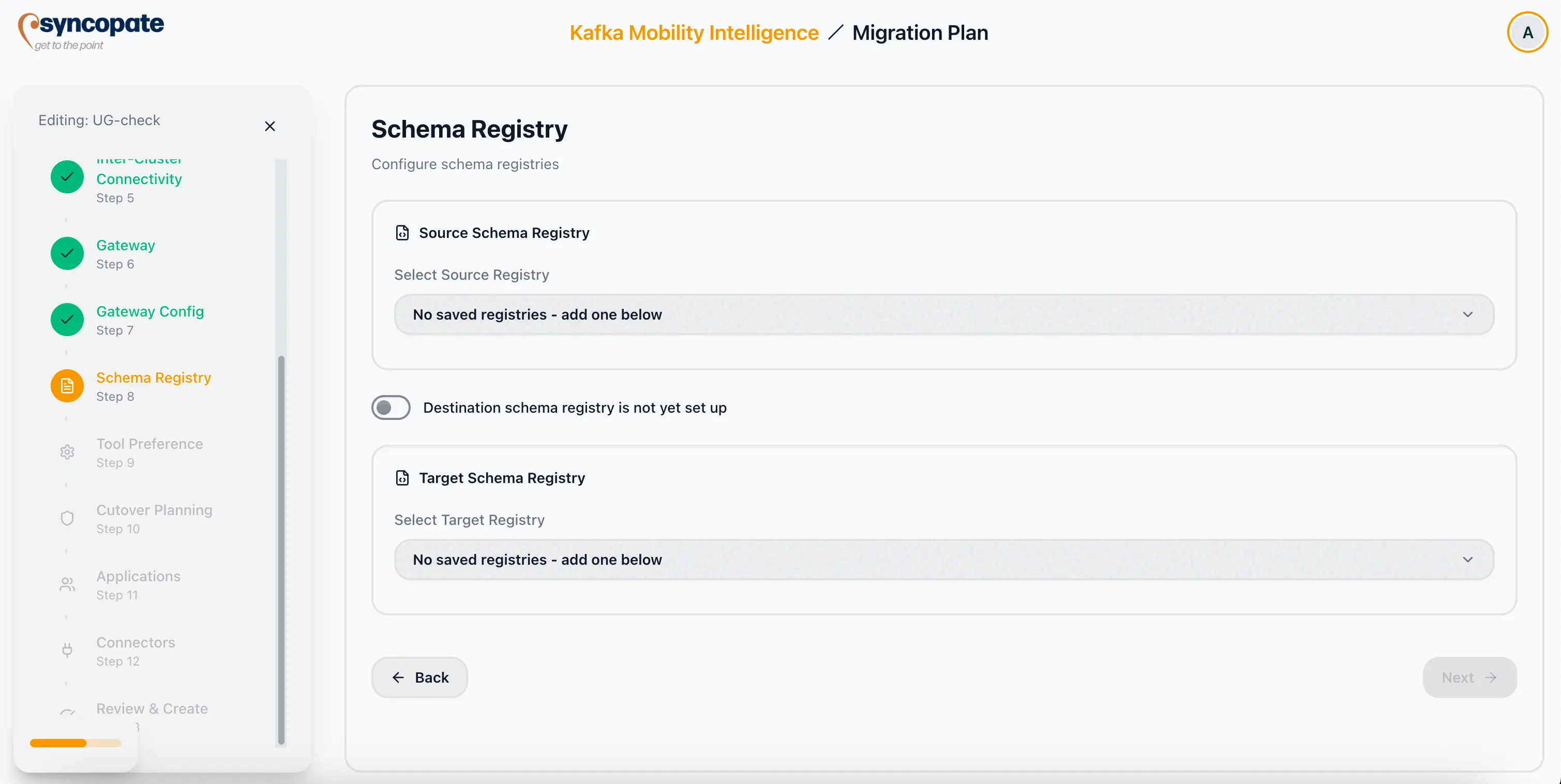
Source Message Serialization: Select how messages on the source cluster are serialized.
| Option | Description |
|---|---|
| Confluent-compatible | Standard Confluent wire format (magic byte 0x00). No transform needed on the destination. |
| Cloudera-native | Cloudera’s proprietary serde format. The wizard additionally asks for the specific serde protocol (0, 1, 2, or 3). |
| Raw / None | Messages are not schema-serialized (plain bytes or JSON without a schema registry). No transform needed. |
When Cloudera-native is selected, the wizard displays a follow-up prompt for the Cloudera serde protocol:
| Protocol | Wire format |
|---|---|
| 0 | Confluent-compatible; no re-framing needed on the destination |
| 1 | Requires metadata ID and version ID lookup during re-framing |
| 2 | Pure byte re-framing with no registry lookup |
| 3 | Pure byte re-framing with no registry lookup |
When the source is Cloudera-native on protocol 1, 2, or 3 and the recommended tool is MirrorMaker 2 or Replicator, the plan generates a recommended re-frame SMT (Single Message Transform) template and a downloadable sample SMT Java source. See the Assets tab in View a Migration Plan.
Tool Preference
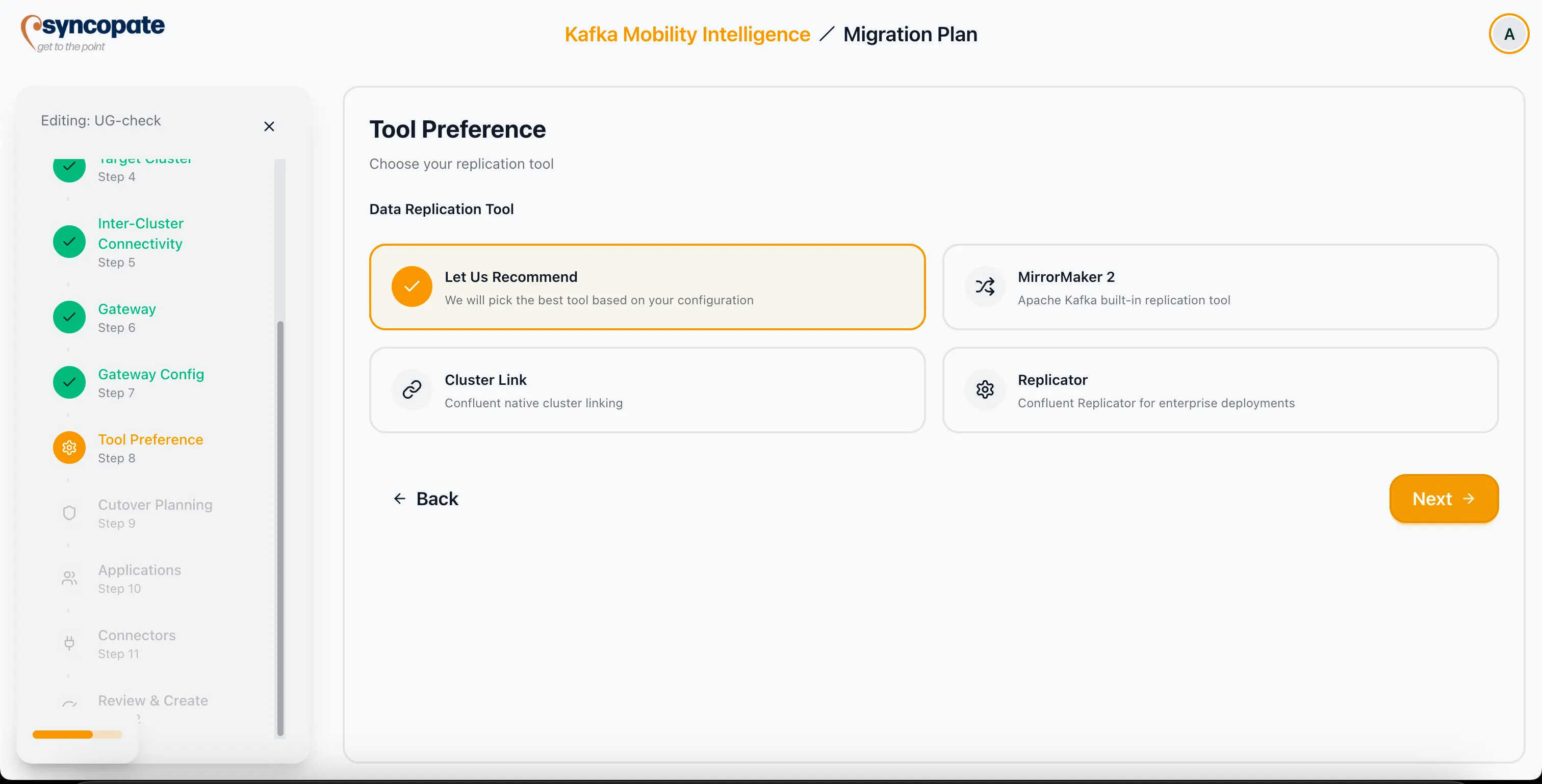
Section titled “Tool Preference”Based on your answers throughout the wizard, the suite recommends a migration tool.
The recommendation includes:
- Recommended tool: The best-fit migration tool for your environment.
- Rationale: Why this tool is recommended given your source, target, and scope.
- Alternative tools: Other viable options.
- Trade-offs: Key differences between the recommended and alternative tools, including rollback characteristics.
Rollback / Failback Requirement: This step also asks whether the migration must support rollback or failback after cutover.
| Answer | Effect on recommendation |
|---|---|
| No (default) | Tool recommendation is unchanged from today’s behavior; source type and Confluent Cloud tier drive the choice. |
| Yes | Cluster Link is excluded from the recommendation and from the alternatives list when the source is non-Confluent (open-source Apache Kafka, Amazon MSK). A cluster link destination must always be a Confluent cluster; a non-Confluent source cannot be a rollback target through Cluster Link. MirrorMaker 2 or Replicator is recommended instead, as both support reverse replication to any Kafka cluster. |
When rollback is required and the source is Confluent (Confluent Platform or Confluent Cloud), Cluster Link remains eligible because the reverse link destination is still Confluent.
WarpStream Orbit: The rollback question does not change the recommendation for WarpStream targets, where Orbit is always recommended, but the plan surfaces that Orbit promotion is irreversible with no rollback path.
Cutover Planning
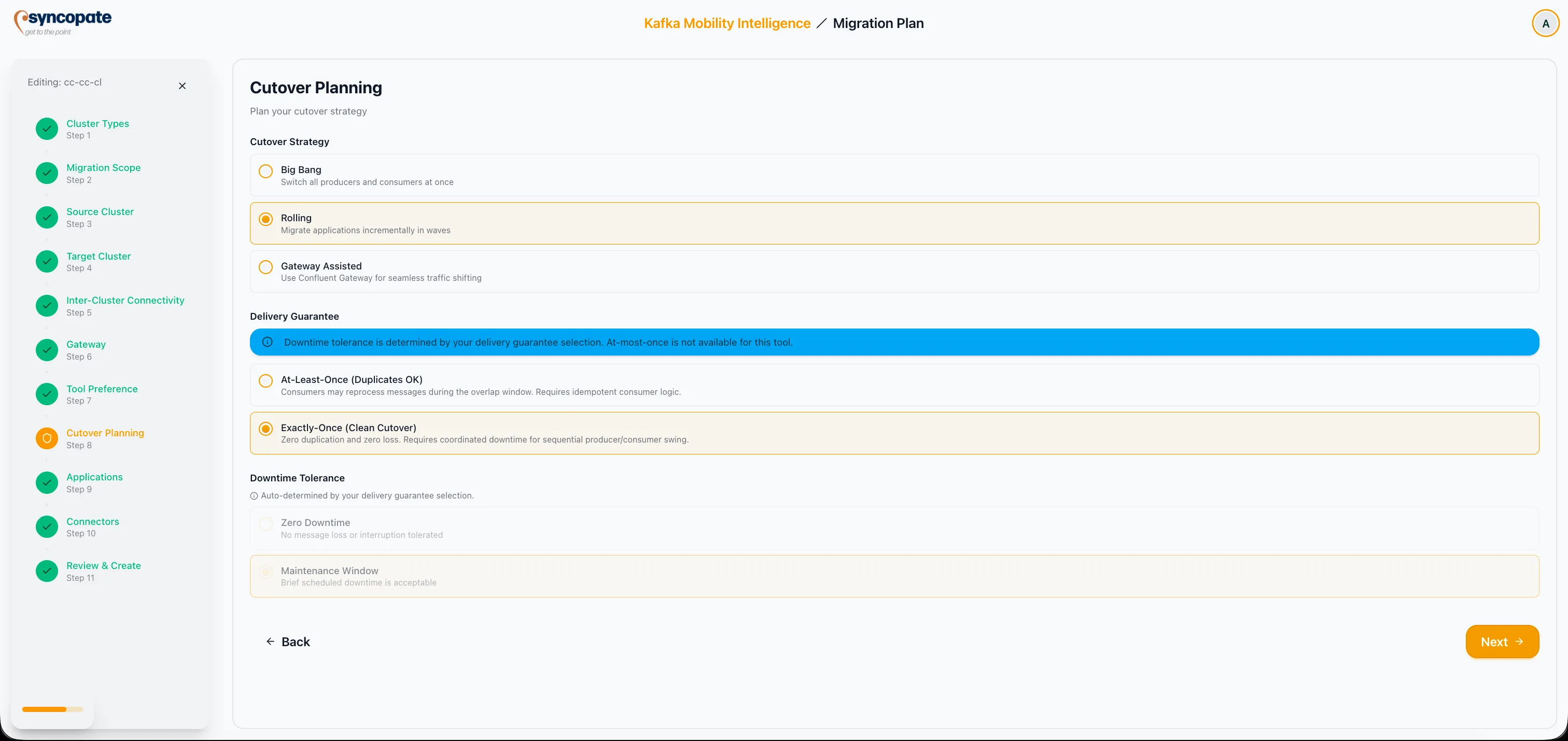
Section titled “Cutover Planning”Define how the cutover from source to destination will be executed.
Strategy types:
| Strategy | Description |
|---|---|
| Big Bang | Simultaneous switch of all workloads at a single point in time |
| Rolling | Incremental migration in waves, moving workloads gradually |
| Gateway Assisted | Networking-layer shift managed by the gateway, transparent to applications |
Delivery Guarantee:
| Guarantee | Behavior |
|---|---|
| At-Least-Once | Duplicates are acceptable; simplest to implement |
| Exactly-Once | Clean cutover with coordinated downtime; no duplicates or loss |
| At-Most-Once | Some data loss is acceptable; fastest cutover |
| Zero-Producer-Downtime | Producers experience no interruption during cutover; mirroring continues until after producer switch-over |
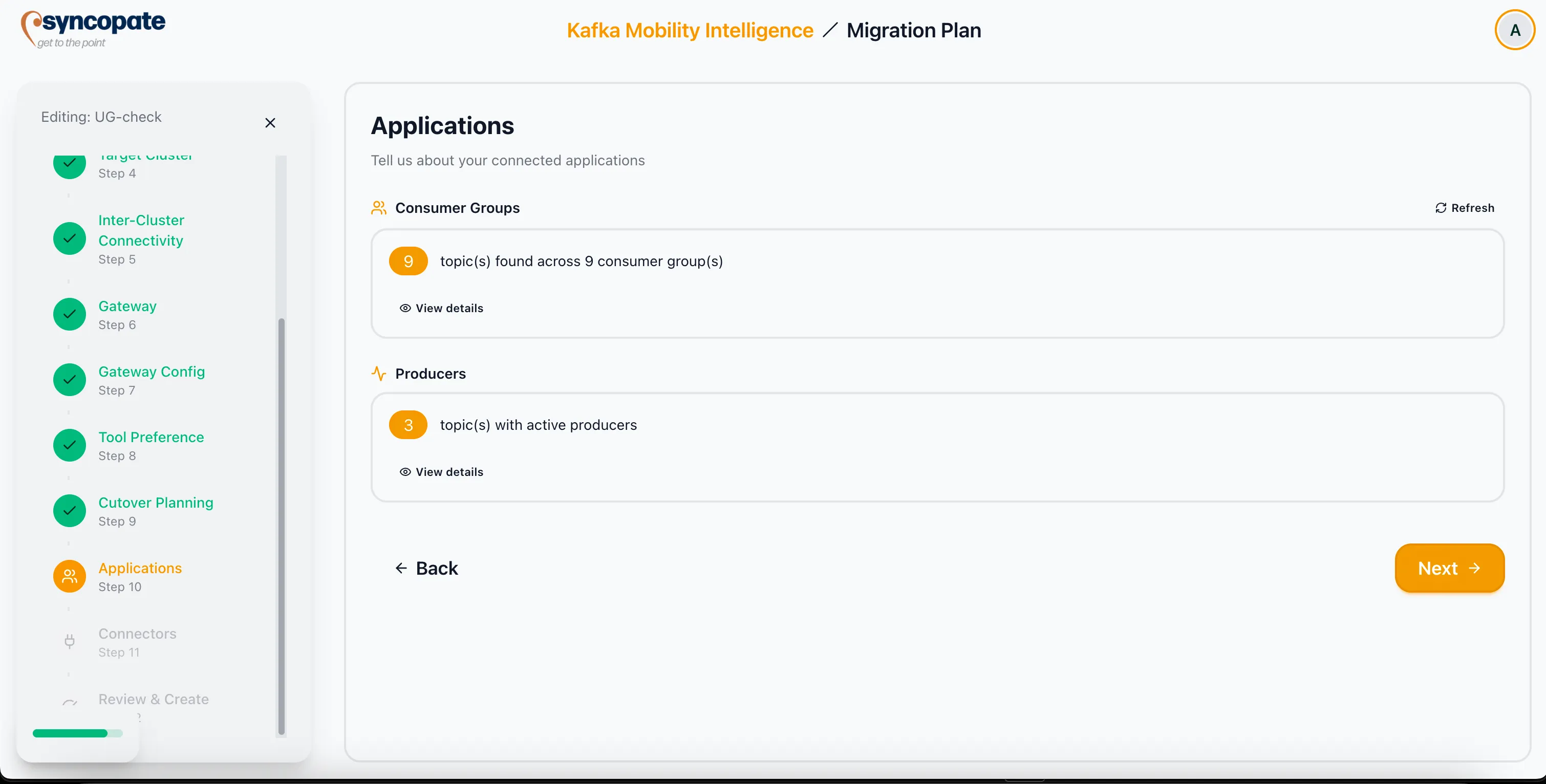
Applications
Section titled “Applications”Provide an overview of the applications that interact with Kafka topics on the source cluster.
- Consumer Groups: Applications consuming from source topics.
- Producers: Applications producing to source topics.
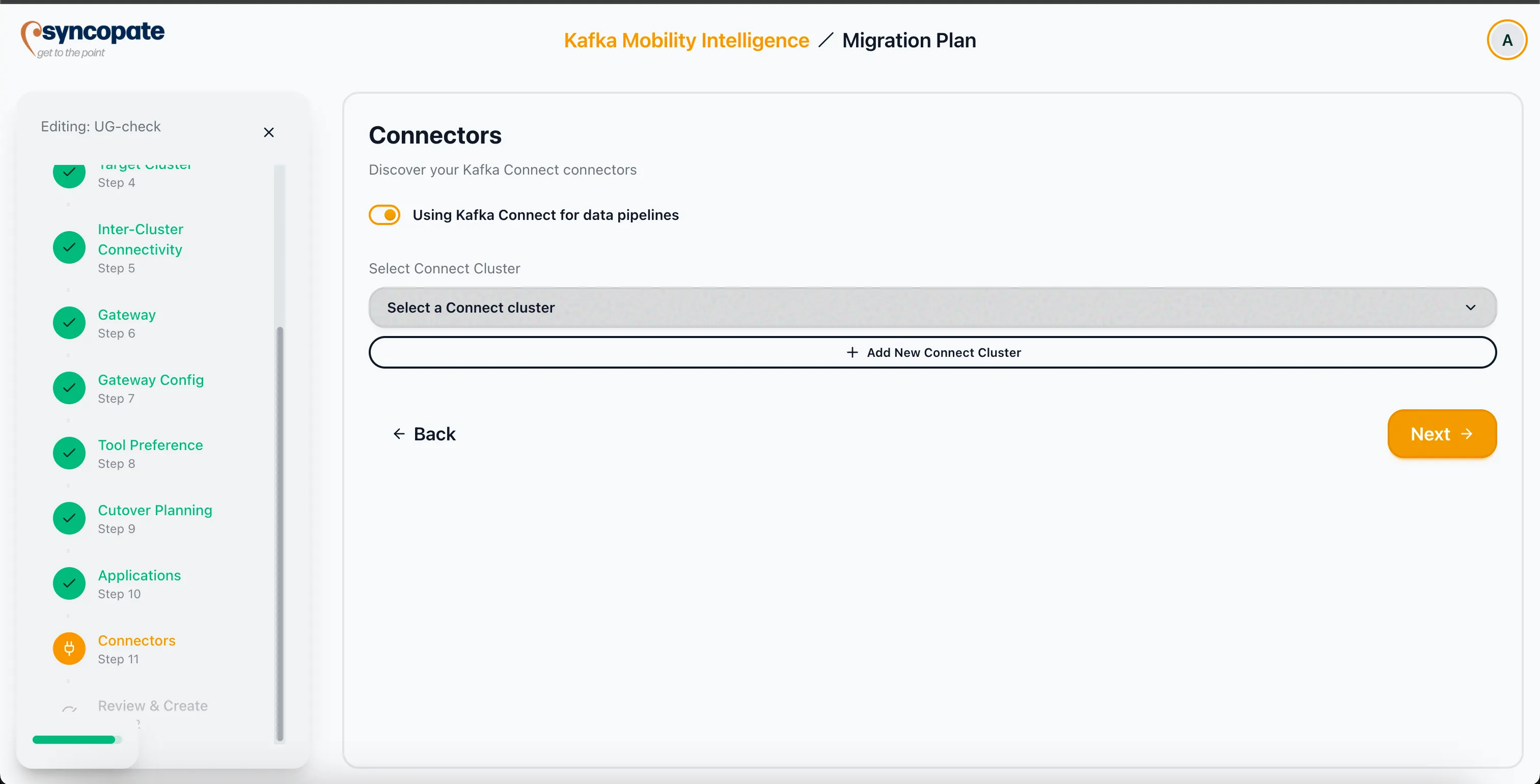
Connectors
Section titled “Connectors”Identify any Kafka Connect usage that is relevant to the migration plan.
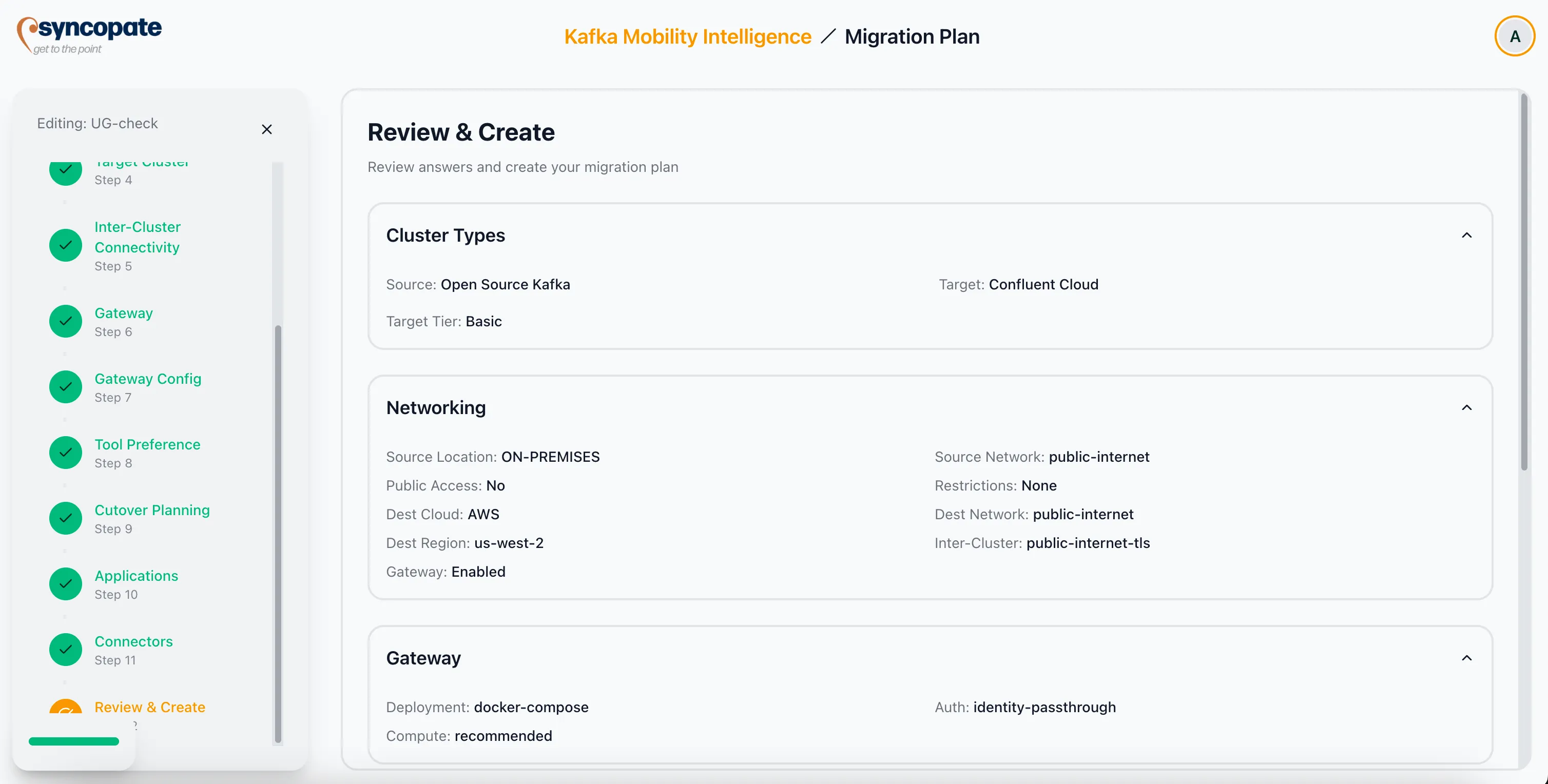
Review and Create
Section titled “Review and Create”The final step presents a summary of all planning inputs collected throughout the wizard. Review each section to confirm accuracy.
Click Create to finalize the plan. The completed plan becomes available from the Migration Plans tab on the Dashboard, where you can view its details, download assets, or create a migration job.