Cluster Setup
This step appears as Data Migration in the wizard sidebar. It defines the source and destination Kafka clusters that form the migration path. You can select from previously registered clusters or create new ones inline.
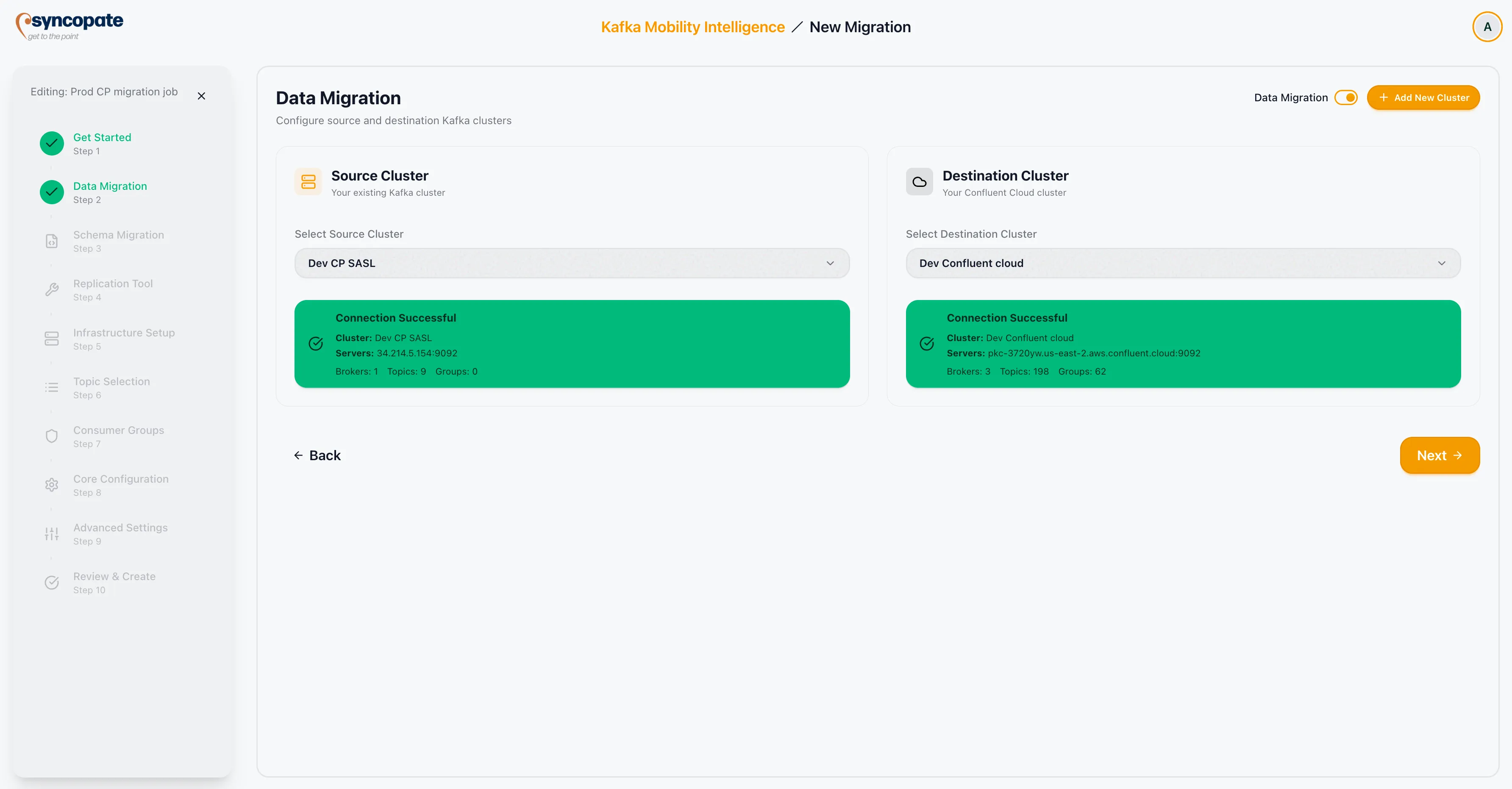
Selecting Clusters
Section titled “Selecting Clusters”-
Source Cluster: Choose an existing Kafka cluster from the dropdown, or click Add New Cluster to register a new source cluster inline.
-
Destination Cluster: Choose an existing Kafka cluster from the dropdown, or click Add New Cluster to register a new destination cluster inline.
-
Once both clusters are selected, the Replication Options section becomes available.
Replication Options
Section titled “Replication Options”Toggle the following options based on your migration requirements:
| Option | Default | Description |
|---|---|---|
| Migrate Data | Enabled | Replicates topic data from the source cluster to the destination cluster. This is the primary data migration toggle. |
| Sync Consumer Groups | Disabled | When enabled, consumer group offsets are synchronized so that consumers can resume from the correct position on the destination cluster. |
Enable Sync Consumer Groups if your migration requires consumers to pick up exactly where they left off after cutover.
Click Next to proceed to the Schema Registry step.