Resource Selection
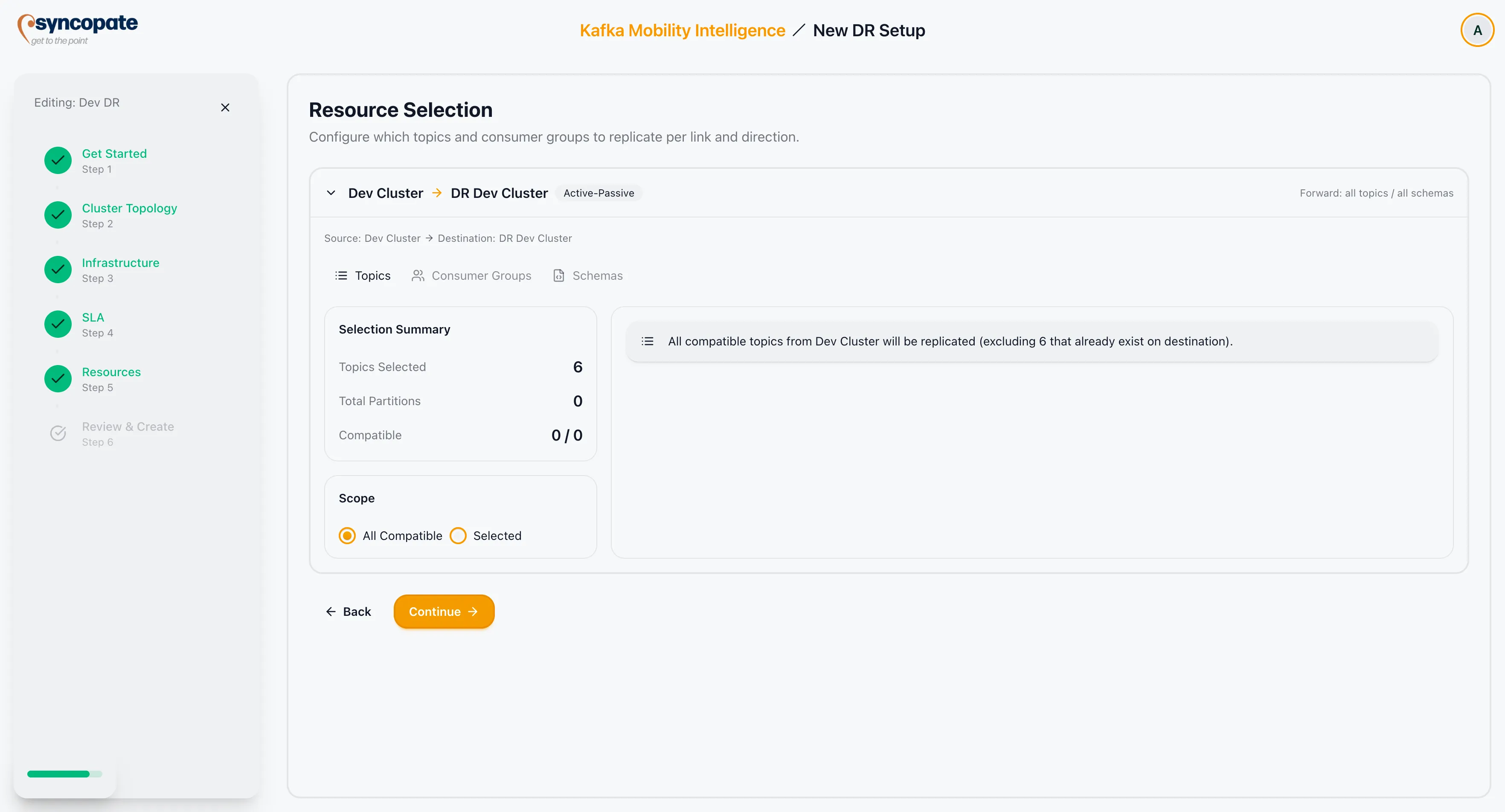
Resource Selection specifies which Kafka resources are replicated for each link and direction in the DR setup.
Structure
Section titled “Structure”Resources are configured per link and per direction. The step shows one accordion per link. Inside each accordion, a tab appears for each active direction:
- Forward: replication from Cluster A to Cluster B
- Reverse: replication from Cluster B to Cluster A (Active-Active and Hybrid only)
Each direction has independent resource selections for Topics, Consumer Groups, and Schemas.
Empty State
Section titled “Empty State”If no links are configured, an alert is shown: No links defined. Go back to the Cluster Topology step and add at least one link before selecting resources.
Topics
Section titled “Topics”| Option | Description |
|---|---|
| All topics | Replicate all topics on the source cluster for this direction |
| Selected | Replicate only the topics you specify |
| Wildcard Patterns | Regex patterns that match multiple topic names |
| Exclusion Patterns | Regex patterns that exclude matching topics from the scope |
Consumer Groups
Section titled “Consumer Groups”Consumer group offset sync is configured per direction. It uses the same scope options as topics.
- The enable/disable toggle records whether this direction opts into offset sync, and the scope beneath it decides which groups the direction contributes to the link’s offset filter.
- Leaving it enabled is strongly recommended. A direction that is meant to sync offsets but is left disabled is recorded as opted out, which is what the Monitor tab and the pre-flight checks report on.
Schemas
Section titled “Schemas”The Schemas section is only shown when schema replication was enabled in the Cluster Topology step.
Schema subjects are scoped per source/destination cluster pair. Subjects use the same scope, wildcard, and exclusion options as topics.
License Limits
Section titled “License Limits”The following license limits apply per DR setup. Inline alerts appear when a limit is exceeded, and the wizard blocks Continue until the selection is reduced.
| Limit | Alert |
|---|---|
| Maximum topics | DR topic limit exceeded: N selected, max M allowed |
| Maximum consumer groups | DR consumer group limit exceeded: N selected, max M allowed |
| Maximum partitions | DR partition budget exceeded: N selected, M available |
Contact your administrator to increase license limits.